I want to output rigid's vartex animation texture and let it play with unreal engine,
The position is slightly off and does not match the preview of houdini.
It is in a state that does not fit each little.
Reading procedure
Read fbx data and rot, position map.
↓
Each texture is vectorDisplacement
↓
Read rigid code into material and connect each.
At this time tangent space normal is off
↓
Create a material instace and connect each map and material.
Combine the setting of each Bounding and Number Of Frame with houdini.
↓
Turn on Use Full Precision UVs of mesh read by FBX
Make Vertex Color Import Option Replace
↓
Assign material to mesh
Is there anything else I need to set? What?
Have you set the texture filter to “point”?
Hi mikelyndon-sesi
Thanks for the reply.
What is exture filter? In the texture parameters read into the unreal engine,
Is it the Filter item on the texture tab? What?
It seems there are no alternatives for point …
Could you tell me which parameter? What?
ver uses 14.7.2
Thanks for the reply.
What is exture filter? In the texture parameters read into the unreal engine,
Is it the Filter item on the texture tab? What?
It seems there are no alternatives for point …
Could you tell me which parameter? What?
ver uses 14.7.2
Sorry. I meant “nearest”. It's in the details panel of the texture in UE4.

Thank you mikelyndon-sesi
I changed it to nearest, but the result did not change.
I think that perhaps there is a problem with the output map.
Try changing the version of Game Dev Tools and try again.
Thank you
I changed it to nearest, but the result did not change.
I think that perhaps there is a problem with the output map.
Try changing the version of Game Dev Tools and try again.
Thank you
Can you share your hip file so I can reproduce the problem on my side?
Mike
Mike
Same issue here! I am using Houdini 17.5, Game Development Toolset 1.163 and UE 4.22.

I find that BBOX MAX 1 and BBOX MIN 1 are always 0 even the ground plane under 0.

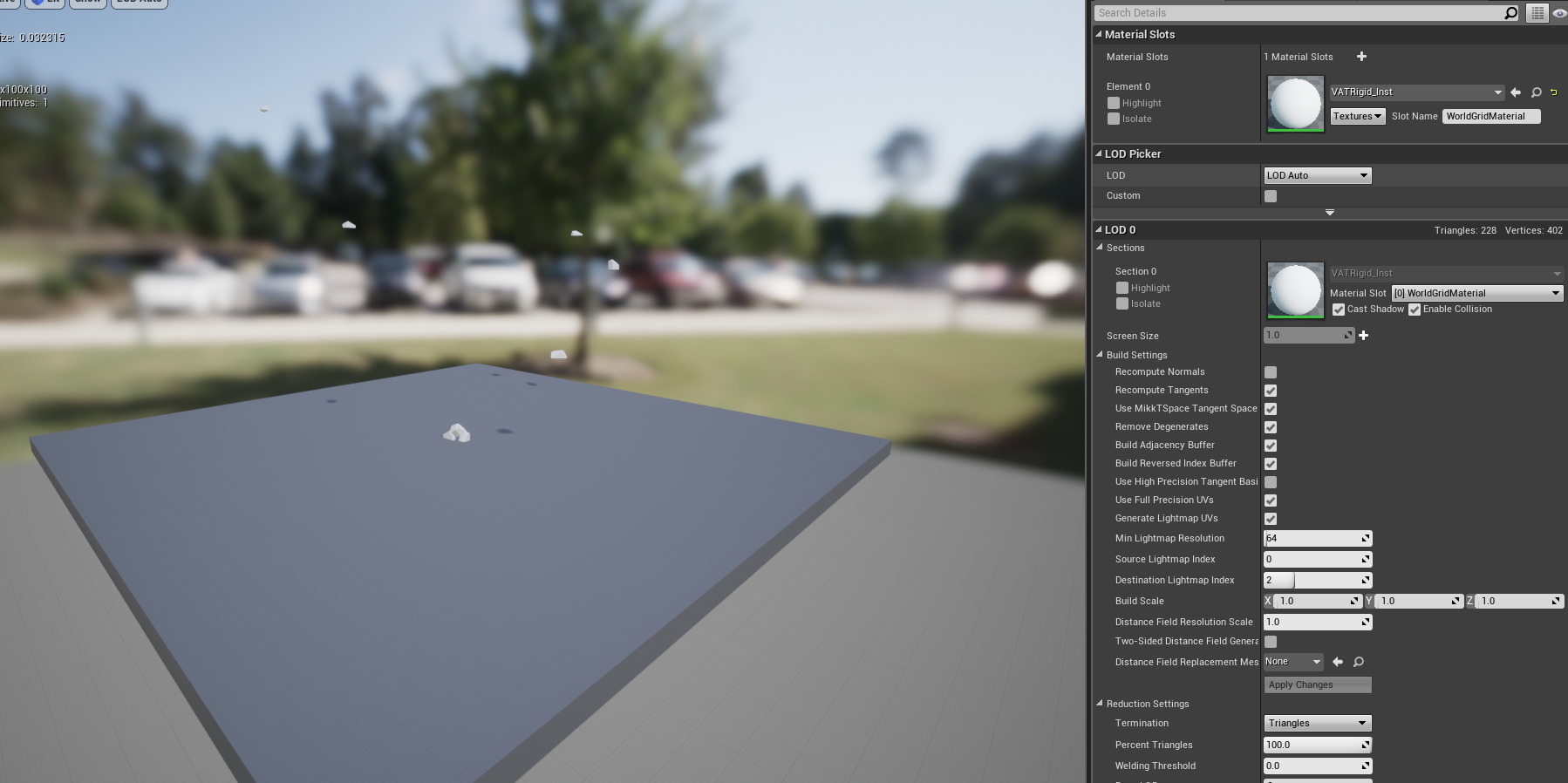
Even a very simple scene, I still can't get an expected result. Can you make an online document for VAT so we can review step by step?
I find that BBOX MAX 1 and BBOX MIN 1 are always 0 even the ground plane under 0.
Even a very simple scene, I still can't get an expected result. Can you make an online document for VAT so we can review step by step?
Seaton, I've responded in the other thread you posted in - it was an issue with the script that sets the bbox min and max values.