| On this page |
Old network
As of Houdini 20.5, use Copernicus nodes instead of Compositing nodes. Though both networks still exist, the Compositing network is now designated as COP Network - Old. The Compositing network and its nodes will be deprecated and then removed in a future Houdini release.
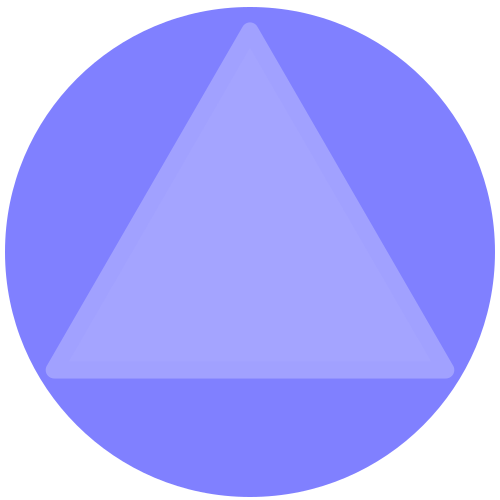
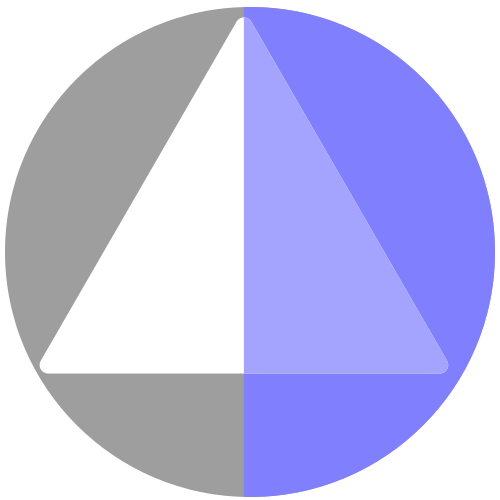
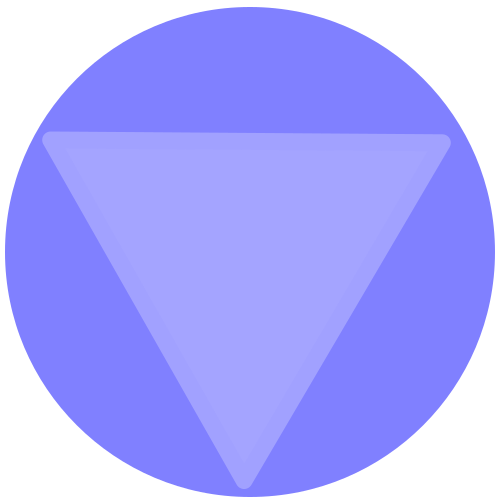
This operation tiles the image sequence with multiple copies of the input image. The copies can be flipped every other tiling by mirroring the image.
The resolution of the image is increased by the amount of tiling vertically and horizontally:
New X resolution = (old X resolution) * (# of tiles in X)
New Y resolution = (old Y resolution) * (# of tiles in Y)
Note
The amount of tiling in X and Y cannot be animated, as this changes the size of the image (though the offsets can be animated). If you want to animate the tiling, use a Transform COP with the Image Wrap set to 'Repeat' or 'Mirror' and animate the transform.
Parameters 
Tiling
Specify the number of copies of the input image to tile here, both horizontally and vertically.
Tile Offset
Allows you to set the origin of the tiling (uses UV 0-1 ranges). This will translate the tiles.
Tile Method
Allows you to mirror the copies that you are tiling independently for X and Y.
Normal
Don’t do any mirroring.
Mirror
Flip every other tile, starting with the second tile.
Mirror First
Flip every other tile, starting at the first tile.
Locals 
L
Sequence length
S
Start of sequence
E
End of sequence
IL
Input sequence length
SR
Sequence frame rate
NP
Number of planes in sequence
W,H
Width and height of image
I
Image index (0 at start frame)
IT
Image time (0 at start frame)
AI
Current plane array index
PI
Current plane index
PC
Num of channels in current plane
CXRES
Composite Project X resolution
CYRES
Composite Project Y resolution
CPIXA
Composite Project pixel aspect ratio
CDEPTH
Composite Project raster depth
CBP
Composite Project black point
CWP
Composite Project white point
| See also |