
Krishna Bala
ResilientPictureCompany
About Me
VFX Hobbyist
専門知識
Hobbyist
INDUSTRY
Film/TV
Houdini Skills
INTERMEDIATE
Pyro FX | Destruction FX
BEGINNER
Procedural Modeling | Environments | Digital Assets | Character Rigging | Motion Editing | Animation | Hair & Fur | Cloth | Crowds | Muscles | Solaris | Mantra | Karma | Lighting | Fluids | Realtime FX | PDG | VEX | Python
Availability
Not Specified
My Gallery



My Tutorials



Recent Forum Posts
Coming March 1 - Start getting ready! 2026年3月13日2:18
Hello Mr rmagee,
Can I please ask if it is ok to use Machina Infinitum OSL materials. These are used directly in Houdini Octane render.
Thanks
Can I please ask if it is ok to use Machina Infinitum OSL materials. These are used directly in Houdini Octane render.
Thanks
Day 8 | Explode | Animation 2026年3月8日13:59
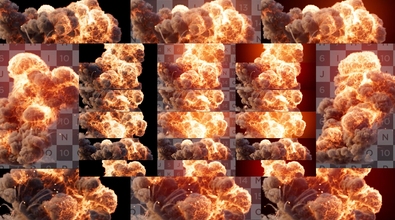
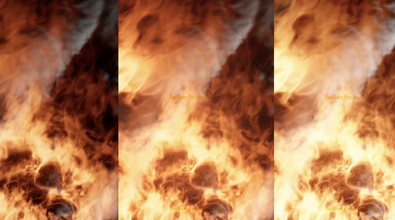
Day 8 - Explode
Had a lot of difficulties with this one.
Axiom 4
Karma XPU
YT: https://www.youtube.com/@resilientpicture
GR: https://resilientpicture.gumroad.com/ [resilientpicture.gumroad.com]
PH: https://payhip.com/resilientpicture [payhip.com]
Had a lot of difficulties with this one.
Axiom 4
Karma XPU
YT: https://www.youtube.com/@resilientpicture
GR: https://resilientpicture.gumroad.com/ [resilientpicture.gumroad.com]
PH: https://payhip.com/resilientpicture [payhip.com]
Day 1 | Plant | Image 2026年3月1日1:57
Mardini 2026. All the best to everyone.
Day 01 Plant
Fern plant at fiddlehead. Tried my best to replicate reference image.
Day 01 Plant
Fern plant at fiddlehead. Tried my best to replicate reference image.