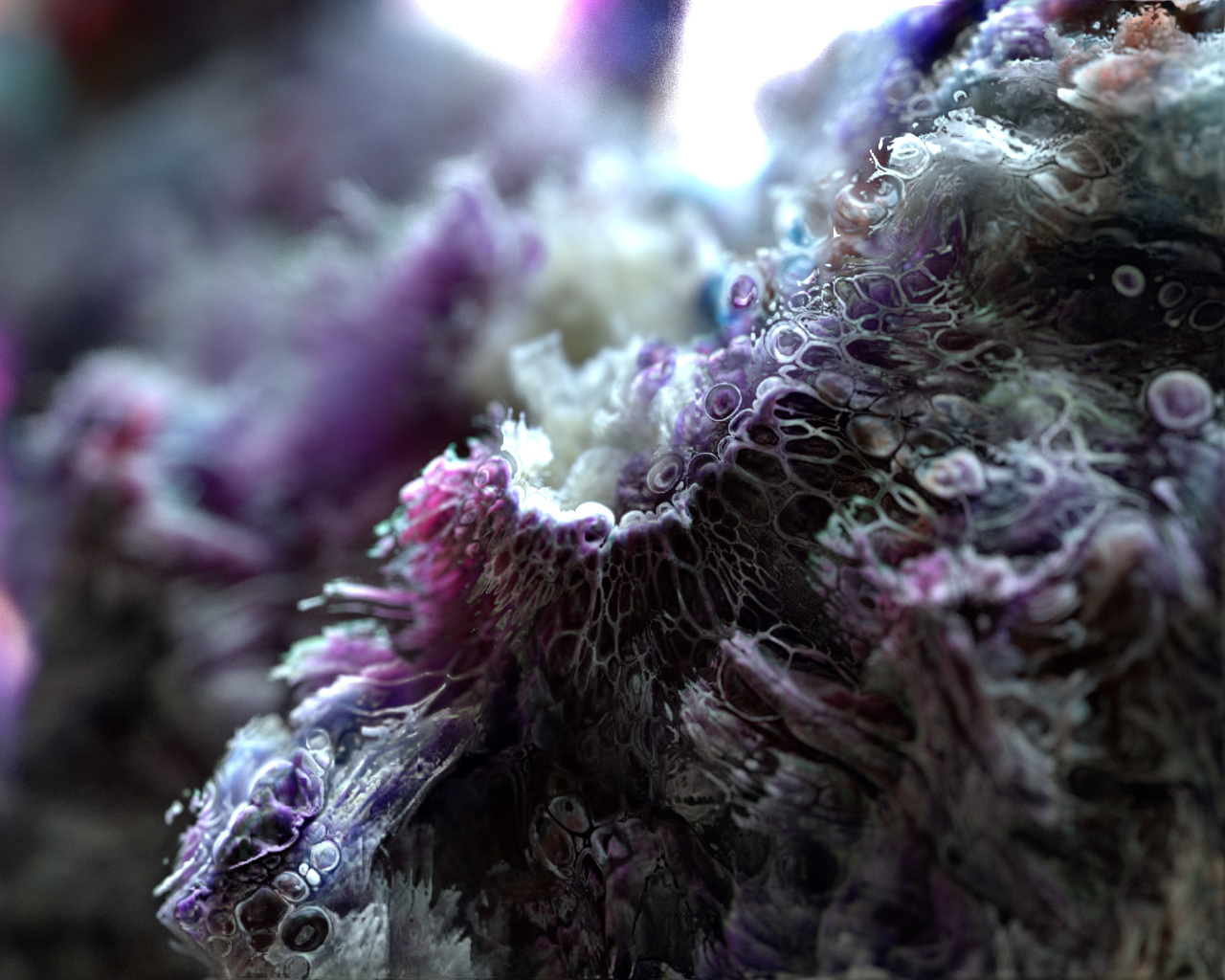
If you are looking for how to render a color volume in Karma, there is a "color with Cd volume" check box on the pyro shader. It's a little confusing; if you are using "Pyro Bake volume" to set up your shader, and have the "Diffuse Volume" set to Cd in the bindings, the pyro shader it creates doesn't have "color with Cd volume" turned on by default.
Hmm, for me in h20 checking that box still wouldn't color my volume. A workaround was using "Karma Pyro Shader" instead of the "Pyro Shader" created by "Pyro Bake Volume". The checkbox there works. Thanks for the tip still.
yayitsyasuo Hmm, for me in h20 checking that box still wouldn't color my volume. A workaround was using "Karma Pyro Shader" instead of the "Pyro Shader" created by "Pyro Bake Volume". The checkbox there works. Thanks for the tip still.
But the Pyro_Shader that comes with the "Pyro Bake Volumes SOP" does not work with XPU since its VEX based...
Sorry for spamming but actually this is much simpler now, then the shader I posted above. These materials read all in the Cd volume and to my surprise it doesn't even matter if they are 3 single float Houdini volumes or if they are VDBs!