I think Gnomon is one solution.
Not sure there's something else…
Found 59 posts.
Search results Show results as topic list.
Houdini Learning Materials » Classes in SM or LA?
-

- verysame

- 59 posts
- Offline
Houdini Learning Materials » Classes in SM or LA?
-
- verysame
- 59 posts
- Offline
Hi there,
Is there any course in Santa Monica or LA about Houdini?
I might have some time to finally spend in some serious learning session.
Tutorials and the Internet don't work for me really well, I'm more old fashioned as I prefer a direct interaction.
Thanks for any info.
Best,
Andrew
Is there any course in Santa Monica or LA about Houdini?
I might have some time to finally spend in some serious learning session.
Tutorials and the Internet don't work for me really well, I'm more old fashioned as I prefer a direct interaction.
Thanks for any info.
Best,
Andrew
Work in Progress » Neon Sign - Part 2 - Rendering
-
- verysame
- 59 posts
- Offline
mzigaib
Thanks for the links, there is also a 3rd part 3rd part [youtube.com]
But this is just the modeling part it is missing the render part, which is really a shame it is a awesome result.
You're right, didn't notice there was the render part too.
It seems all the links around are pointing to the same Vimeo account.
Too bad there isn't a copy of those on YouTube.
Work in Progress » Neon Sign - Part 2 - Rendering
-
- verysame
- 59 posts
- Offline
There's a copy on YouTube:
https://www.youtube.com/watch?v=BpdO6vjU_24 [youtube.com]
https://www.youtube.com/watch?v=r0o09mpUnvo [youtube.com]
https://www.youtube.com/watch?v=BpdO6vjU_24 [youtube.com]
https://www.youtube.com/watch?v=r0o09mpUnvo [youtube.com]
Technical Discussion » How to render Volume Trails
-
- verysame
- 59 posts
- Offline
Awesome!
Thank you so much mestela.
From the odForce examples it seems hair shader is the type of material I have to use.
I guess if I want to use a Mantra Surface I first need to use polywire or, in other words, convert the trail to mesh.
Thank you so much mestela.
From the odForce examples it seems hair shader is the type of material I have to use.
I guess if I want to use a Mantra Surface I first need to use polywire or, in other words, convert the trail to mesh.
Technical Discussion » How to render Volume Trails
-
- verysame
- 59 posts
- Offline
Hi there,
is there a more efficient way than polywire to render volume trails?
On Tokeru [tokeru.com] I read:
I'm not sure how to use @width and moreover in case I would use it would I be able to use shaders or does @width use plain color values only?
In other words, I'm trying to do something like this, and use a metal shader on the trails:
http://blog.phoenixart.com/wp-content/uploads/2012/11/Strands_pgnd_f07-00000_v02.jpg [blog.phoenixart.com]
whereas now I'm getting lines like this (see attach.)
is there a more efficient way than polywire to render volume trails?
On Tokeru [tokeru.com] I read:
Either use @width to render the curves directly or polywire sop to get poly tubes
I'm not sure how to use @width and moreover in case I would use it would I be able to use shaders or does @width use plain color values only?
In other words, I'm trying to do something like this, and use a metal shader on the trails:
http://blog.phoenixart.com/wp-content/uploads/2012/11/Strands_pgnd_f07-00000_v02.jpg [blog.phoenixart.com]
whereas now I'm getting lines like this (see attach.)
Edited by verysame - 2016年6月1日 15:51:08
Technical Discussion » Houdini 15.5 480, material selection issue
-
- verysame
- 59 posts
- Offline
Werner Ziemerink
This happens in all versions of Houdini. Please log a bug for it.
You can double click the material you want. Visually it looks wrong, but it does select the material you want this way.
Thanks Werner,
I'll do that.
Strange though, I don't recall this issue happening in the previous versions.
Technical Discussion » Houdini 15.5 480, material selection issue
-
- verysame
- 59 posts
- Offline
Hi,
Has it something changed in the latest release?
I'm having trouble selecting and assigning materials now.
I can easily select and assign the first material, but then I've issue selecting and assigning other materials.
For some reason the dialog window keeps showing me the first material as default selection and it seems I can't select others materials. After random clicks, it seems it finally accepts my selection and applies the material.
Here's a screenshot of the issue:

In the screengrab above I'm actually selecting the grid material, but as you can see the selection is still on the box.
Only an outline appears, which doesn't give me the idea I've selected the grid material.
Has it something changed in the latest release?
I'm having trouble selecting and assigning materials now.
I can easily select and assign the first material, but then I've issue selecting and assigning other materials.
For some reason the dialog window keeps showing me the first material as default selection and it seems I can't select others materials. After random clicks, it seems it finally accepts my selection and applies the material.
Here's a screenshot of the issue:
In the screengrab above I'm actually selecting the grid material, but as you can see the selection is still on the box.
Only an outline appears, which doesn't give me the idea I've selected the grid material.
Edited by verysame - 2016年5月23日 13:13:28
Houdini Learning Materials » Curves from particles?
-
- verysame
- 59 posts
- Offline
Sometimes I hear things like “and then you convert the particles to curve”.
I guess something like this:
https://vimeo.com/150801467 [vimeo.com]
So, what do I need to convert particles to curves?
Just a Convert in the location_particles node?
Or maybe a trail?
What I'm doing right now is a trail, then convert, then a polywire, but I guess if I use a polywire then I don't need a convert?
I guess something like this:
https://vimeo.com/150801467 [vimeo.com]
So, what do I need to convert particles to curves?
Just a Convert in the location_particles node?
Or maybe a trail?
What I'm doing right now is a trail, then convert, then a polywire, but I guess if I use a polywire then I don't need a convert?
Technical Discussion » Only Polywire to mesh particles? ++ strands from a plane...
-
- verysame
- 59 posts
- Offline
Technical Discussion » Only Polywire to mesh particles? ++ strands from a plane...
-
- verysame
- 59 posts
- Offline

Technical Discussion » Only Polywire to mesh particles? ++ strands from a plane...
-
- verysame
- 59 posts
- Offline
Technical Discussion » Black surface from imported Illustrator path
-
- verysame
- 59 posts
- Offline
After a very basic test, it seems it works fine from Inkscape.
From AI it doesn't matter what version or format I choose, it always comes with the black filled surface.
So, the workaround for now could be exporting an SVG from AI to Inkscape and then saving this back to EPS. But, yes, this needs to be fixed.
From AI it doesn't matter what version or format I choose, it always comes with the black filled surface.
So, the workaround for now could be exporting an SVG from AI to Inkscape and then saving this back to EPS. But, yes, this needs to be fixed.
Technical Discussion » Black surface from imported Illustrator path
-
- verysame
- 59 posts
- Offline
Same here,
from AI I've exported a vector version 8, which usually is the most compatible version for 3d apps, but I'm getting the same black issue.
from AI I've exported a vector version 8, which usually is the most compatible version for 3d apps, but I'm getting the same black issue.
Technical Discussion » Only Polywire to mesh particles? ++ strands from a plane...
-
- verysame
- 59 posts
- Offline
Hm.. it seems the methods explained in that thread are mainly about shading the geometry, which is fine only in my case I would need real geometry output, which I could modify after the fact.
Then, how to shape the geometry, that's another question, I'll look into that later (like for instance tapering it).
Unless deformations and tweaking the shape of the particles are possible with the methods described in that thread, than I guess I need to keep looking for an alt solution.
▲ ▲
Then, how to shape the geometry, that's another question, I'll look into that later (like for instance tapering it).
Unless deformations and tweaking the shape of the particles are possible with the methods described in that thread, than I guess I need to keep looking for an alt solution.
▲ ▲
Technical Discussion » Only Polywire to mesh particles? ++ strands from a plane...
-
- verysame
- 59 posts
- Offline
Technical Discussion » Only Polywire to mesh particles? ++ strands from a plane...
-
- verysame
- 59 posts
- Offline
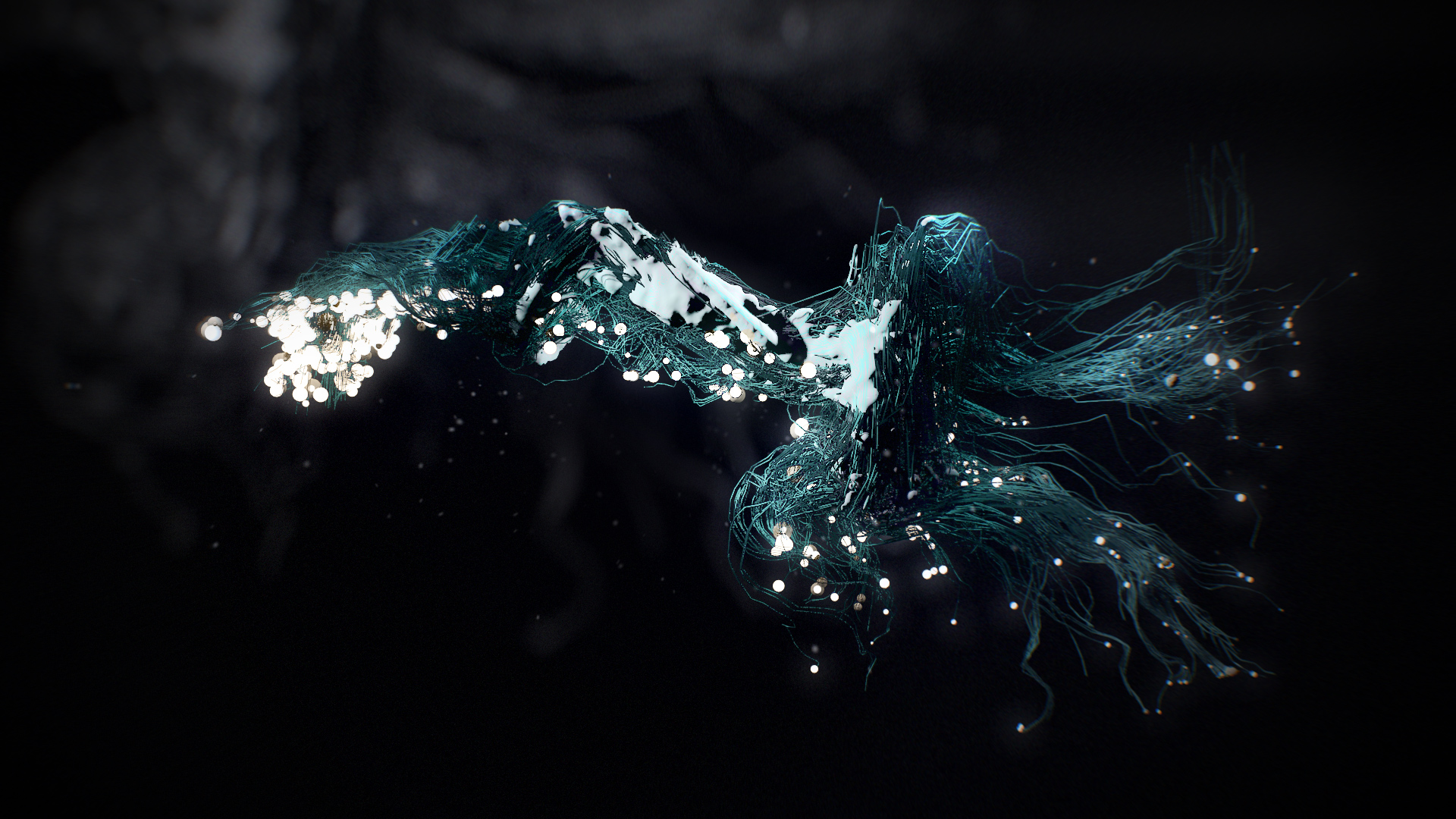
I'm generating a trail from particles and then I want to turn this into strands.
Is it polywire the only solution in order to mesh it?
Polywire is very slow, with lot of particles it takes forever.
I'm editing this post because I realized there's more and it probably makes sense to explaining what I'm trying to achieve.
First off, here's a screengrab from a quick setup I did in 3ds Max with Pflow:

What I did in this case is pretty simple. I have a plane, deformed by some noise. The plane is moving and rotating from A to B to C.
I've selected a few vertex on the plane and within Pflow I'm emitting form the selected vertex. Than I'm creating the trail. I can choose what to use in order to mesh the particles, in this case I'm using spheres for both the tip of the particles (here in white) and the strands (in blue), but I can choose any other geometry or a different mesh.
Here's what I'm doing in Houdini.
I created the plane, grouped the vertex and created a Source Particle Emitter.
I've got rid of the Gravity, added a Pop Wind to add some noise.
Lastly, added a trail to the Source Particles and.. I'm stuck.
Particles are not connecting to each other, plus when I tried in a different scene with a generic particle emitter (with particles moving faster than this), they do connect, but the polywire slows everything down.
Any hints?
P.S. hope having modified my original post is fine and is not confusing.
Is it polywire the only solution in order to mesh it?
Polywire is very slow, with lot of particles it takes forever.
I'm editing this post because I realized there's more and it probably makes sense to explaining what I'm trying to achieve.
First off, here's a screengrab from a quick setup I did in 3ds Max with Pflow:
What I did in this case is pretty simple. I have a plane, deformed by some noise. The plane is moving and rotating from A to B to C.
I've selected a few vertex on the plane and within Pflow I'm emitting form the selected vertex. Than I'm creating the trail. I can choose what to use in order to mesh the particles, in this case I'm using spheres for both the tip of the particles (here in white) and the strands (in blue), but I can choose any other geometry or a different mesh.
Here's what I'm doing in Houdini.
I created the plane, grouped the vertex and created a Source Particle Emitter.
I've got rid of the Gravity, added a Pop Wind to add some noise.
Lastly, added a trail to the Source Particles and.. I'm stuck.
Particles are not connecting to each other, plus when I tried in a different scene with a generic particle emitter (with particles moving faster than this), they do connect, but the polywire slows everything down.
Any hints?
P.S. hope having modified my original post is fine and is not confusing.
Edited by - 2015年12月10日 20:52:54
Technical Discussion » No AE export? [solved]
-
- verysame
- 59 posts
- Offline
Technical Discussion » No AE export? [solved]
-
- verysame
- 59 posts
- Offline
AndrewVK
Hmmm still works, here fixed version for H15
(it uses new type name for lights…objType == ‘hlight::2.0’)
Extract content of an archive into $HOME folder
“Houdini to AE” script should apear in File menue
Run the script….SELECT objects,cameras,lights then press enter
…..run jsx script in AE
That's great!
Thank you so much Andrew.
Is there a way to tweak the scale? Right now if I add a text or a layer in AE I have to scale it down to 0.1 or something like that.
In some cases this work just fine, other times can be a real issue to deal with.
Thanks again for helping on this.
On a side note, if it wouldn't be too much trouble I think it should be bundled by default with Houdini

Technical Discussion » No AE export? [solved]
-
- verysame
- 59 posts
- Offline
arctor
can you point to the script you found on od?
Thanks for jumping in Michael
here's the script:
http://forums.odforce.net/topic/11273-houdini-camera-to-aftereffects/ [forums.odforce.net]
The original is still pointing at the SideFx script:
http://www.sidefx.com/exchange/info.php?fileid=498&versionid=498 [sidefx.com]
then someone posted an update, neither one of them works though.
I also tried the FBX for AE and no luck, my AE crashes.
-
- Quick Links