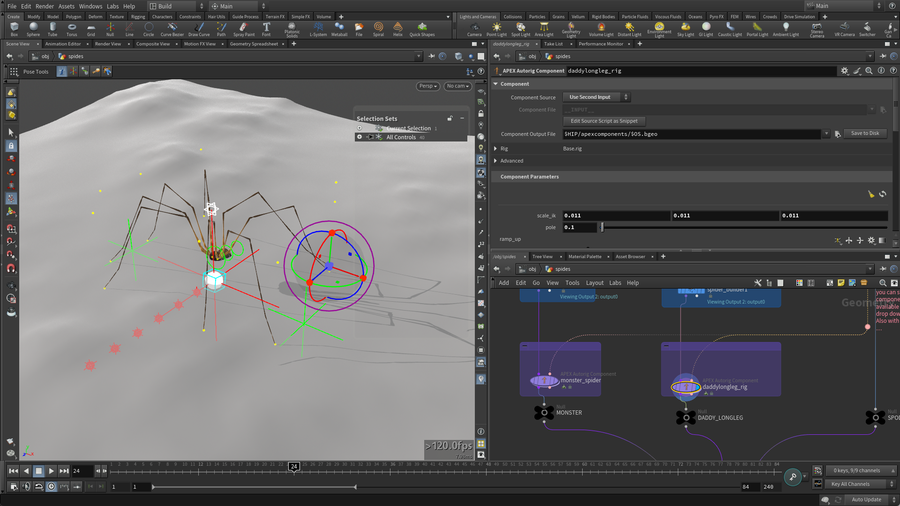
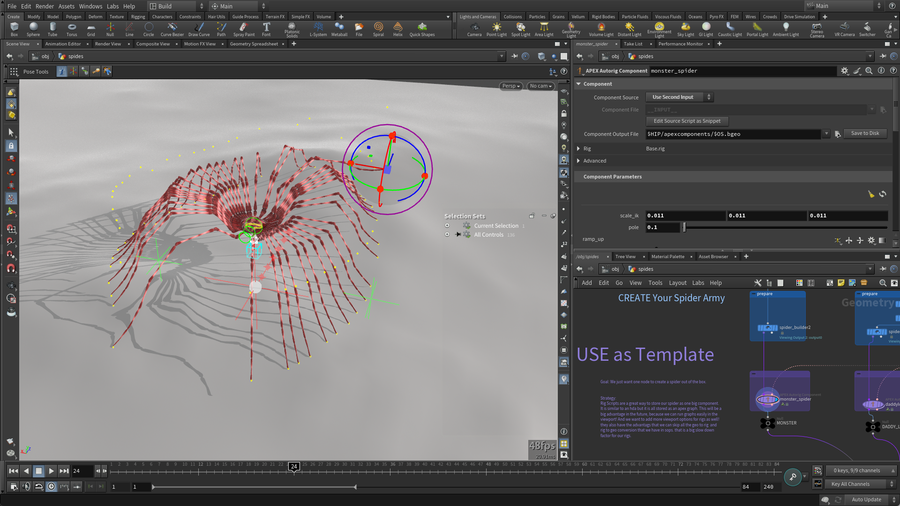
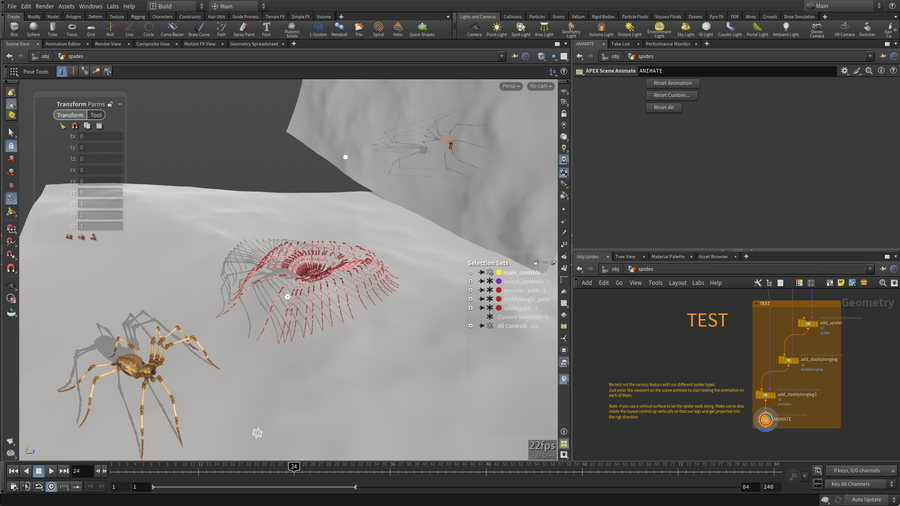
Spider Rig
Film/TV
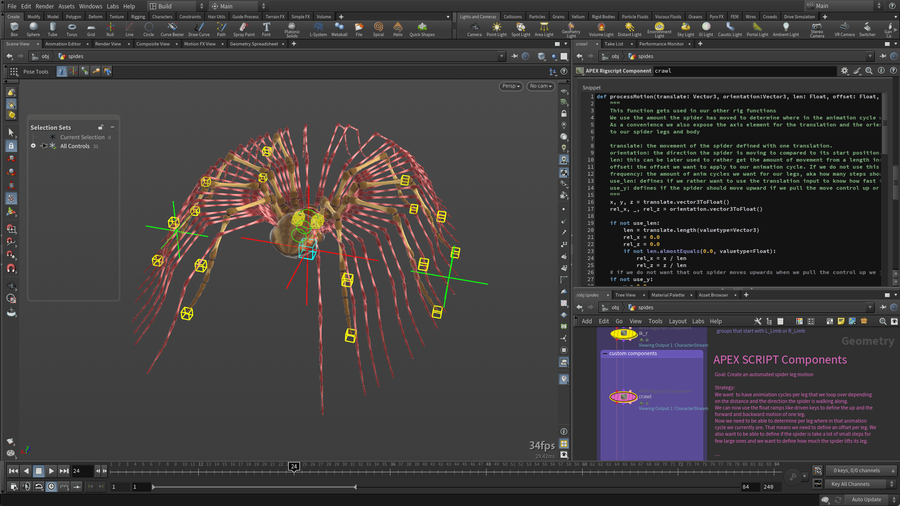
Custom Rig components can now be built using APEX Rigscript. For instance the animation of the legs on these spiders is automated using one of these scripts. APEX Script is similar to Python but acts as a code interface for the APEX graphs. Code snippets can now build the graphs for you.
CREATED BY

COMMENTS
coccarolla 2 years, 2 months ago |
Can we also get the mechanical rig examples please?!
Fraenk 1 year, 10 months ago |
How do you open this content? There is no .hip-file inside the .zip. Thank you!
Rawburnt 1 year, 8 months ago |
Probably on a Mac? Just be sure to use The Unarchiver instead of the default Mac unzipper. Otherwise you get all kind of separate files.
phinnaeus 9 months ago |
Thanks for this Esther. Looks like the Python is broken in The Autorig Script Terrain Adapt node for Houdini 21 :(
AntonMoss 2 months ago |
Here's a fix in case anyone else runs into this issue. Replace the 'project curve' section:
# project curve ---------------------------------------------------------------------------------------------------------
# defines if we want our follow path to be adapted to the terrain as well or not
if project_curve:
path_nodes = graph.findNodes('%tag(path)')
main_parent = path_nodes[0].getTransformParent()
for p in path_nodes:
p_name = p.name()
path_col = graph.addSubnet(subnetname=f'{p_name}_coll2', contents=pathCollider)
# we connect our path collision up and we insert it before our control spline for the follow path
cache.icache_out.connect(path_col.cache_in)
dst_ports = p.xform_out.connected() # call resolved on its own line
outport = dst_ports[0] # plain array index on a variable
p.xform_out.connect(path_col.current_xform_in)
path_col.xform_out.connect(outport)
main_parent.xform_out.connect(path_col.main_xform_in)
AntonMoss 2 months ago |
Here's a fix in case anyone else runs into this issue. Replace the 'project curve' section:
# project curve ---------------------------------------------------------------------------------------------------------
# defines if we want our follow path to be adapted to the terrain as well or not
if project_curve:
path_nodes = graph.findNodes('%tag(path)')
main_parent = path_nodes[0].getTransformParent()
for p in path_nodes:
p_name = p.name()
path_col = graph.addSubnet(subnetname=f'{p_name}_coll2', contents=pathCollider)
# we connect our path collision up and we insert it before our control spline for the follow path
cache.icache_out.connect(path_col.cache_in)
dst_ports = p.xform_out.connected() # call resolved on its own line
outport = dst_ports[0] # plain array index on a variable
p.xform_out.connect(path_col.current_xform_in)
path_col.xform_out.connect(outport)
main_parent.xform_out.connect(path_col.main_xform_in)
AntonMoss 2 months ago |
Sorry for the spam, not sure how to format code in this post so here's a link to the script.
<iframe src="https://pastebin.com/embed_iframe/scdrHxpW?theme=dark" style="border:none;width:100%"></iframe>
Please log in to leave a comment.