-
How can I send files to support?
-
In order to troubleshoot an issue, it is sometimes necessary to provide files to support.
To upload files, navigate to Services → Send Files to Support. There you will find the "Upload File" button that will open the upload box.
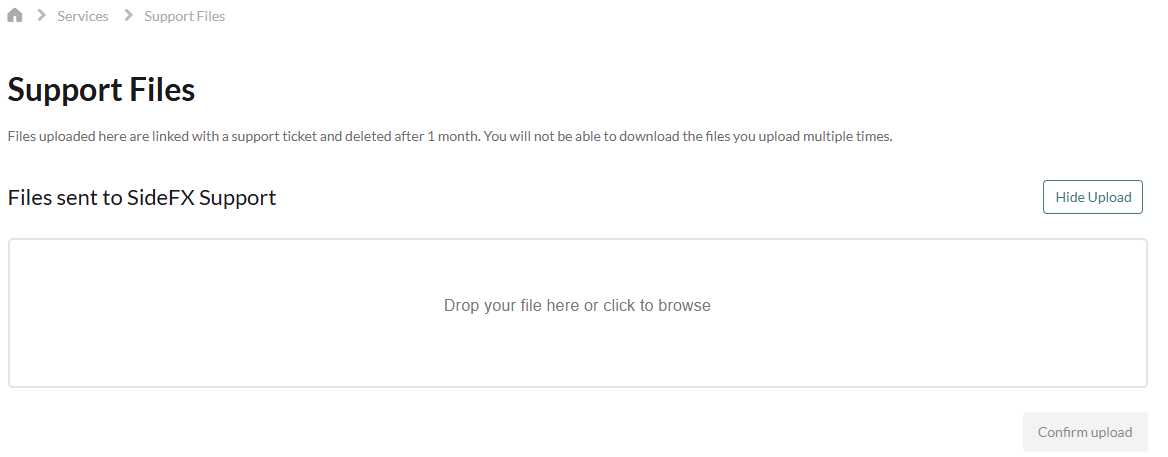
Support can access files that have been uploaded through this method.