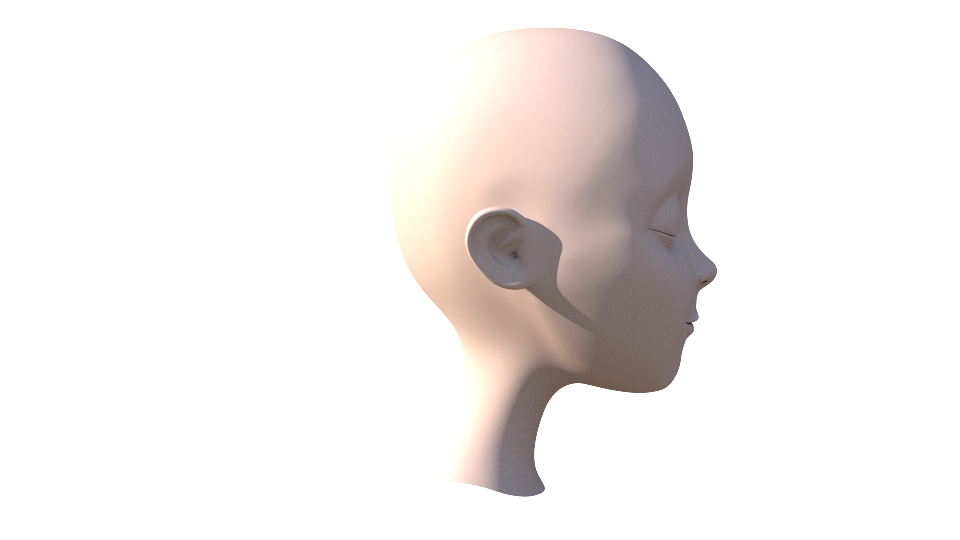
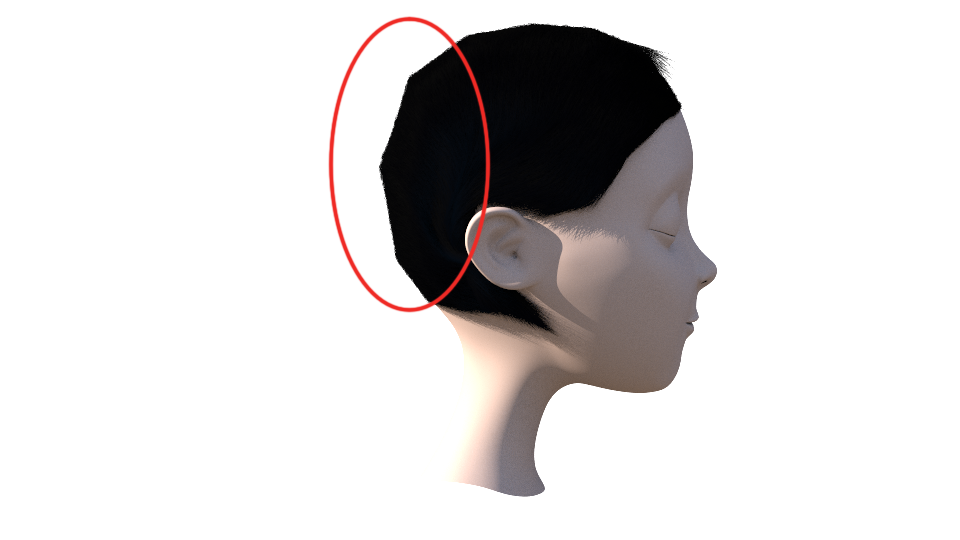
I'm having an issue with my fur/hair render not following the contours of my subdivided head geometry as displayed in the attached images. On both the head geometry node and fur node I have ‘Polygons as Subdivisions’ enabled, however I have a feeling there's more to it than that for fur renders. Am I needing to append a subdivision node to my head geo prior to generating the fur perhaps?
That is actually a good question, the way I solve this problem is subdviding my skin mesh after I do all my paints and combs but if you do this you loose all that inside the fur asset, so to solve this I save or lock my low mesh inside the fur asset and I use a attribute transfer to transfer all my attributes to the higher res mesh it works but involves a workflow where you have to do that every time you before rendering, makes sense?
I hope that helps but I am sure there's a easier way maybe someone here could share some ideas.
I think you can generate it by shop or cop just find distance between original obj and subdivided obj. But i do it by mudbox cheek smooth target models option off,that's easier
Thank you both, I look forward to trying those methods out. Quick question on the first method though, where should I be sticking my low-res mesh inside of the fur asset when locking it down? Cheers.
-Apply a subdivide node in your skin geometry and bypass it; -Inside your fur asset do what you have to do in your low res mesh combs, paints, attributes etc; -Lock the very last node with your attributes; -Unbypass your subdivide node; -Transfer the attributes from the locked node to the subdivided geo inside the fur asset; -That´s it;
the reason for this is that the fur node, will use the skin as the skin geometry.
the subdivide at rendering time is a property of the node that happen for render. if you like this behavior like other packages you need to make a switch with between the low res and the subd mesh that is link to the parameter.