PROCEDURAL BOULEVARDS - TSUKUDA

He is passionate about using Houdini to create procedural content for cinematics and videogames and is working focused on Environmental design.
He graduated from IGAD (International Games Architecture & Design) in Breda and interned at SideFX‘s game dev team in Los Angeles in 2018/2019.
This is PART 2 out of 4 from the Procedural Island Tsukuda presentation given for Houdini 22's launch event in Shenzhen, China, the Houdini Hive on October 15th in Tokyo, Japan and IGDC (India Game Developers Conference) on October 28th in Chennai, India!
More than a tutorial, below you can see my thought proces and workflow in creating a 3-week project that can be used as a demo, slide by slide.
Here I will go over the procedural boulevards, but if you want to see the entire project, you can check out the full presentation on my ArtStation!
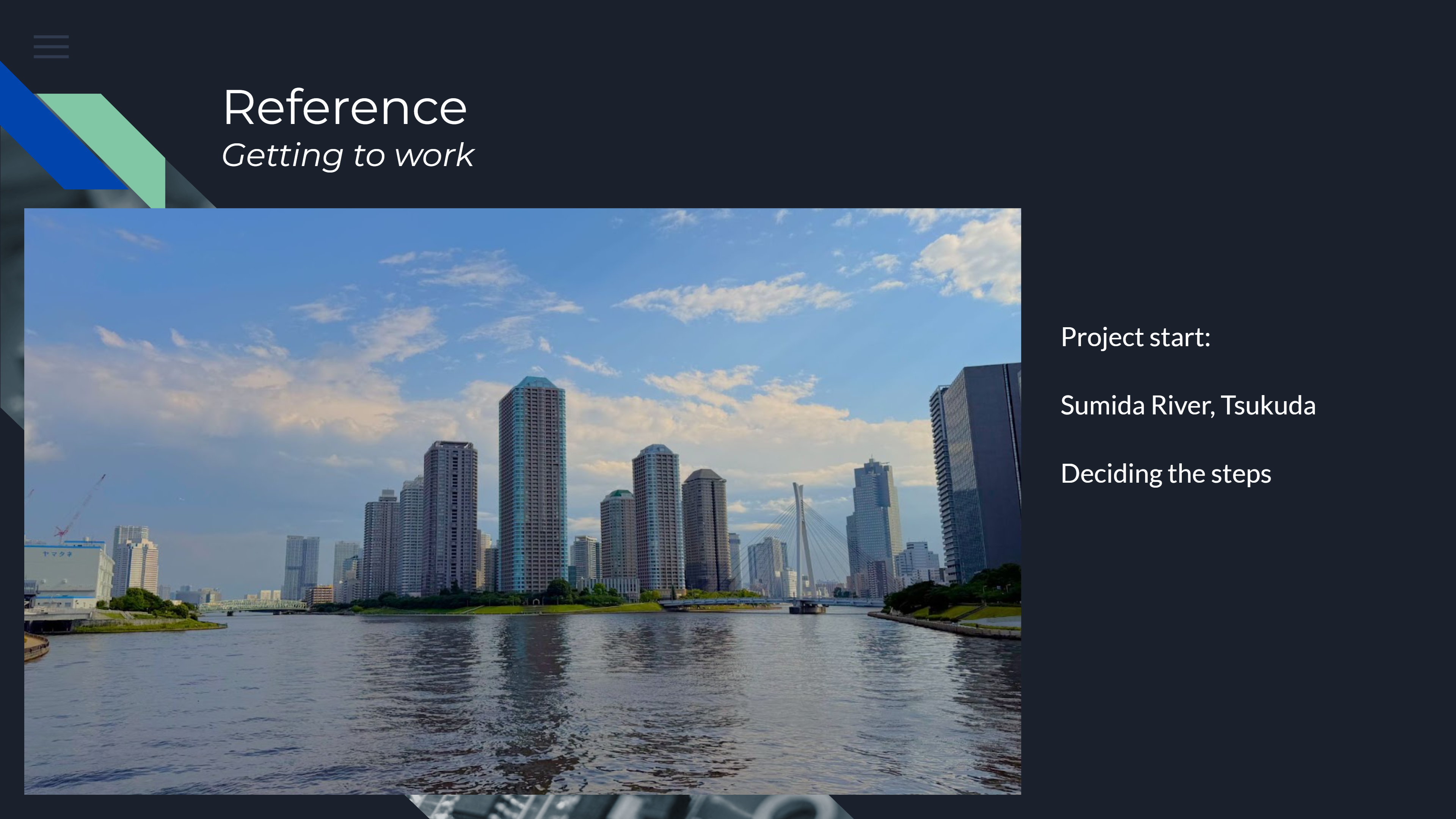
In this project, I created this island in about 3 weeks. The image above is the start of the project.
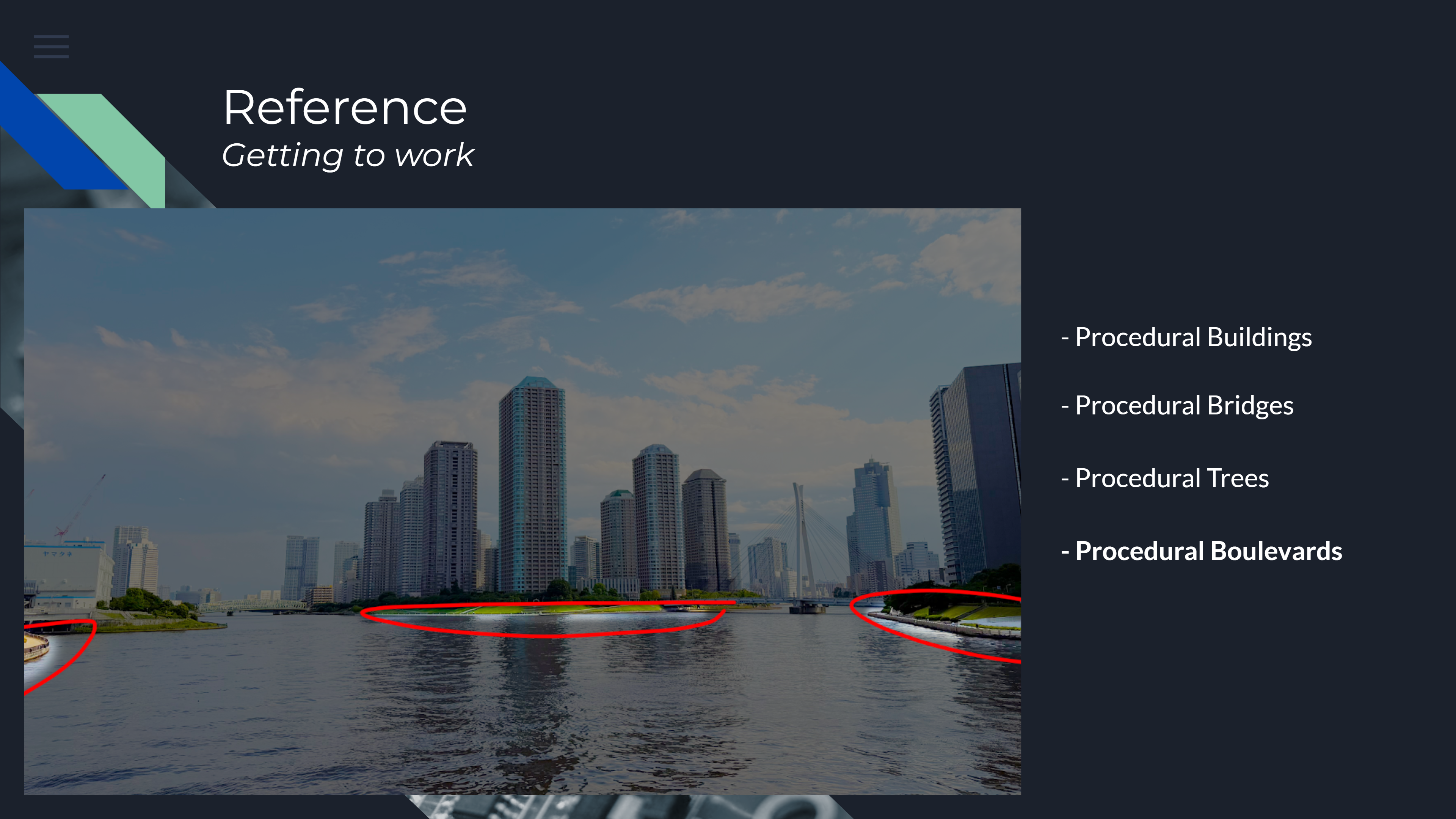
On the following slides, you can see the progress of the procedural boulevards made for this demo.
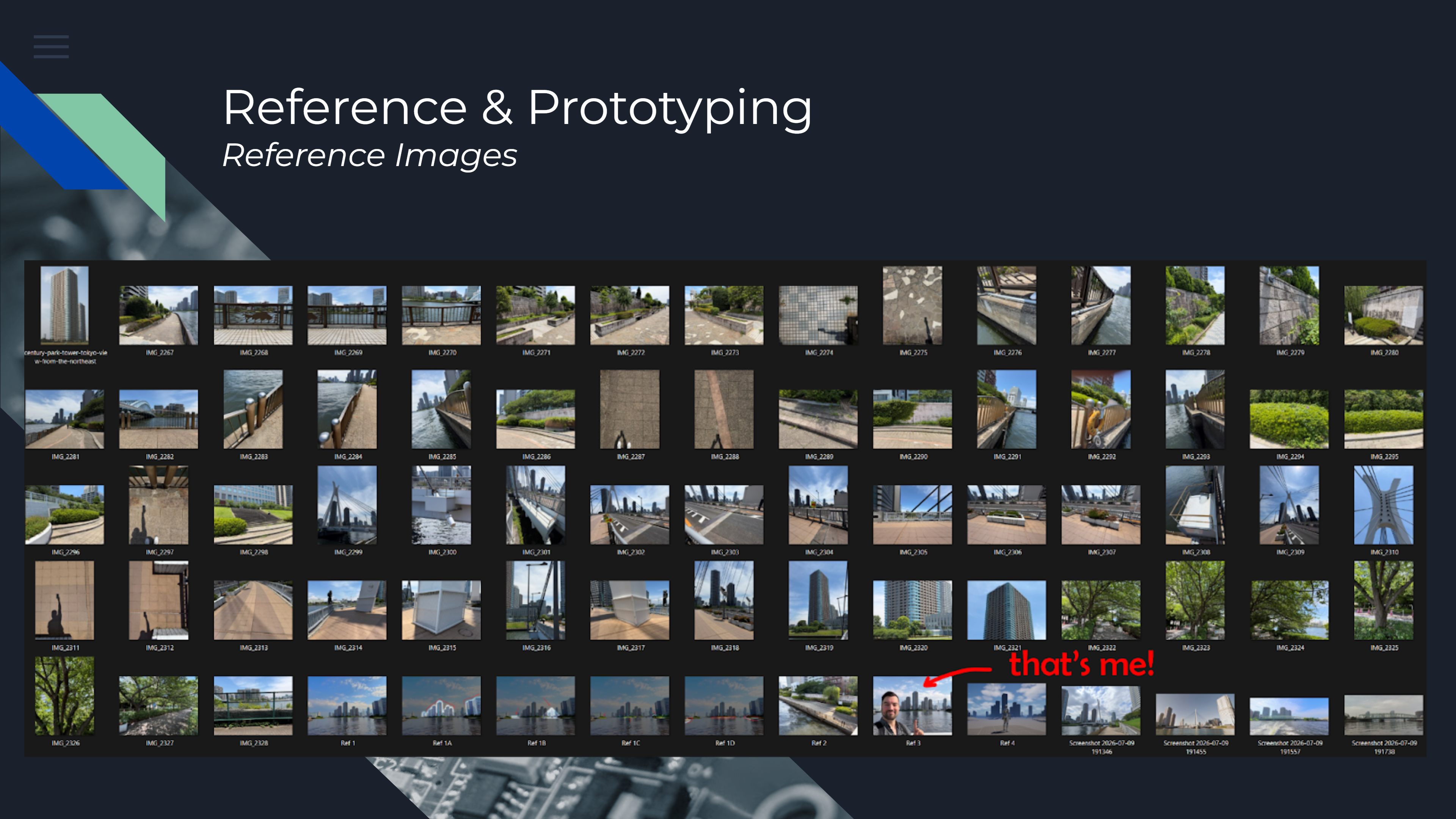
For any project, I start off with finding reference. This can be a simple as a screenshot from GoogleMaps, but I decided to take many pictures of what I think is interesting and can be helpful later on in this project.
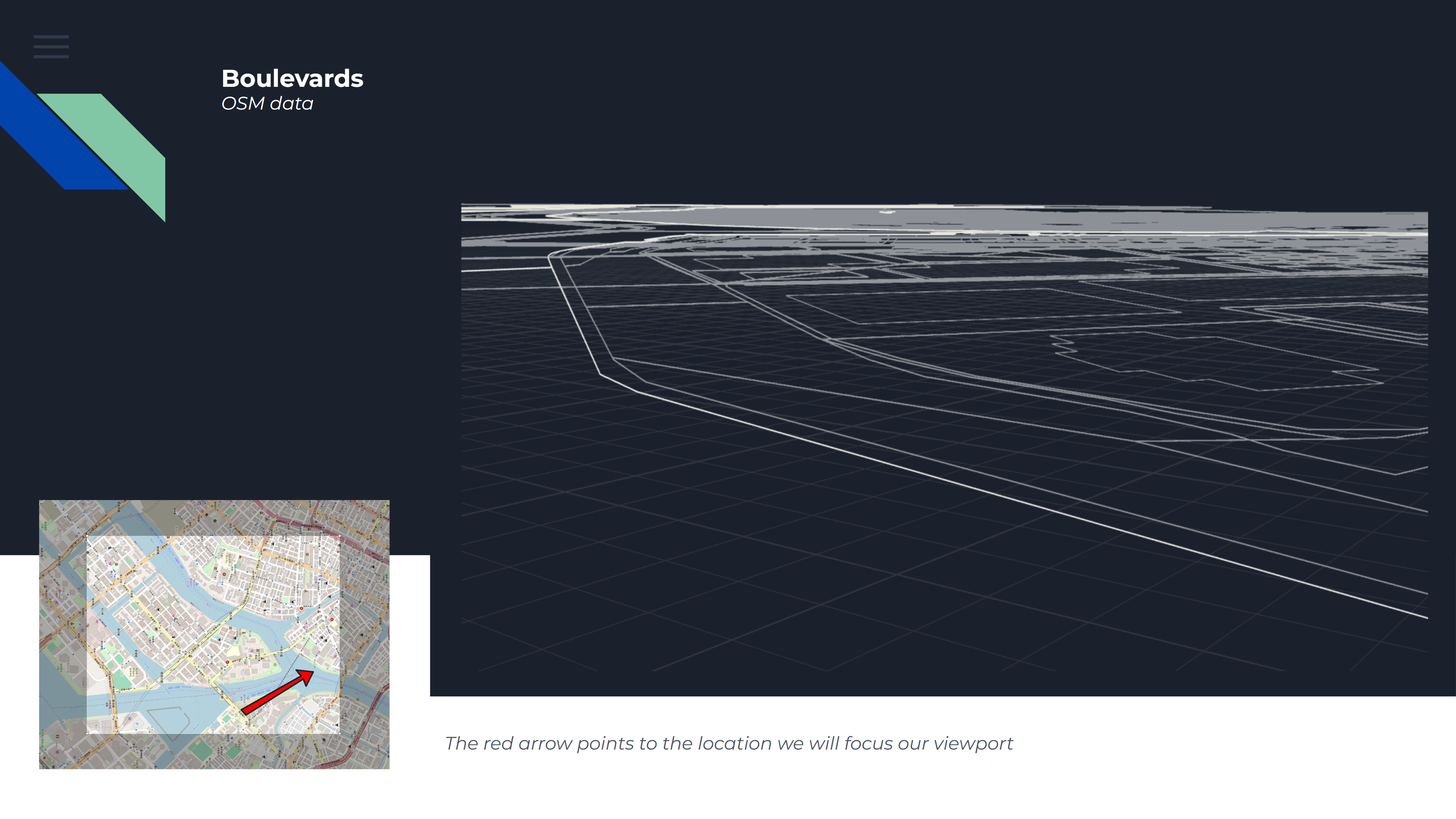
We start off with using the OSM data. I also focused the camera on where we will most likely be walking during the demo version, so I want to make sure this area looks good. We can use these input curves to place our fences and walkable geometry.
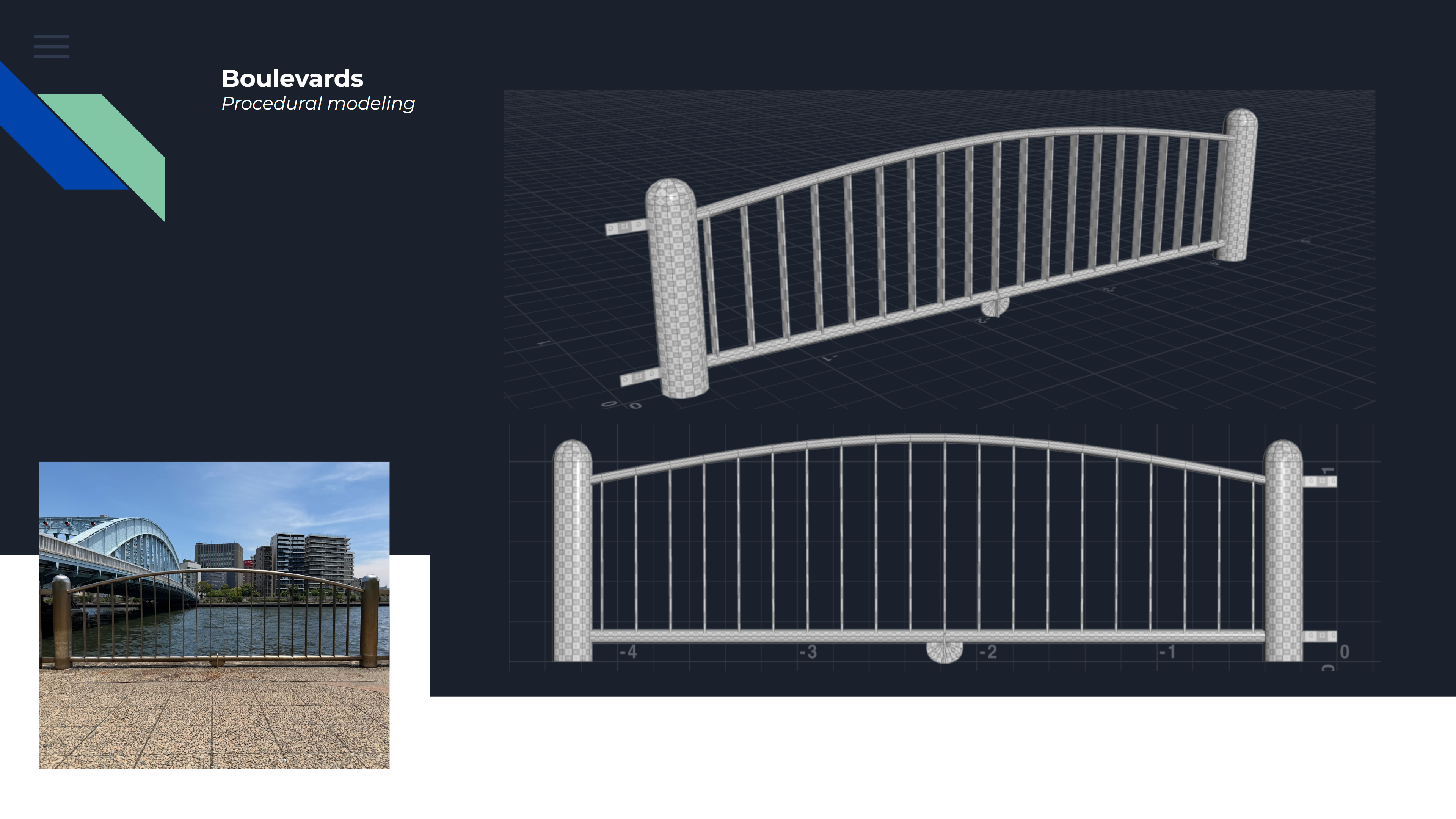
Because I want to focus on instancing as well, I decided that modelling a procedural fence would be a good start. All of the values such as height, width, radius of the poles, amount of interna supports, etc. can be adjusted.
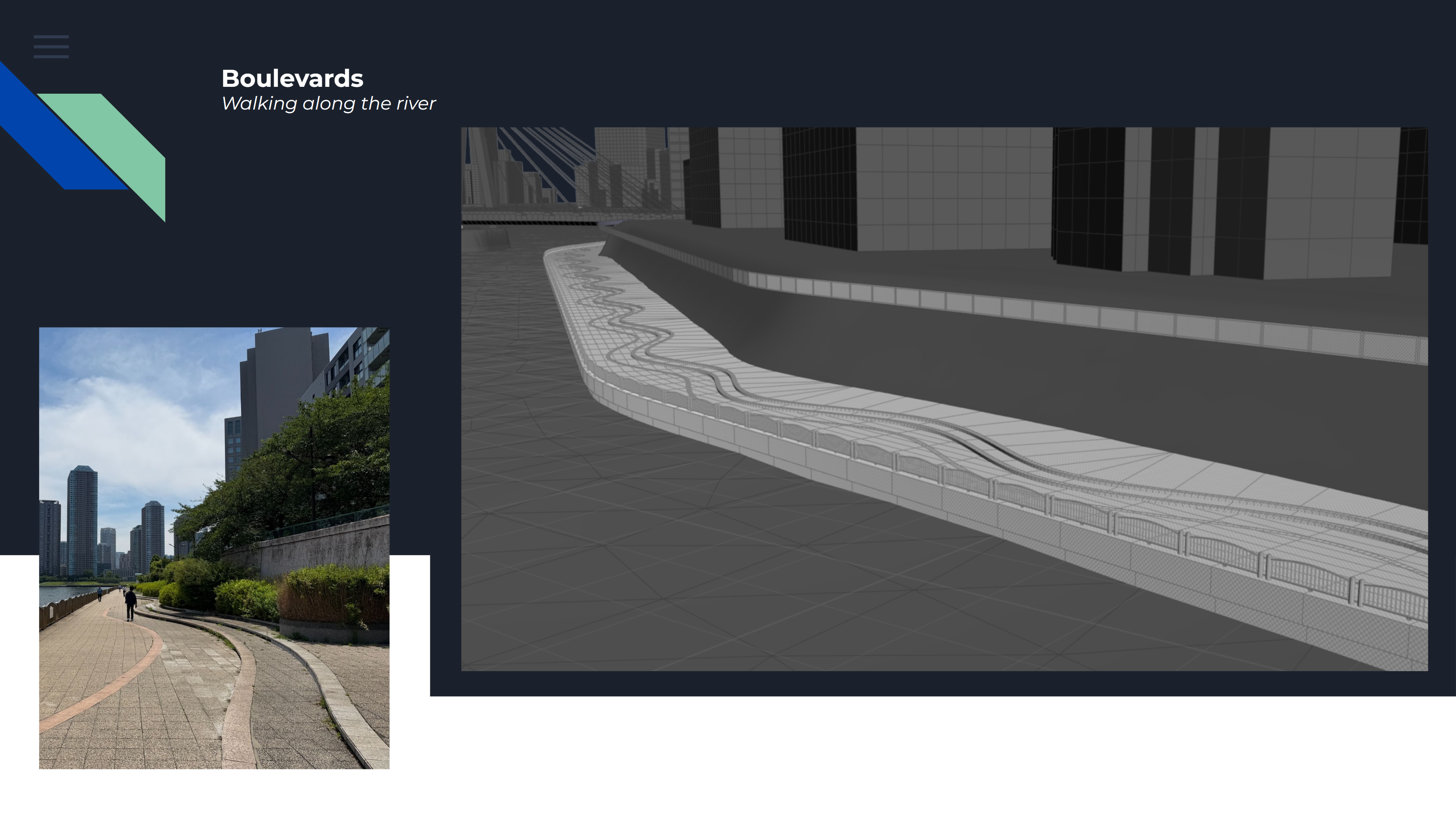
For the walkway, I start off with a base that uses an alternating ramp value to scale the width of the path from the river area. This alternating value gets added onto a base value, which results in wave pattern we see, just like in our reference.
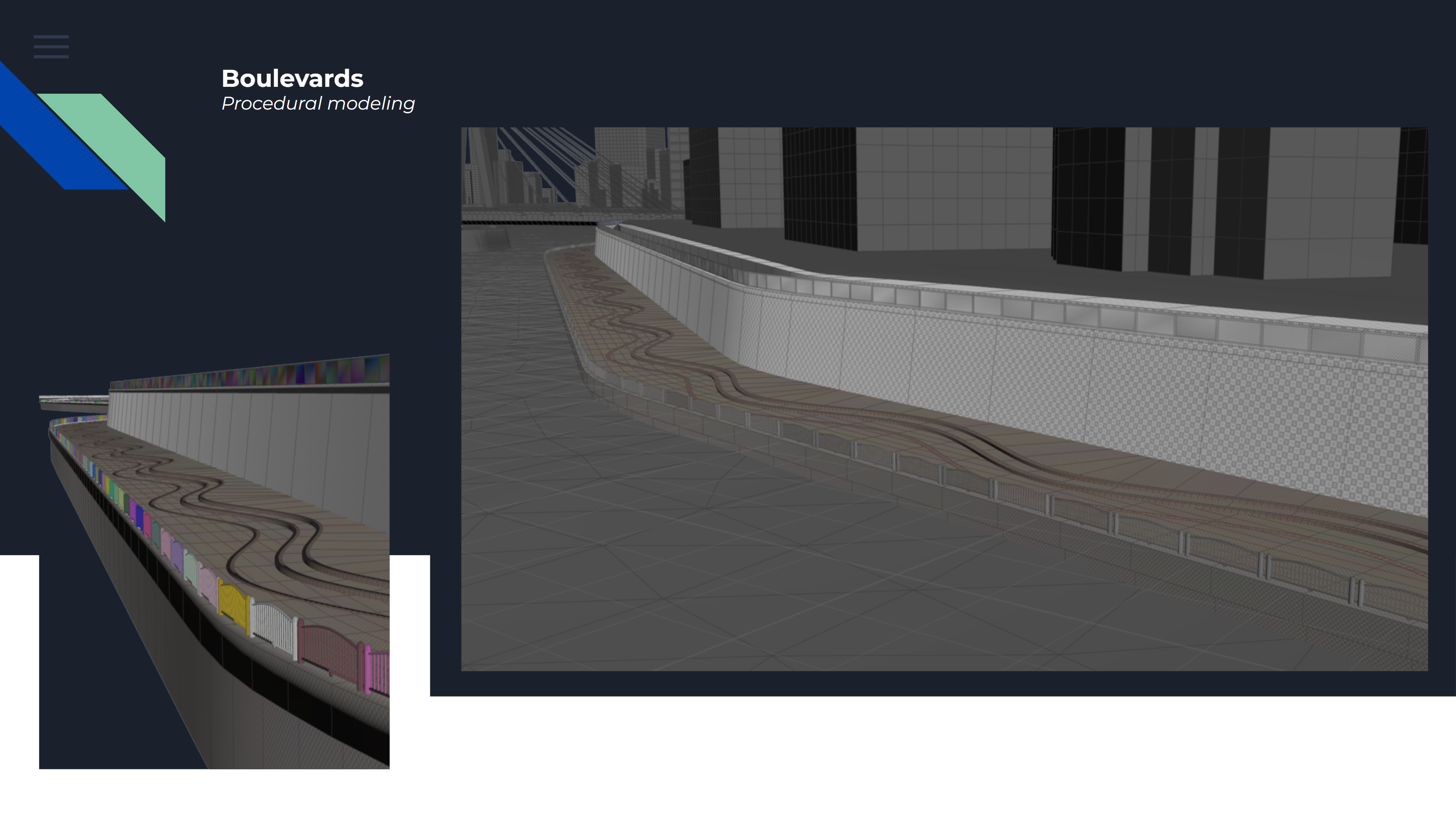
We can also see the instance fence models being placed. As I've given each original point before copying the instances a unique color value, we can later on use this to drive certain parameters. You can think of material and attribute changes for this.
With some materials and UV's applied, we really start to see the minimal base for our boulevard. Up next are of course the custom collisions.
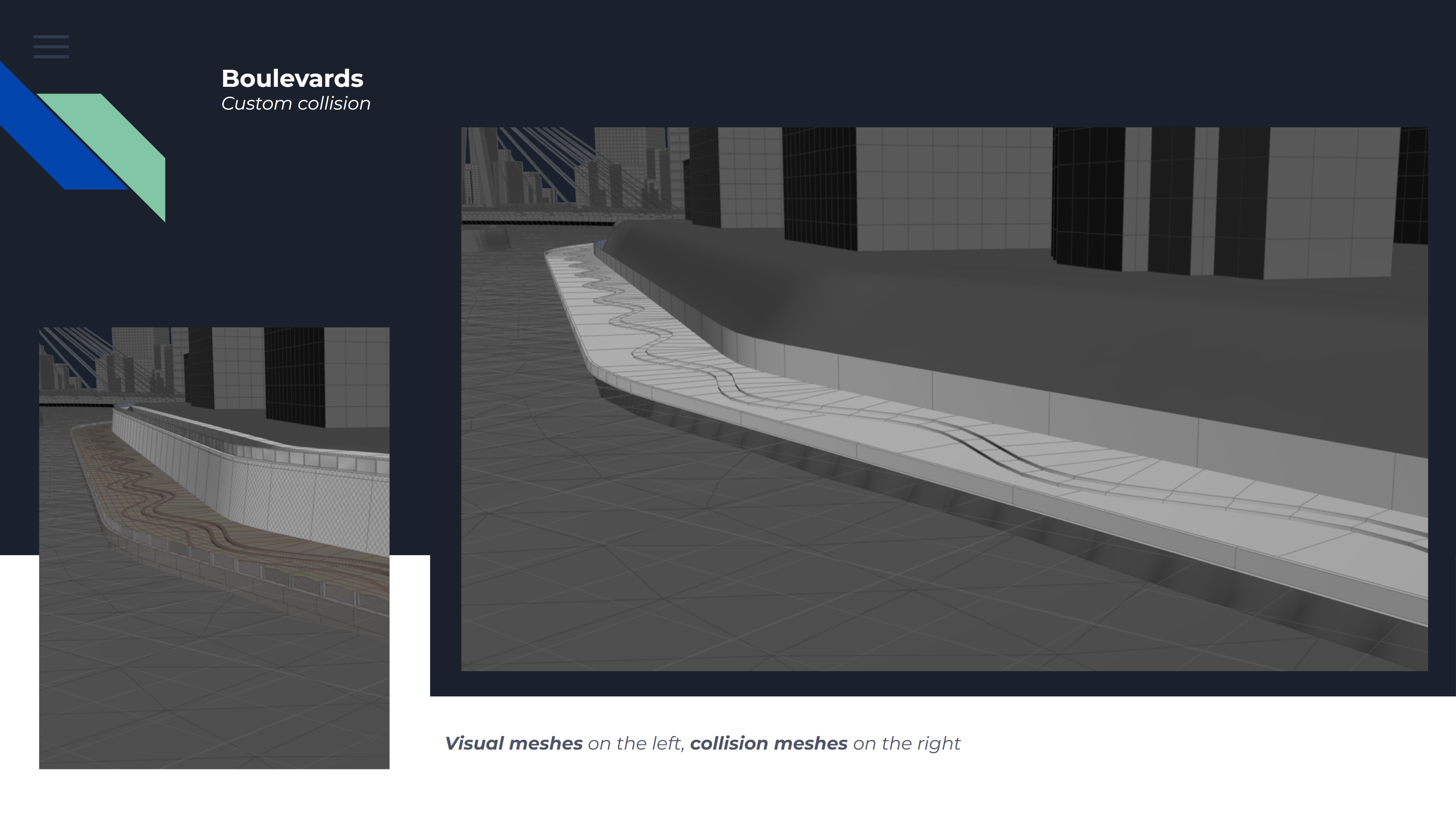
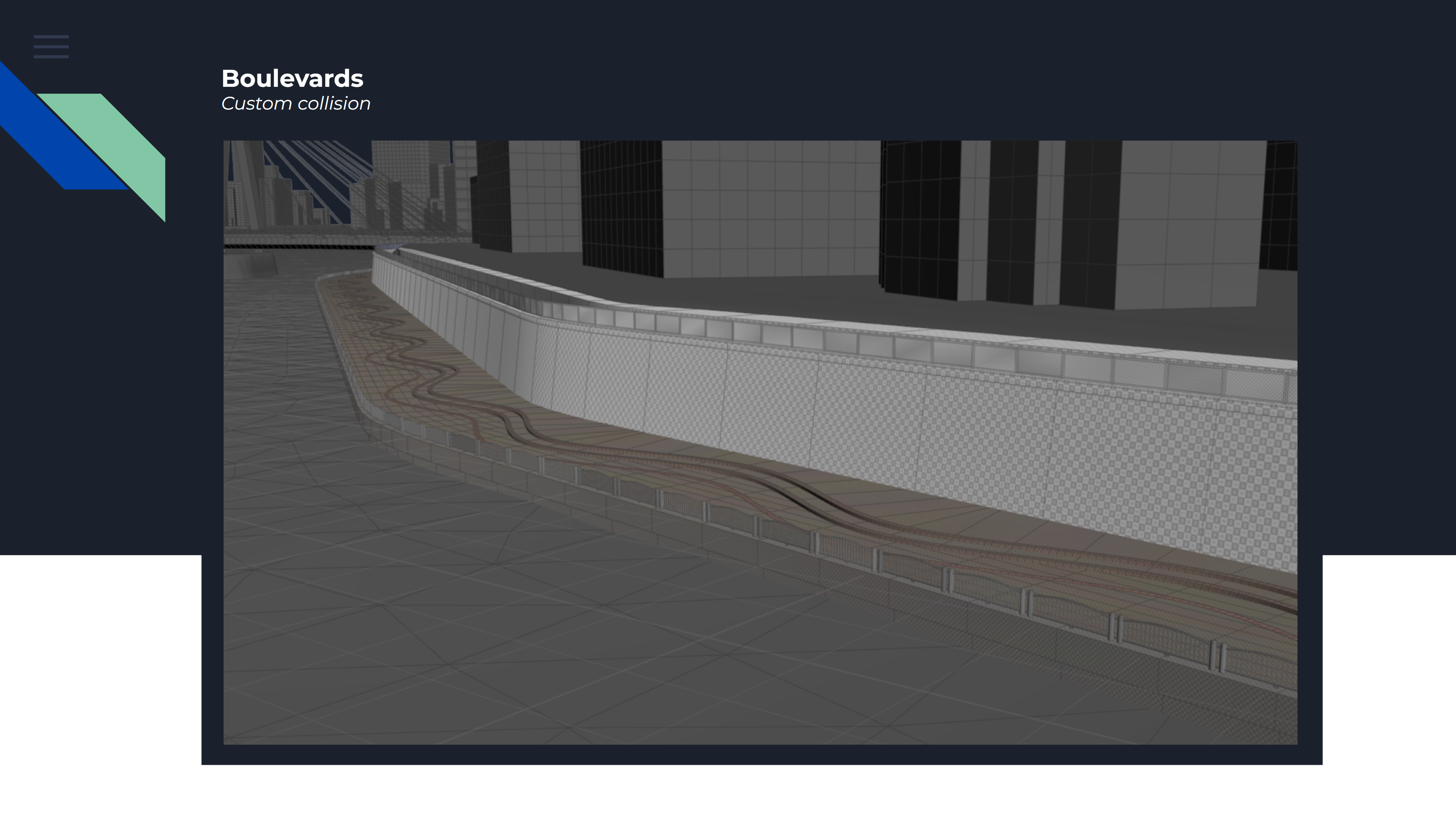
For collisions, it's important to generate a reduced mesh, that is a simplified representation of the original mesh. We also want to make sure that this only gets generated where the character will actually interact with. I.e. no need to have a huge wall.
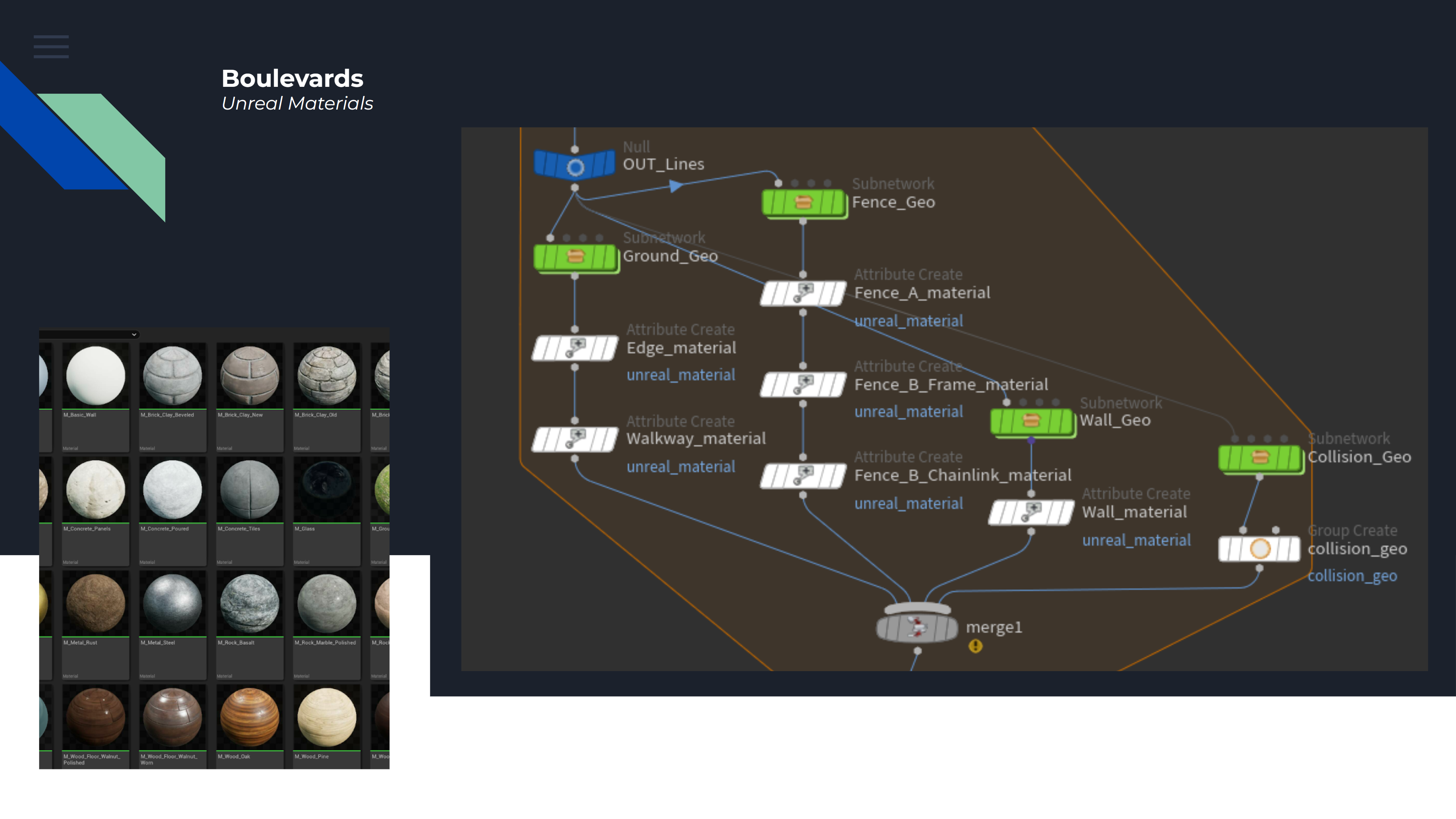
Since we have many materials available from the UE Starter Content, for this demo we will just be accessing those. Using different groups, we can set the material attribute in Houdini to match the referenced path in UE for automatic placement.
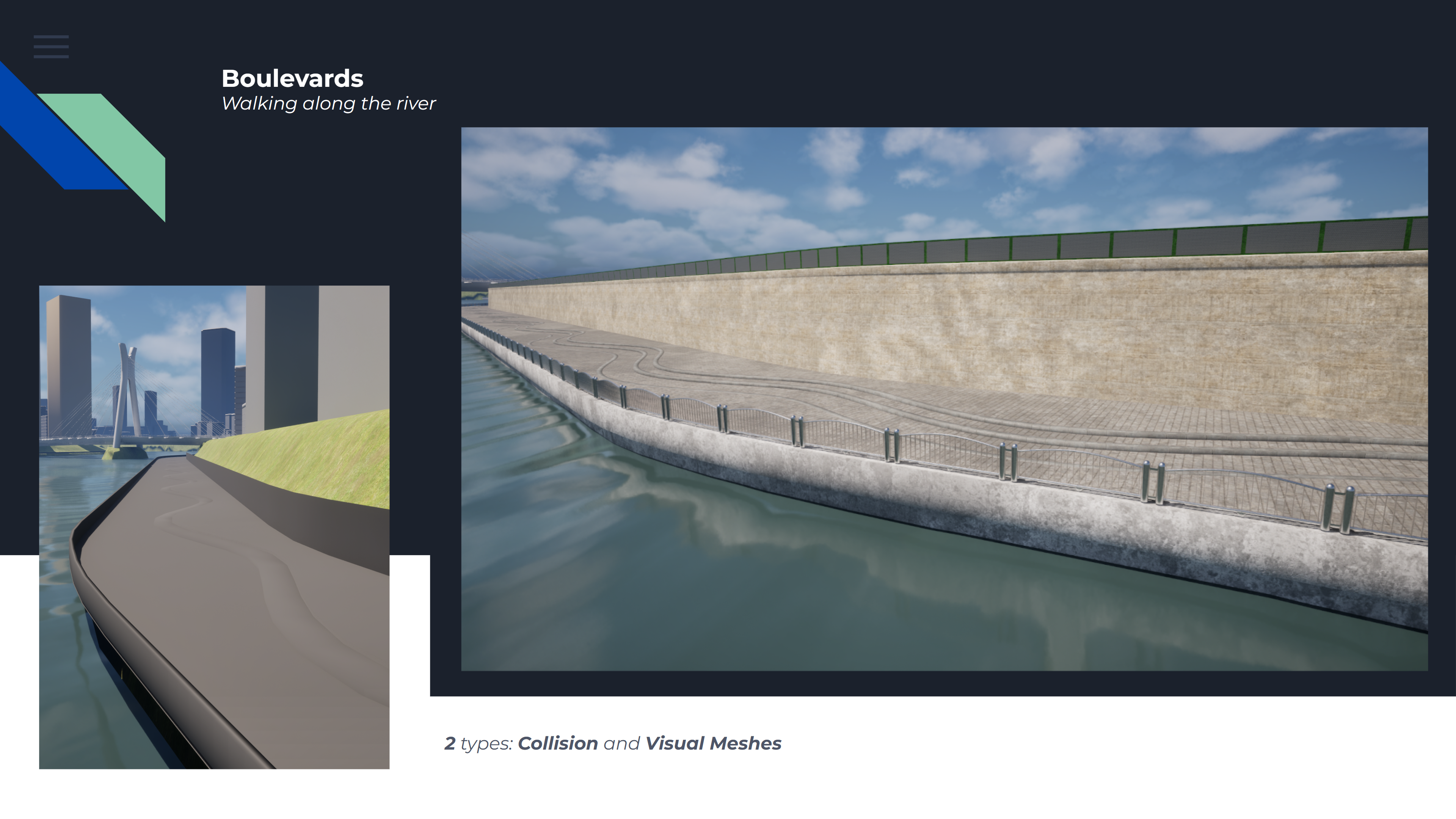
Now, opening the tool in UE, we can see the materials being assigned, the fence models being instanced and the collision being generated as a separate model, all optimizing our game environment.
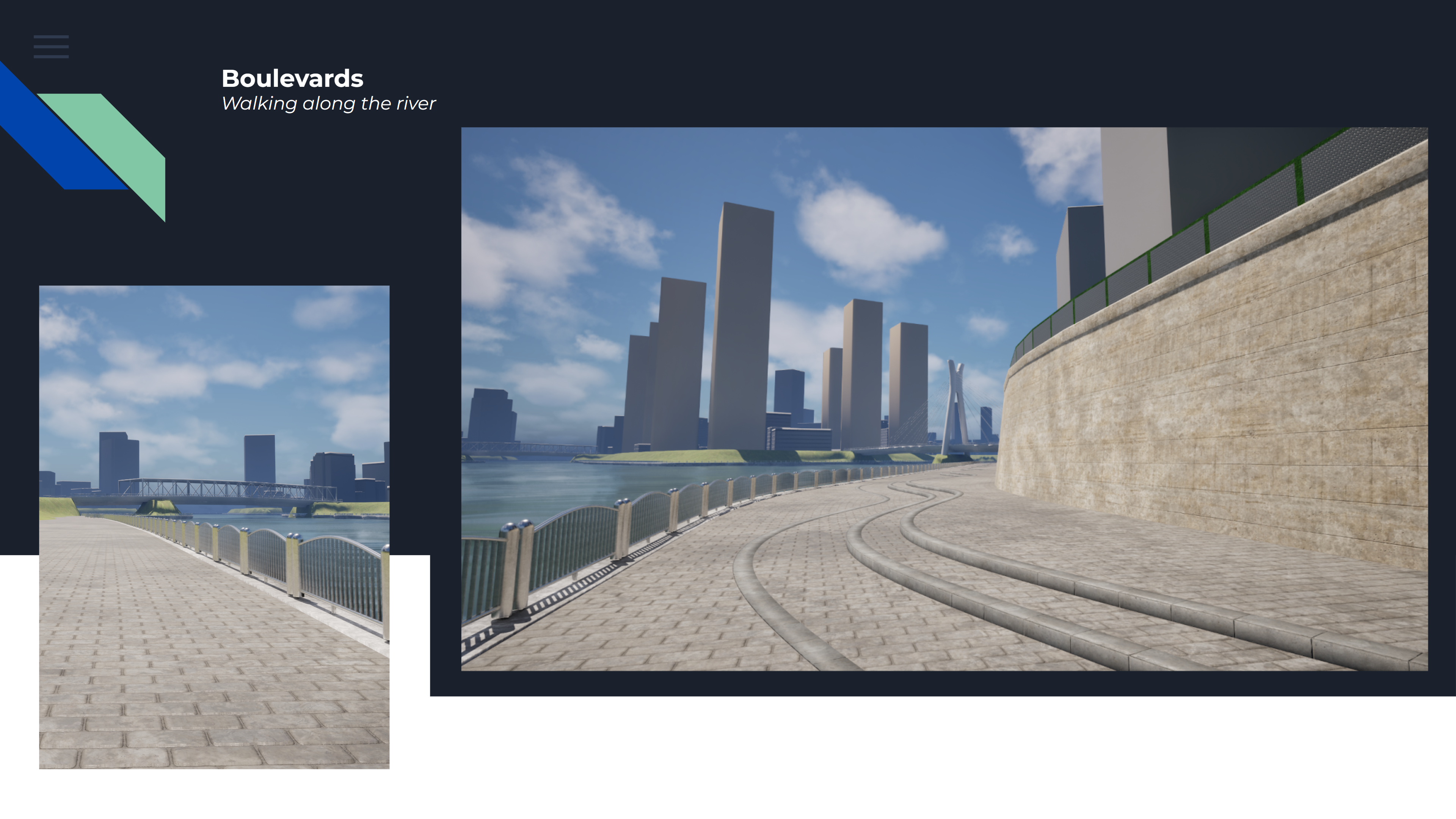
This results in a pretty good base for our boulevard, and with the rest of the project progressing as well, the results speak for themselves.
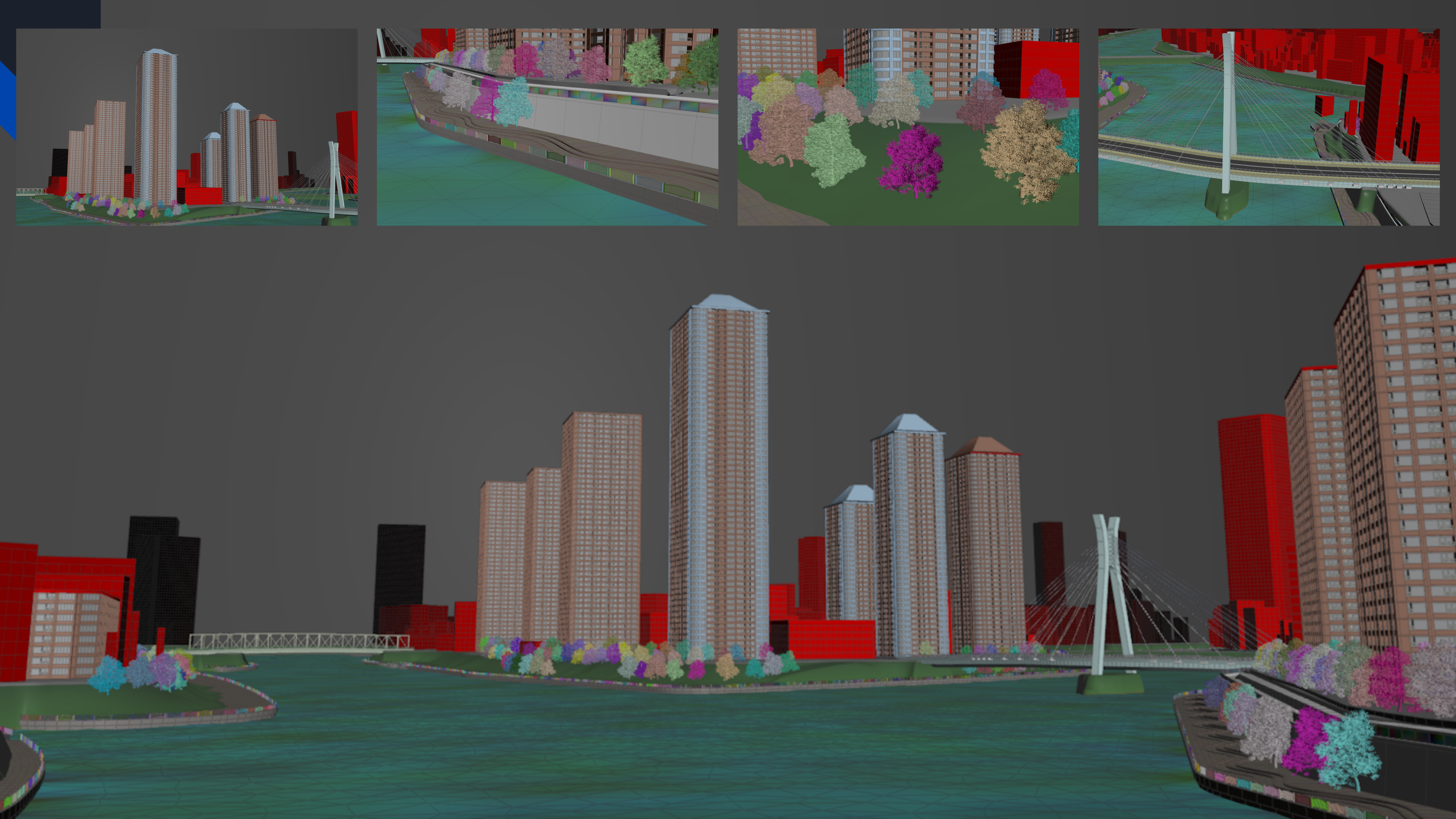
Now this project consists out of 4 different procedural workflows, and this is procedural buildings, procedural boulevards, procedural trees and procedural bridges all combined.
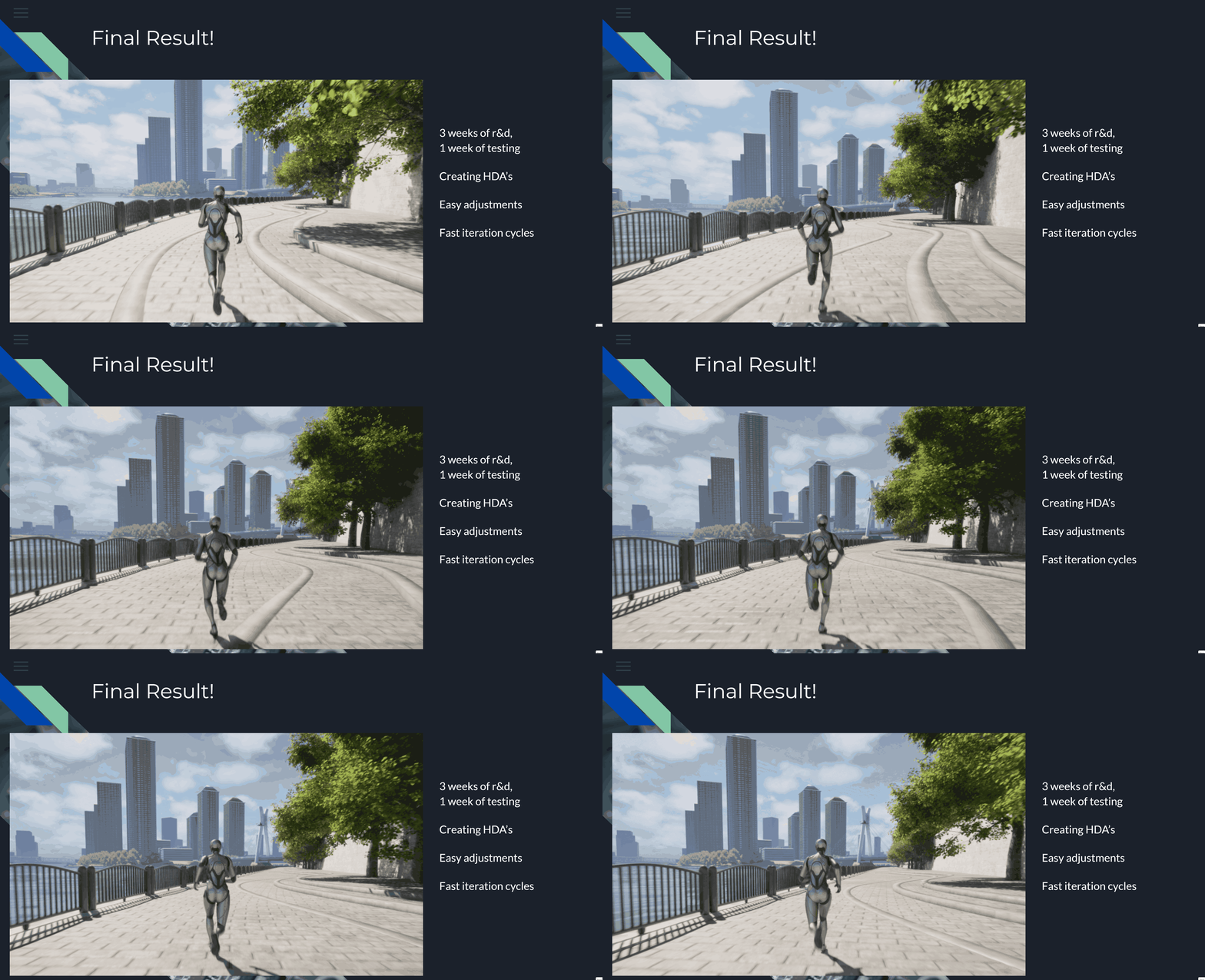
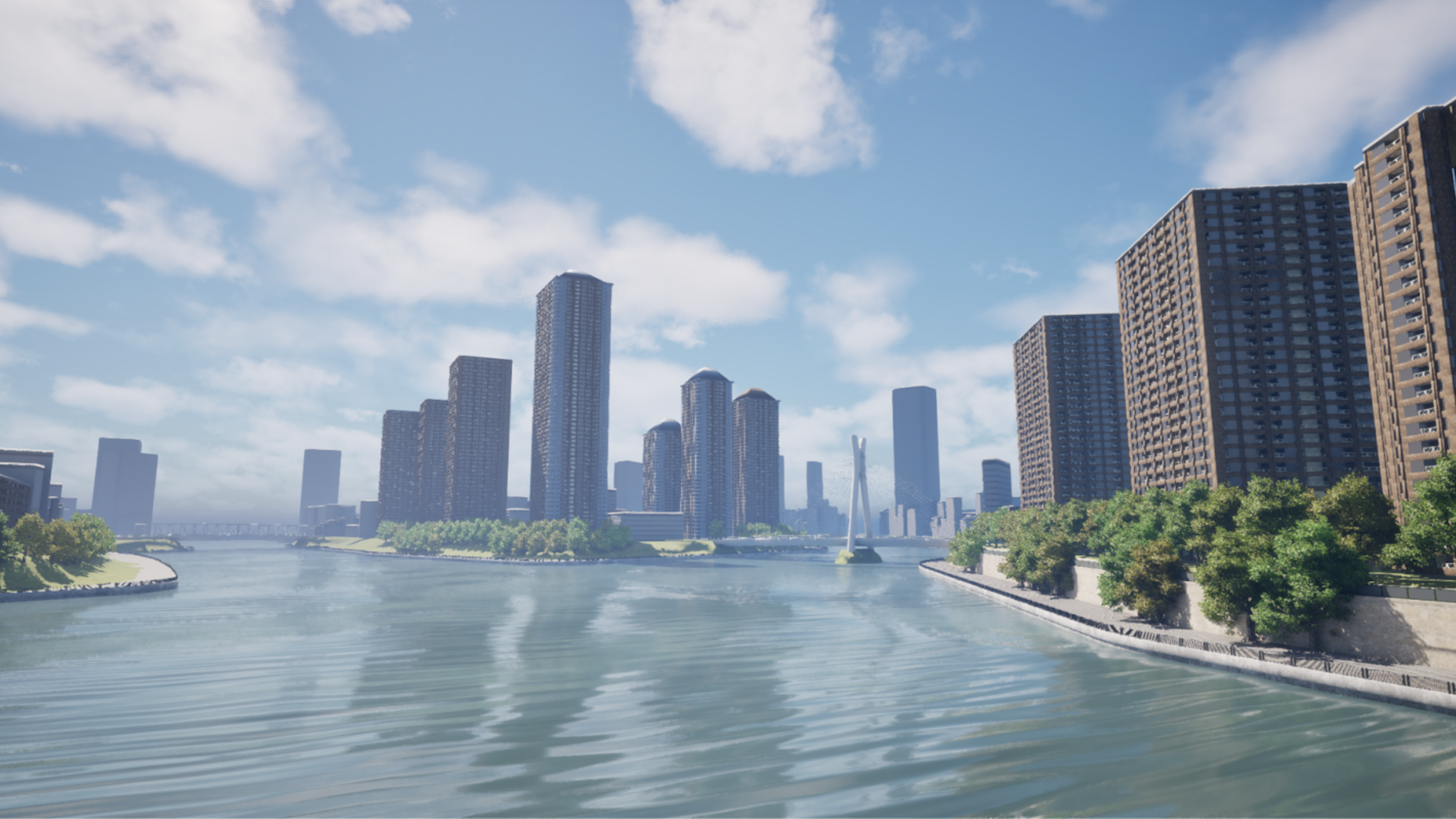
Running through the demo in UE really gets the project vibe, and since everything is procedurally generated, the project can be optimized and adjusted where needed in a constant iterative cycle. Pretty neat!
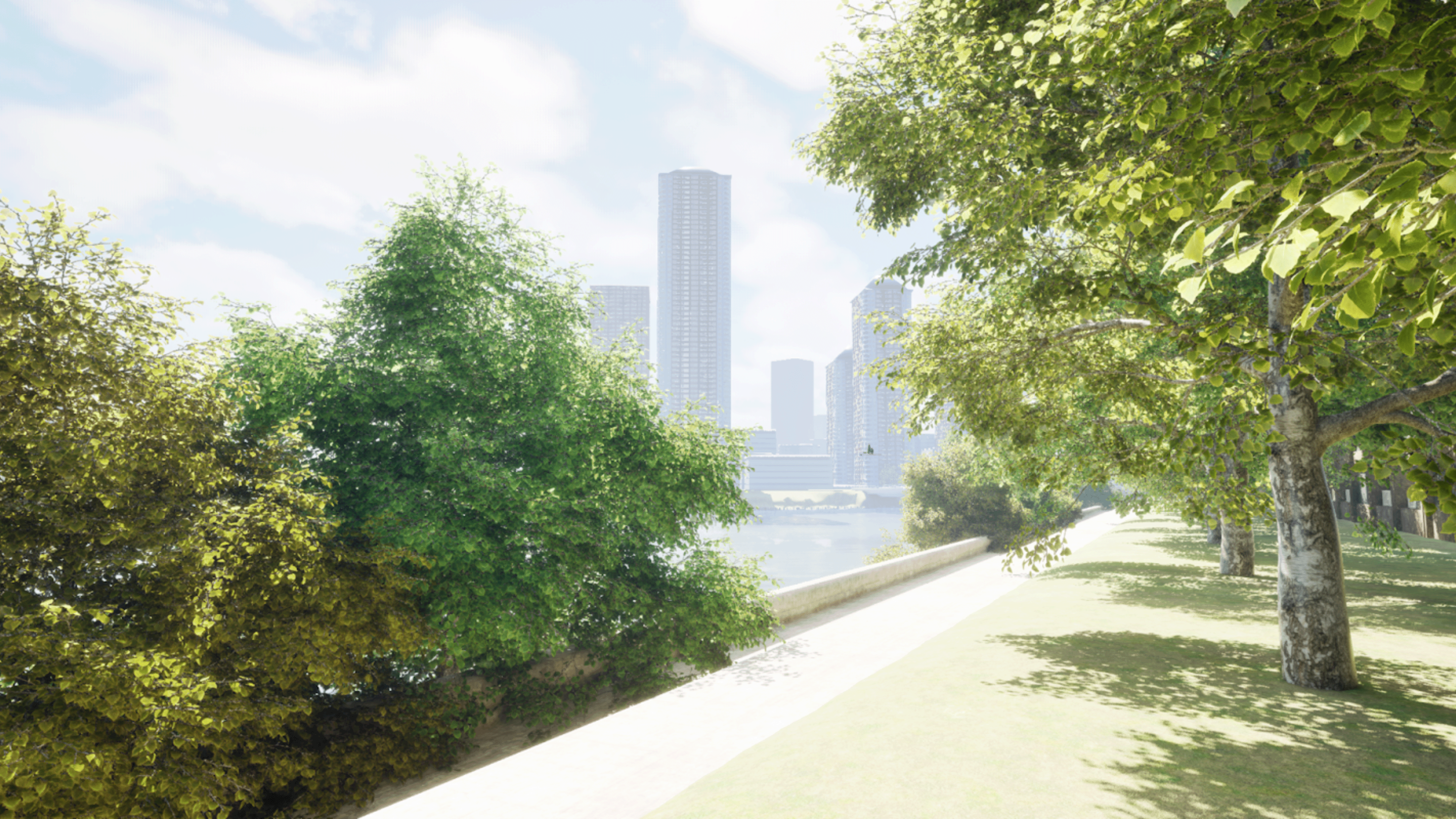
We get great atmospheric shots that look natural from up close...
..as well as realistic overal scale and scope for this demo from a more bird's-eye view.
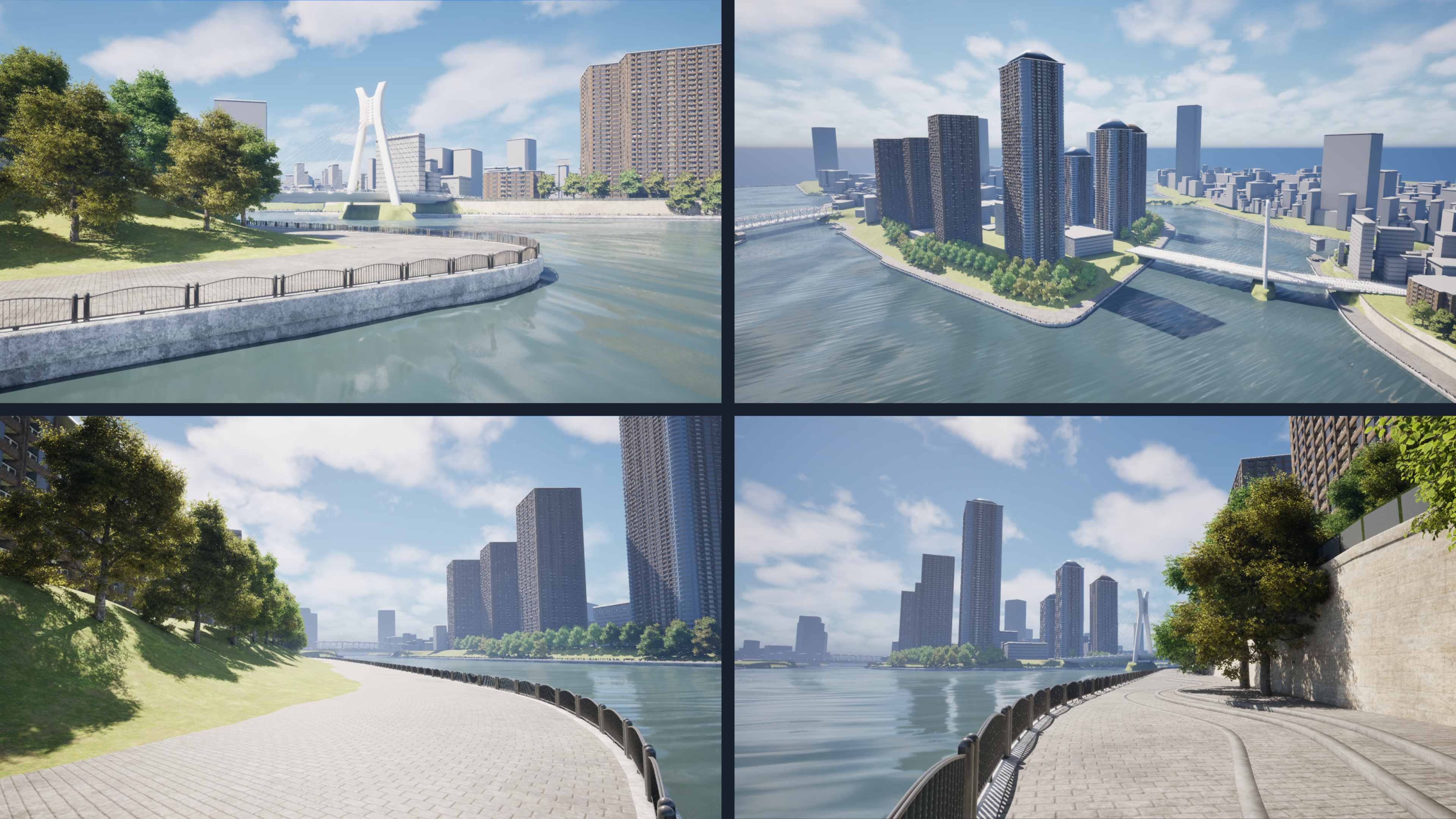
As you can see, not bad for a 3-week-project! We have a nice combination of all these different assets working in tangent to create a fast, iterative and playable demo in UE, that looks great!
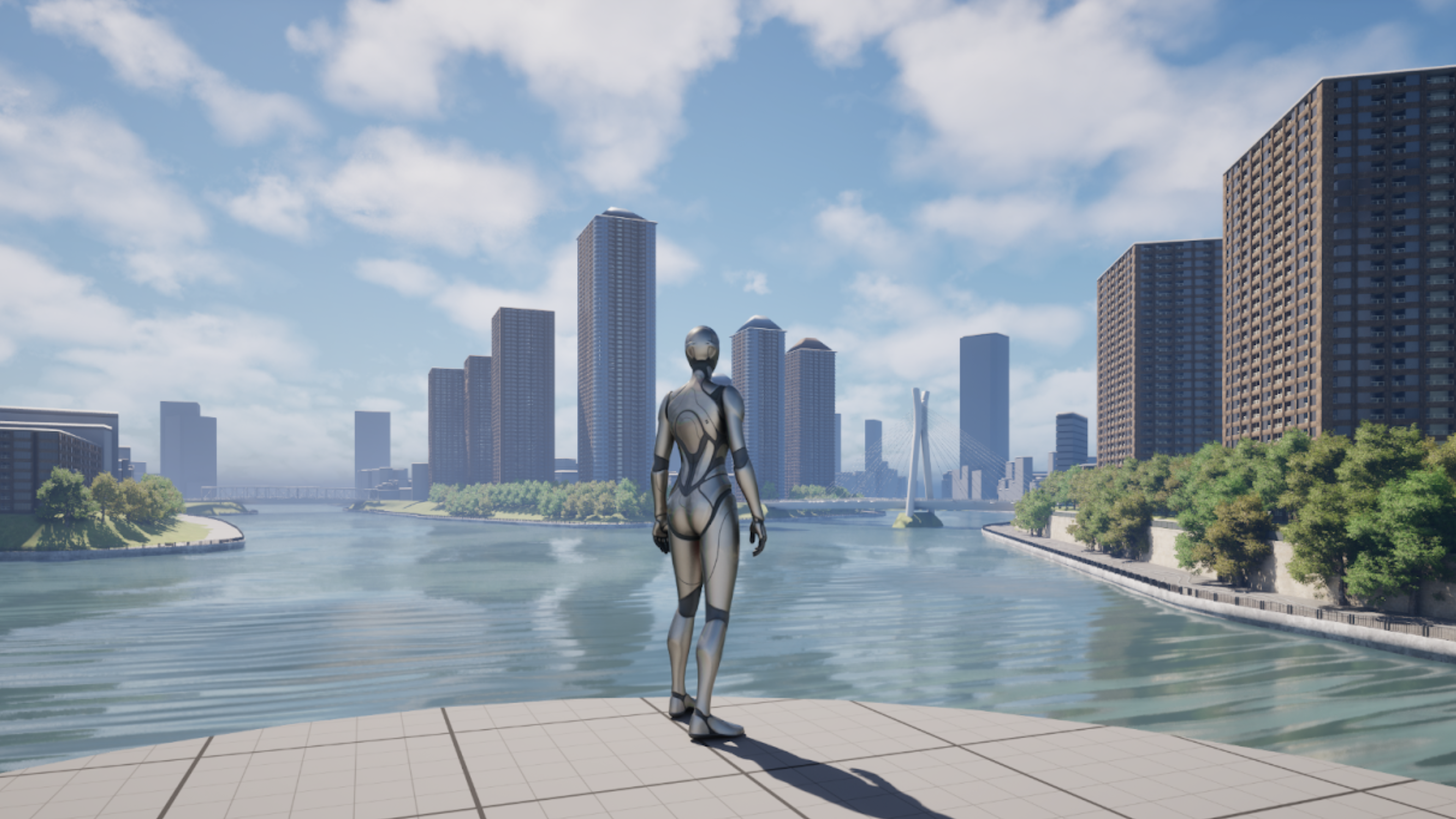
If anything, I hope you got inspired by this short demo and procedural workflow, and are excited to start something using Houdini as well. Cheers!
CREATED BY
