The new Tree toolset available as part of SideFX Labs can be used to create many different tree shapes using a procedural workflow. Learn how to use the various nodes and parameters to sculpt your trees adding in variation to give them a natural look. You will also learn how to bake out the tree designs to a single polygon and either using that as a background tree in a video game or as a branch for a 3D tree.
NOTE: These lessons use the SideFX Labs tools. Make sure the latest release (non production build) is installed when doing this lesson.
Thanks to Ryan Gold for developing this tool as part of his internship at SideFX.
Thanks also go to Nils Westfelt for the functionality of the simple leaf node.
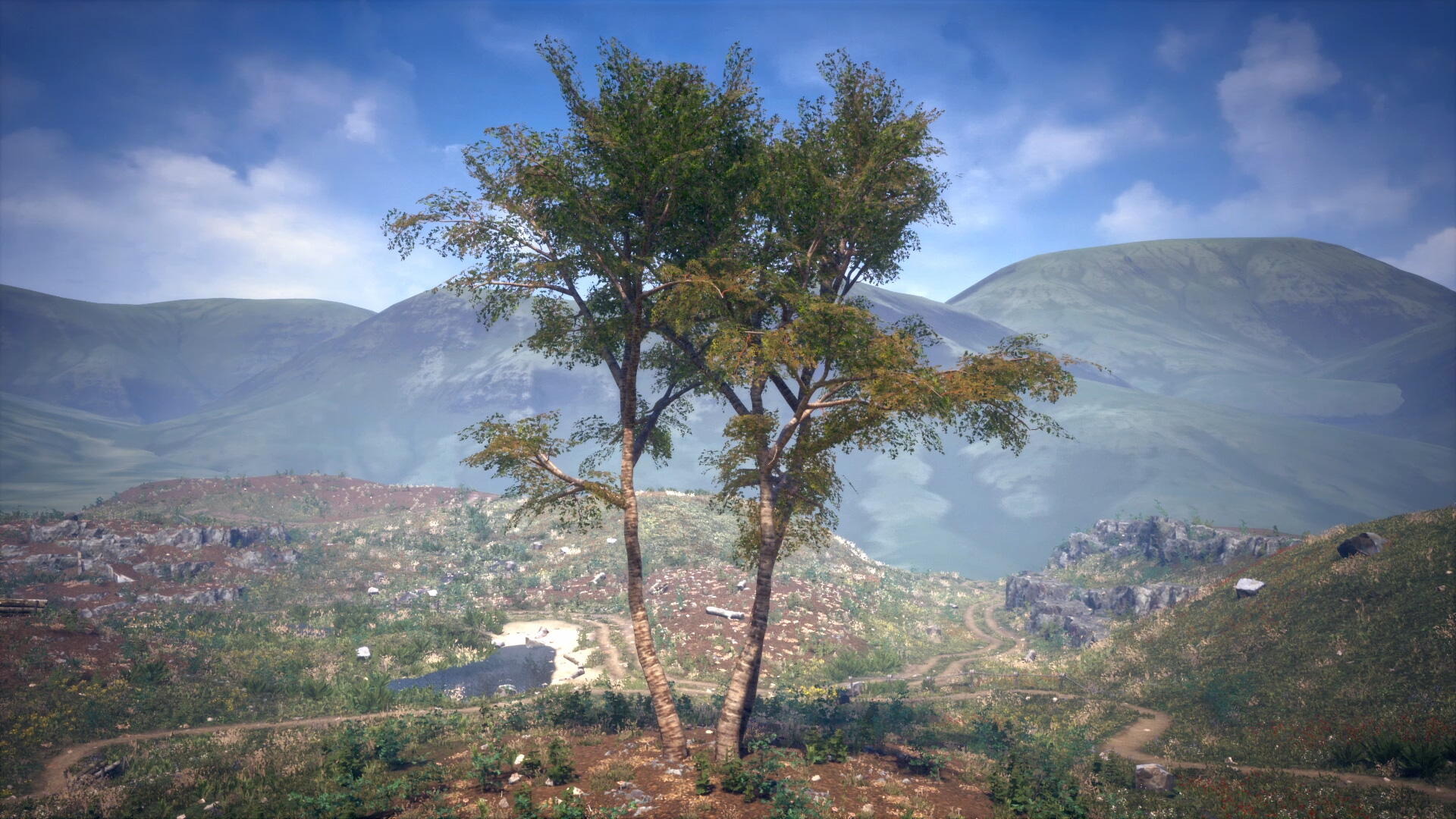
1 | Tree Generator Quick Intro
Learn how to build a procedural tree using the SideFX Labs Tree tool. Take a quick tour of the various nodes and parameters used to generate a tree.
Length: 4:55
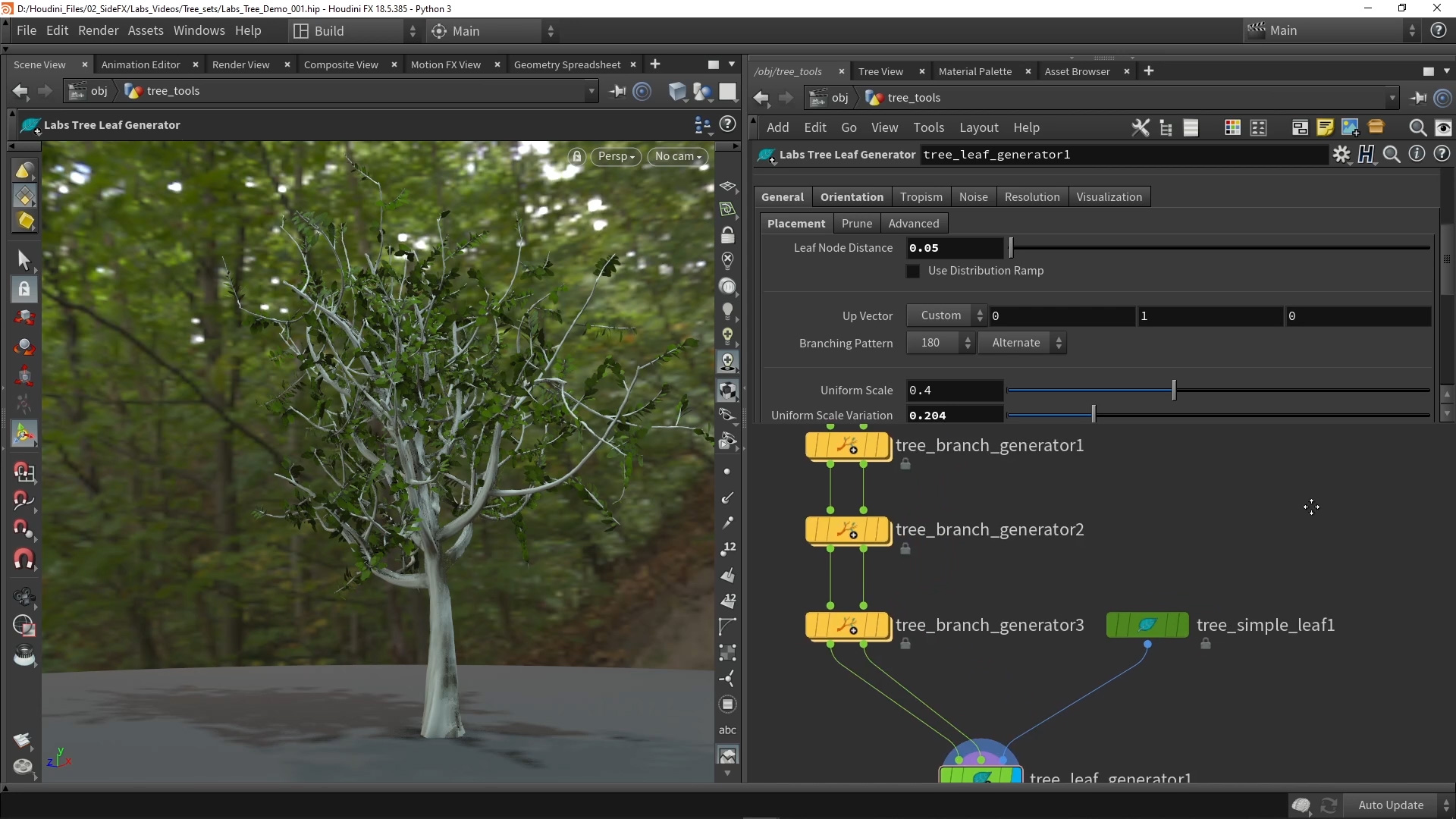
2 | Create a Tree Base
Take a more in-depth look into creating a procedural tree using the new tools.
Length: 23:52
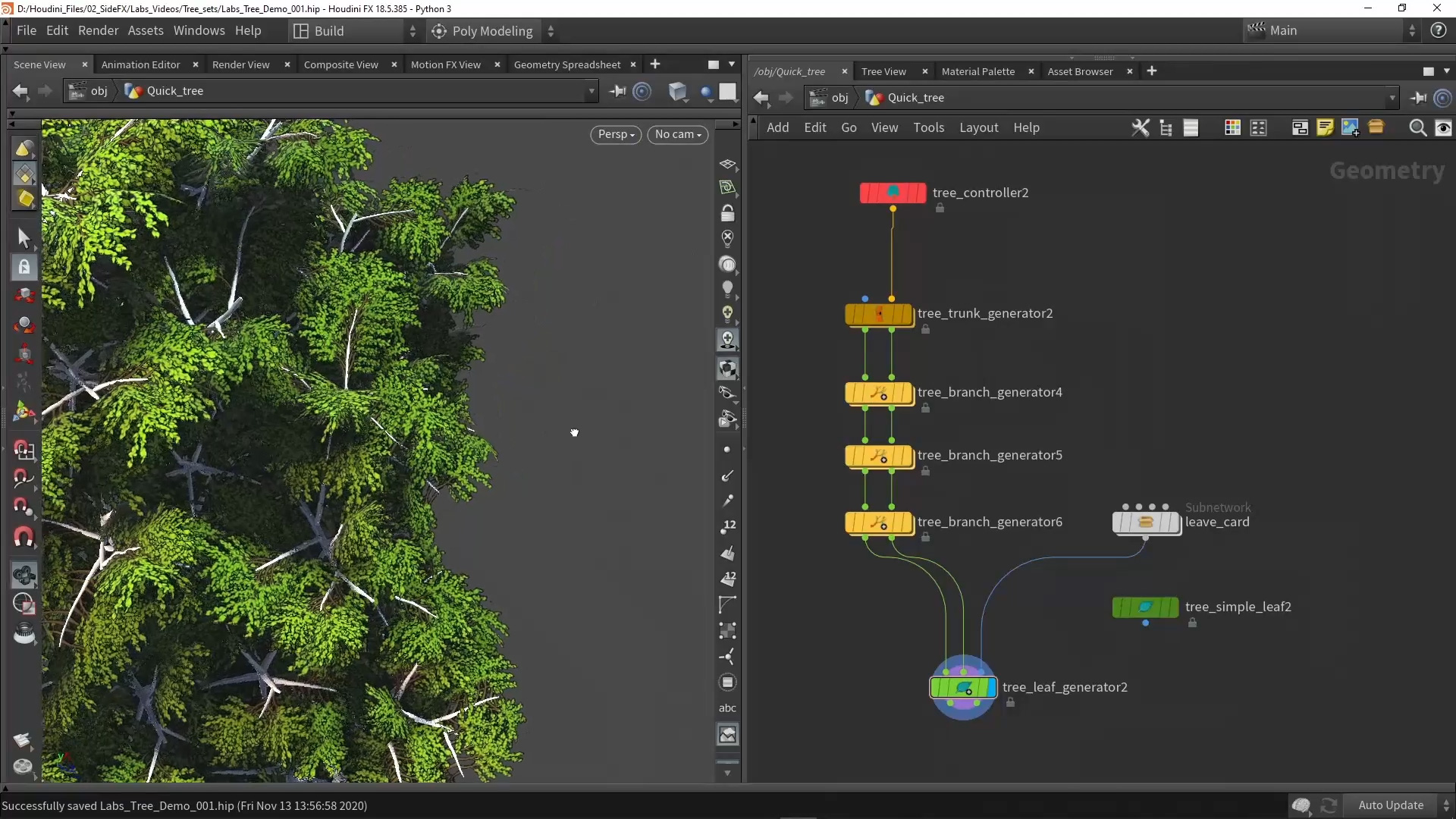
3 | Bake Branches to Textures
Learn how to use the SideFX Labs Maps Baker to bake a tree onto a single polygon. Learn how to use variation sliders to quickly bake out many trees at the same time.
Length: 16:02
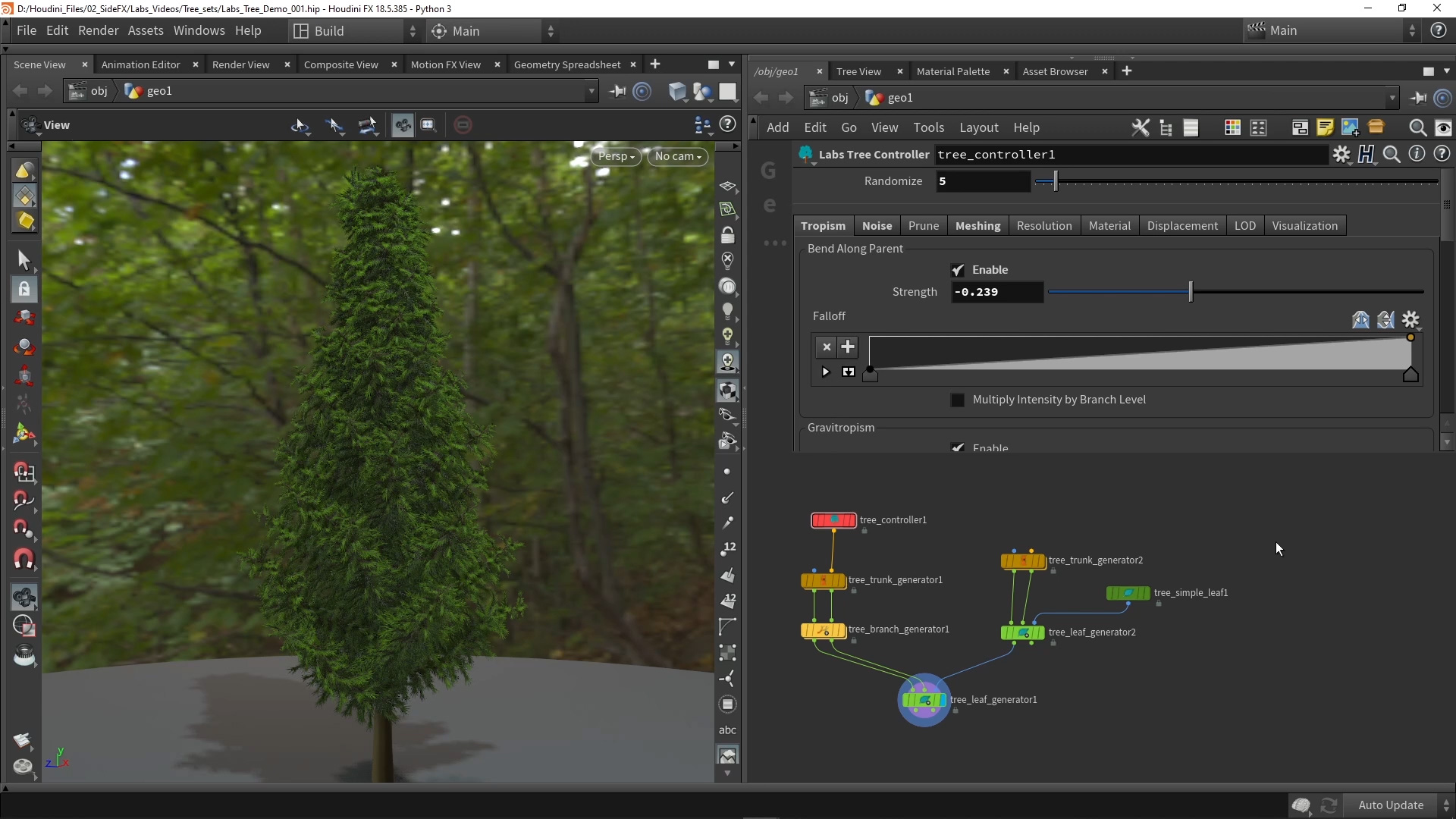
4 | Pine Tree
Learn how to specifically create a Pine tree using the new SideFX Labs tree tools.
Length: 14:47
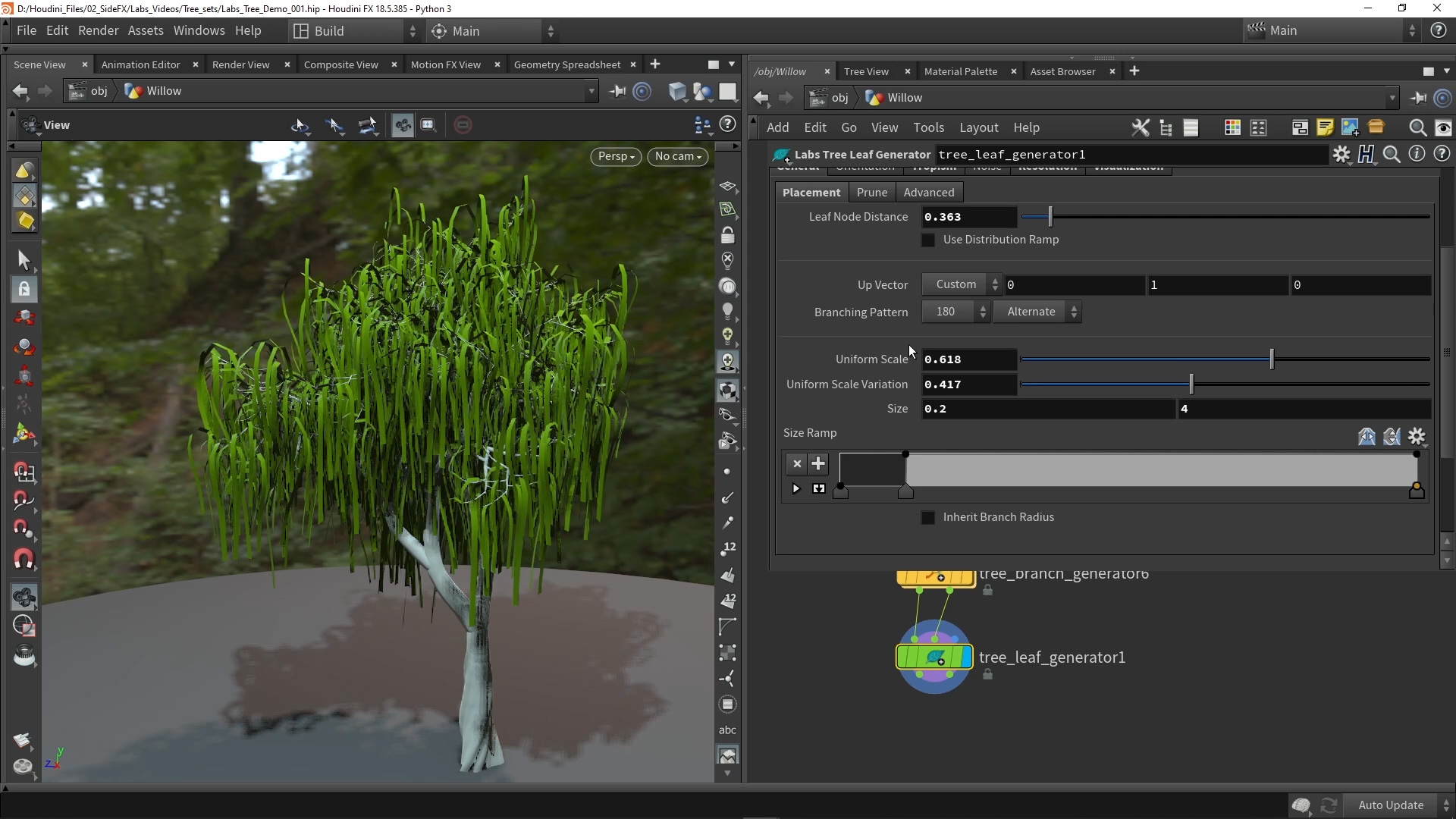
5 | Willow Tree
Learn how to specifically create a Willow tree using the new SideFX Labs tree tools.
Length: 17:00
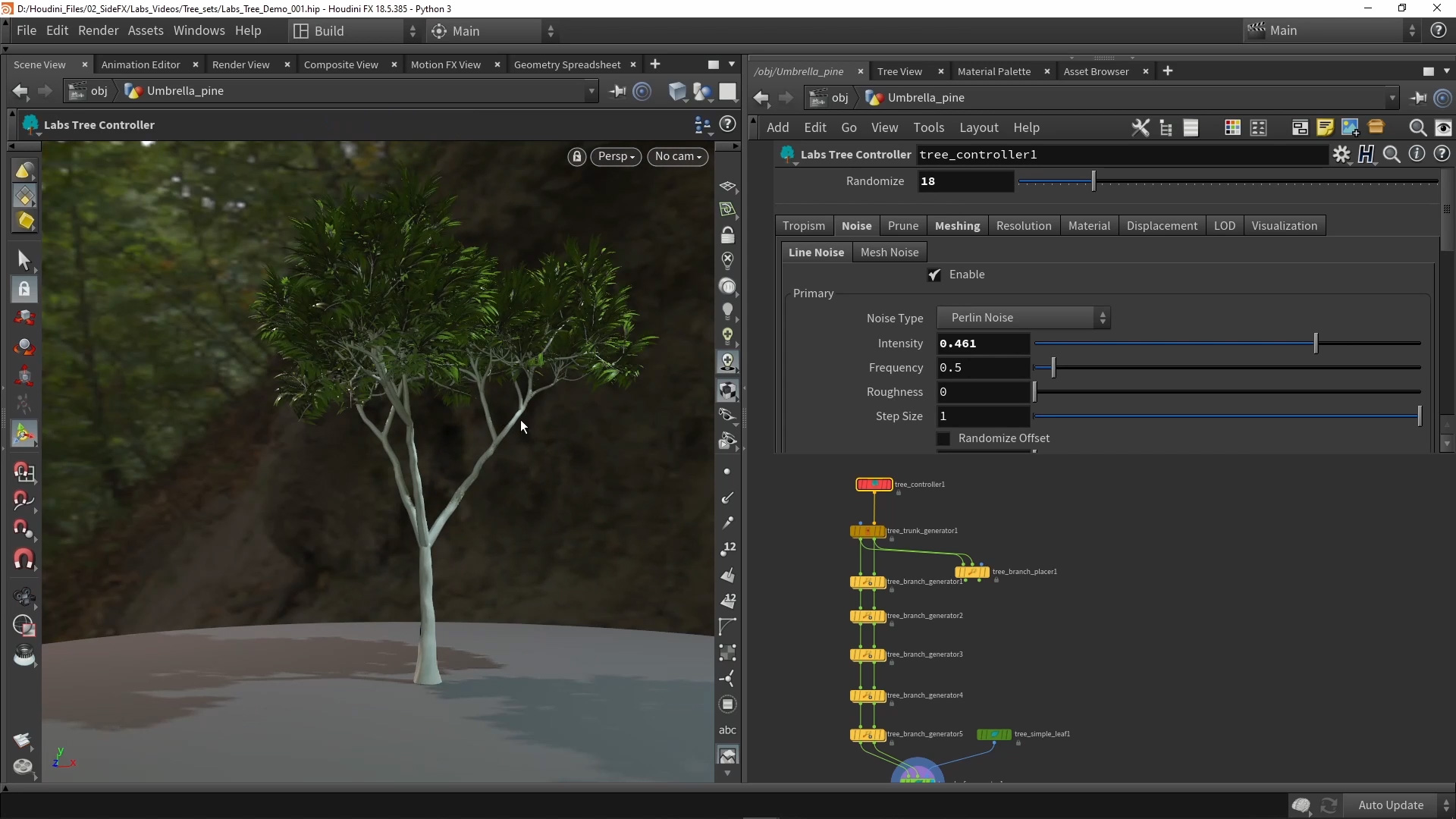
6 | Umbrella Tree
Learn how to specifically create an Umbrella tree using the new SideFX Labs tree tools.
Length: 15:05
CREATED BY

コメント
yao.liu 5年, 2ヶ月 前 |
Thanks!!!Really nice tree sop!!!
micky_lin 5年, 2ヶ月 前 |
Really Great!! Thank a lot !
efxlab 5年, 2ヶ月 前 |
amazing, thanks to Ryan Gold
Endorphine 5年, 2ヶ月 前 |
can it be easily used for dynamics ?
mf42 5年, 2ヶ月 前 |
How do we install this? I can't seem to get it working through installing SideFX Labs in Houdini Apprentice, or via the GitHub version.
Simon_V 5年, 2ヶ月 前 |
Tree tools are parts of the SideFX Labs and updating to the latest version of Labs (non-production build) should give you the tools. Make sure you are using Houdini 18.5 as well.
https://www.sidefx.com/products/sidefx-labs/sidefx-labs-tools/
mf42 5年, 2ヶ月 前 |
Cheers, just realised my Houdini was 18.0.5, not 18.5. Works now!
Grimwolf 5年, 2ヶ月 前 |
It's not working for me either. I've updated to the latest version of Houdini, 18.5.408. I've also made sure Labs is up to date, but the only "tree" labs tool I have access to is "Quick basic tree".
christomrut 5年, 1ヶ月 前 |
check non production builds
theshizon 5年 前 |
Try to Uncheck the "production builds" in the Labs toolbar installer and install the latest version. I didn't have to go through the whole Github thing.
Martin_MB 4年, 2ヶ月 前 |
In Shelf dock click RMB on + icon, navigate to shelves --> SideFX Labs. Thick the box and do not forget to click (left upper corner) "Update Toolset". Restart Houdini.
theratos 5年, 2ヶ月 前 |
hi,
In sideFX Labs I find that quick tree and none of the nodes of the tutorial ??? I have Houdini 18.5 FX in the latest version of Labs (non-production build).
Chawki 5年, 2ヶ月 前 |
Also didn't work for me with the automatic install of Labs
Had to install it manually by copying the content of the downloaded Github zip file in my "...Documents\houdini18.5\SideFXLabs\18.5.408\SideFXLabs18.5"
Apolonia 4年, 5ヶ月 前 |
Oh, thanks! It worked for me
michaelh99 5年, 2ヶ月 前 |
I'm having the same issue as theratos. Have Apprentice 18.5 and the 18.5.408 build of labs and all the nodes say "
Warning
This node is using an incomplete asset definition. It will not
function properly until the asset library containing the full
definition is installed. "
But doesn't say specifically what's missing.
RichaThomas 5年, 2ヶ月 前 |
Great tutorial !
I'm new to Houdini. I was wondering if connecting an object merge to a scatter node is the right way to scatter a Tree generated with this tool on a terrain.
Thanks
ChristopherShaju 5年, 2ヶ月 前 |
how to make banana tree, leaf orientation different and one big leaf per branch
zrjacobs1985 5年, 2ヶ月 前 |
Is there a simple way to add animation in these tools? I was wondering if they integrate into vellum in a straight forward way?
Thank you!
Barrett Meeker 5年, 1ヶ月 前 |
This is great thanks!
Is there any way to get rid of the black edge borders when baking textures with alphas though? Maybe some cops pass? Thanks!
Simon_V 5年, 1ヶ月 前 |
There are padding settings for the mapsbaker that might help
fr_3D 5年, 1ヶ月 前 |
Thanks for the great tools! There seems to be a bug on MacOSX (tested with H18.5.462 and H18.5.469) . As soon as the tree controler node is connected, trunk and branch meshes become invisible. The mesh seems to be still there and I can visualise the point/primitive numbers. Without the controler all works fine. Tested the same on Windows and here the tree controler node works as expected.
Simon_V 5年, 1ヶ月 前 |
I recommend submitting this bug to the team so they can look into it. Here you can submit bugs https://www.sidefx.com/bugs/submit/
fr_3D 5年, 1ヶ月 前 |
Thanks, it's submitted.
fr_3D 5年, 1ヶ月 前 |
The problem with the invisible mesh seems to be related to a shader/transparency problem. When I replace the Labs PBR shader inside tree_controller1/matnet1 with a Principled Shader, all works fine. The Labs PBR shader actually makes all objects disappear (on MacOSX).
Juan Iturbe 5年, 1ヶ月 前 |
Find node switch3 going up from the output and reverse its inputs with shift - r. Should solve this
pfistar 5年 前 |
Amazing stuff. I'm just starting to play with this, and wondering if there's any ready-made node available that would allow me to merge a Branch-Generator coming off a Trunk-Generator with a Branch-Generator coming off a Branch-Placer node, this way I could apply an new sub-branch node that would act on all of the above at once (rather than having to fiddle with 2 nodes whose setting want to be identical)?
pfistar 5年 前 |
Alternatively, and as a more general Houdini question, is there a way to easily 'instance' a Branch-Generator node, so that ALL parametric changes I make to the one will be reflected in any others (without having to 'copy' and 'paste relative reference' for each parameter?
Fenolis 4年, 10ヶ月 前 |
Right click the node, Actions > Create Reference Copy
gnomer 4年, 11ヶ月 前 |
Thanks for this. But can't find any solution to get this tree RBD or Vellum ready.
mgumpinger 4年, 11ヶ月 前 |
Really great! What's the best way to create a wood with randomized trees?
Copy one tree (as packed geo) to scattered points on grid, but then how to best feed the Tree Controller's Randomize?
mgumpinger 4年, 11ヶ月 前 |
A for loop would do fine but when using the metadata as detail to randomize every tree gets rendered which is quite some heavy load.
So how to best get some variation into the wood :-)
Simon_V 4年, 11ヶ月 前 |
If every single tree needs to be random then use a loop but of course this will be slow and heavy to calculate based on the size of the forest.
I would recommend generating a couple trees (like 10) and randomly scatter them, will be faster and you have now a library of trees you can use in the future.
mgumpinger 4年, 11ヶ月 前 |
That works fine. Thank you!
Scara 4年, 10ヶ月 前 |
Thanks! :)
johnp 4年, 10ヶ月 前 |
awesome tools thanks! We can get the branchID attribute on the branch placer tool as well as the branch generator? thanks!
wolskikrzys 4年, 9ヶ月 前 |
It's a very nice tool! Unfortunately, there is a bug in the branch placer node. If you use it to draw a new branch, I can set the rotation around the parent manually. It allows great control over the branch generation process. Unfortunately, when I save the file and read it back all the rotation values are zeroed out and the drawn-in branches are in the default rotation state. Any idea how to fix this issue?
ZReeder 4年, 9ヶ月 前 |
I would like to know more about how to use the LOD settings. Is that something that can be used to make LOD groups in Unity?
ZReeder 4年, 9ヶ月 前 |
I was able to use a for-loop to increase the offset each iteration and add the result to a group. Neat stuff.
a1ex3d 4年, 8ヶ月 前 |
Hello! Thanks for Tree Genetator! I want to post that you can make roots (avoiding objects). You can make several trunks! Awesome!
Some screenshots! https://disk.yandex.ru/d/jLaU2pzka9kfvA
Close to SpeedTree?
But can anybody help with variants of leaf ?
a1ex3d 4年, 8ヶ月 前 |
Variants working well too!
commedieu 4年, 6ヶ月 前 |
how did u mange to texture stuff? The UV's seem go go in a vertical udim / on top of each other.
KingdomFantasy66 4年, 6ヶ月 前 |
Great tutorials! One problem I'm having is none of them show what nodes you use to get the branch/leaf cards on the tree. I noticed you had a leaves card node but the closest thing I can find within houdini is a hair card.
hmarti 4年, 5ヶ月 前 |
I've tried to install these tools with the Sidefx Labs. I've done it with the built-in updater, and I've tried the manual way but nothing works. I downloaded the project file and Houdini gives me errors because I'm using tools and assets that are not in my Houdini. How do I fix this?
fortheglory2111 4年, 5ヶ月 前 |
Great stuff! How would you export the end result as an obj?
mcmalach 4年, 4ヶ月 前 |
in part 2 | Create a tree base right around the 3 min mark he is bending a tree trunk around a sphere using Thigmotropism section mine is greyed out and unable to click the enable button how do i make it so i can enable it?
mcmalach 4年, 4ヶ月 前 |
my bad adding a tree controller and click override tropism allowed me to enable it
Temporal_Drift 4年, 1ヶ月 前 |
Have installed SideFX labs, However no nodes are available when I search. Is there something i'm missing.
izabelamaliszewska 3年, 1ヶ月 前 |
Tree generation looks great! I was wondering if there's a way to generate the tree from an imported scan asset, like a base of the trunk? or is merging the scan with the generated tree the way to go about it?
patrickkrebs 2年, 11ヶ月 前 |
I love this! In the second tutorial when you're showing Thigmotropism - I went to mine and the whole thing is grayed out in the truck generator - do you have a fix for this?
I can't enable or disable it - it's just dead in the node.
patrickkrebs 2年, 11ヶ月 前 |
If I connect in the tree_controller to the trunk node an override switch appears I can check on to override the Thigmotropism and then I have access to it. If anyone else is getting hung up here. I'm having errors that the Tree_controller/matnet1/labs_shader1: linking failed. But it seems functional despite throwing the error.
khoaisusu 1年 前 |
Thanks Simon for this great tool
Please log in to leave a comment.