
William Harley
william_harley
About Me
I started my career doing lighting, lookdev and VFX in Cape Town.
Always looking to streamline the character rigging and animation process
I got involved in setting up a rigging tools in houdini and assisting animators to get used to the
new tools, I have fallen in love with CFX, building rigs ... more
I started my career doing lighting, lookdev and VFX in Cape Town.
Always looking to streamline the character rigging and animation process
I got involved in setting up a rigging tools in houdini and assisting animators to get used to the
new tools, I have fallen in love with CFX, building rigs for films, games and cinematics. less
EXPERTISE
Generalist
INDUSTRY
Film/TV
Connect
LOCATION
Cape Town,
South Africa
WEBSITE
Houdini Skills
ADVANCED
Procedural Modeling | Digital Assets | Character Rigging | Lighting | Pyro FX | VEX
INTERMEDIATE
Environments | Motion Editing | Animation | Hair & Fur | Cloth | Crowds | Muscles | Solaris | Karma | Fluids | Destruction FX | Realtime FX | PDG | Python
Availability
Not Specified
My Badges

SideFX Staff
Since Oct 2023
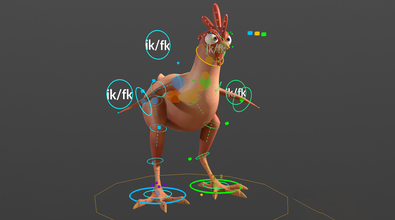
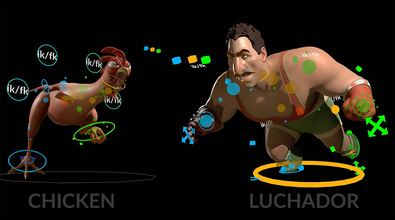
My Houdini Content
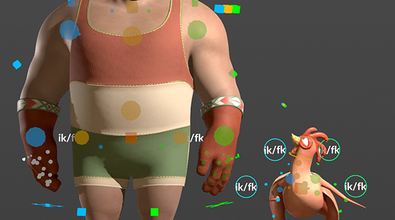
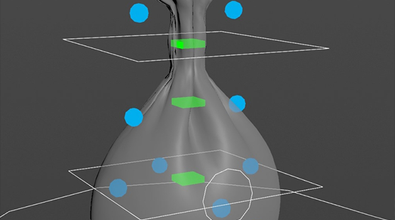
Recent Forum Posts
H21 Metahuman for Houdini workflow Documentation April 2, 2026, 9:23 a.m.
seunghyuk2023Have a look at the post at the top, you might be missing the fk_exclude string for metahuman.
Hi everyone, I have a question regarding the MetaHuman workflow in Houdini.
APEX drive controls with expressions March 3, 2026, 5:49 a.m.
Hi, here is an example of how you can set that up in apex.
Exporting animation channels / clips March 3, 2026, 4:53 a.m.
Hi, you are dealing with channel primitives. You have to rename a couple of things on the channels in order to use them with another character. Here is an example of how to copy and rename them.