Pirate Rig
Film/TV
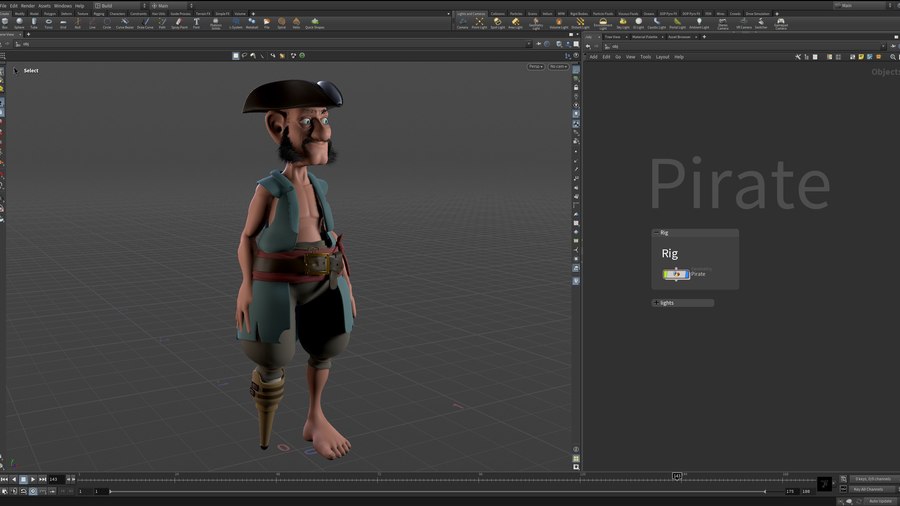
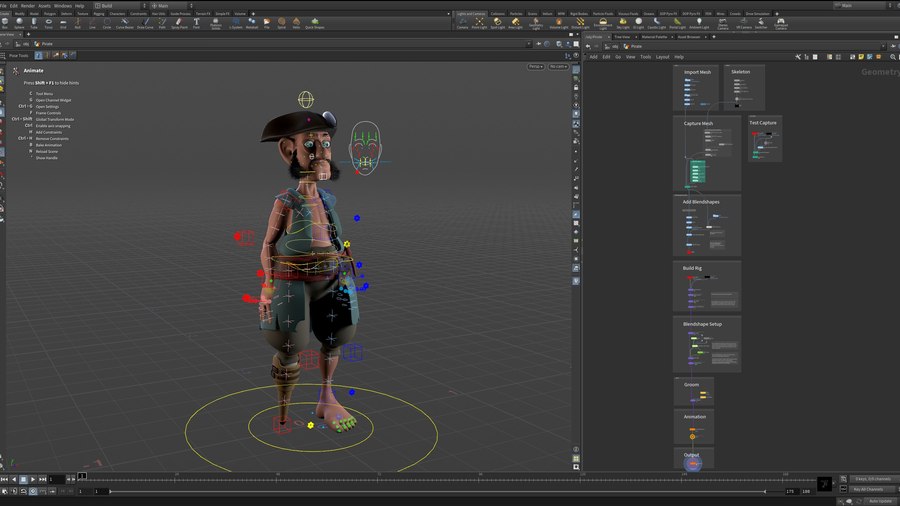
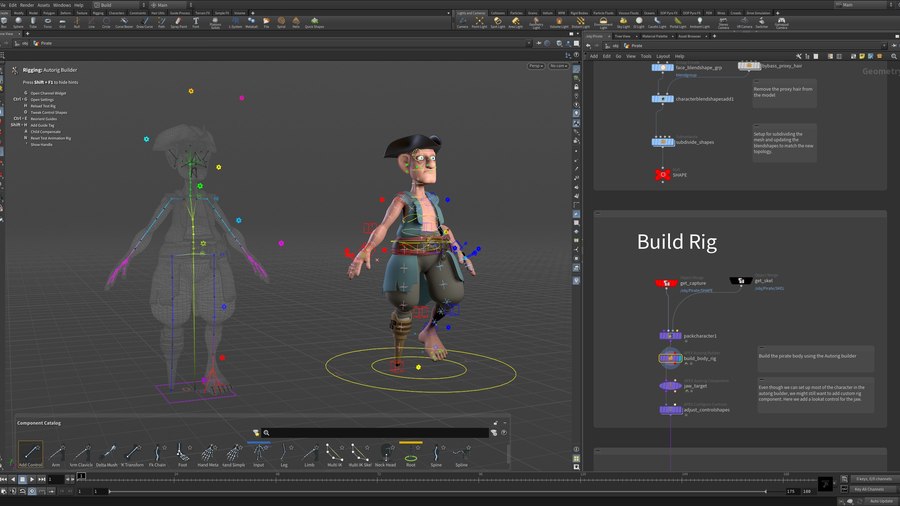
This example demonstrates the use of the Autorig builder to quickly build complex rigs using drag and drop components. Working directly in the viewport to create a complex fully functional rig.
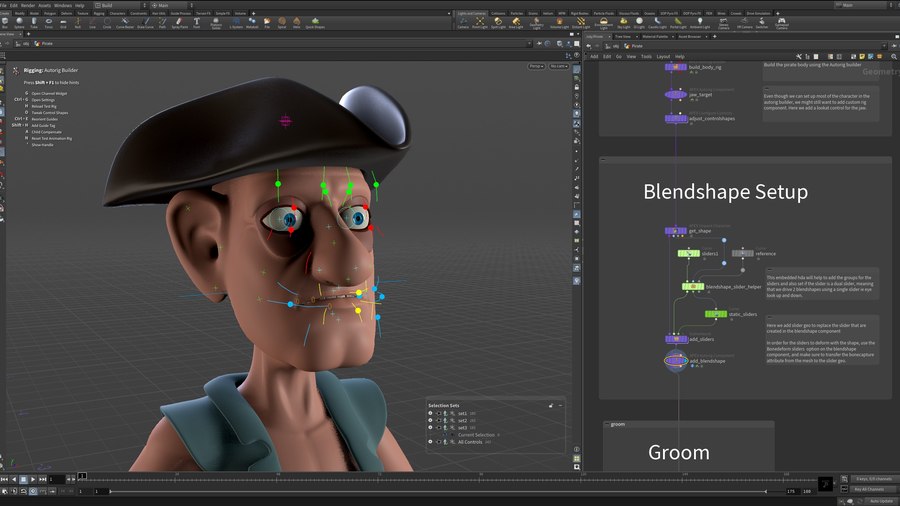
We also set up facial blendshape for the character using the new Blendshape Component. It now automatically sets up sliders that can be customised by adding named curves to the character stream that can be deformed with the character.
Model by Scott Keating, rig by Esther Trilsch and William Harley.
CREATED BY

COMMENTS
MatijaK 1 year, 2 months ago |
Thank you William !
noc2 1 year, 1 month ago |
Hi William. How long did this rig take you, from start to finish?
william_harley 1 year, 1 month ago |
This was a group effort, but it took about a 2 week including the development of the tools.
noc2 1 year, 1 month ago |
Thank you so much for your reply William. Are you planning on doing a step-by-step explanation video on this rig? That'd be awesome because there are certain aspect I couldn't wrap my head around :-/
jon3de 1 year, 1 month ago |
+1 :)
IlyaChe 2 months, 2 weeks ago |
+1
scarey 5 months, 4 weeks ago |
Hi William, awesome character/rig,
I have one question.
The pivot/orientation of the COG control and the spine controls appear to be different, meaning if you select all the spine controls as well as the COG, then rotate from the COG he doesn't bend as you'd expect. Is there a way to adjust this, i tried using "pivot mode" but this is temporary and as soon as you deselect the COG it resets to it default orientation.
william_harley 2 months, 2 weeks ago |
Thanks, it was a team effort to put this guy together.
With regards to the COG, you can set the orientation of the cog now on the autorig builder. Have a look at the parms for the spine.
IlyaChe 2 months, 2 weeks ago |
+1
Please log in to leave a comment.