


I'm currently looking in to creating a 3D version of the classic slit scan effect, which typically is achieved via Processing/After Effects. An outline of the kind of output (and the theory behind it) is outlined here:
2D slitscanning ref! [nofilmschool.com]
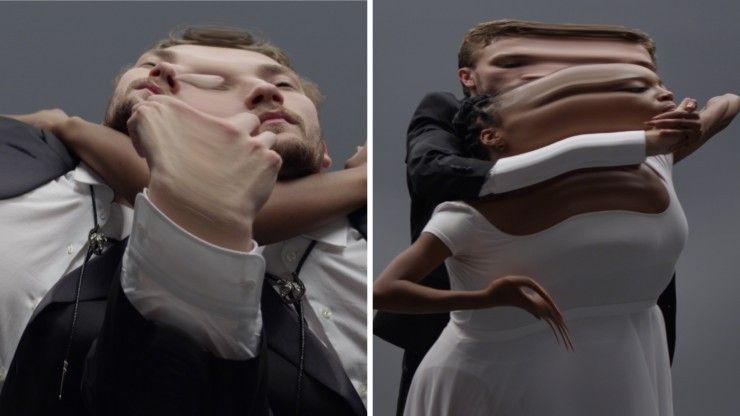
The basic theory is to do the following to build up the effect:
1. Create a thin slice of an animated figure
2. Duplicate this thin slice - while offsetting the position of the slice, and offsetting the animated figures animation cache by an increasing amount per frame
3. Repeat
For the initial slicing - I tried scattering points upon the surface, and using a removepoint to cull points where they weren't wanted. I unfortunately found it far too expensive when scattered upon a higher res mesh, though.
So - in the scene below I've got a simple boolean, which hacks out a nice slice and is relatively quick. (But is providing random errors, which you can see in the playblast below.) Curious to know if anyone has any more efficient/stable recommendations, though!
The scene is crudely working - but unfortunately is extremely brute force and manual in its setup. I'm simply copy and pasting individual slices, and manually adjusting the timeshift/transform nodes for each. I've made some rudimentary explorations in to instances, and the copy node - but can't quite seem to put all the pieces together when it comes to getting the timeshift/transform values to propagate as expected!
Any advice, hacking to pieces of my scene would be greatly appreciated! I'm sure it's a relatively simple solution - I'm just brand new to Houdini unfortunately, ahah.
Thanks, and looking forward to hearing from you!
Alembic file for scene [drive.google.com]
Playblast [drive.google.com]
Max




