
I want to output rigid's vartex animation texture and let it play with unreal engine,
The position is slightly off and does not match the preview of houdini.
It is in a state that does not fit each little.
Reading procedure
Read fbx data and rot, position map.
↓
Each texture is vectorDisplacement
↓
Read rigid code into material and connect each.
At this time tangent space normal is off
↓
Create a material instace and connect each map and material.
Combine the setting of each Bounding and Number Of Frame with houdini.
↓
Turn on Use Full Precision UVs of mesh read by FBX
Make Vertex Color Import Option Replace
↓
Assign material to mesh
Is there anything else I need to set? What?
vartex animation texture of rigid does not match data on houdihi
4714 7 1


-
- ankoro
- Member

- 7 posts
- Joined: 8月 2015
- オフライン
-

- mikelyndon-sesi
- Member

- 394 posts
- Joined: 5月 2017
- オフライン
-
- ankoro
- Member
- 7 posts
- Joined: 8月 2015
- オフライン
-
- mikelyndon-sesi
- Member
- 394 posts
- Joined: 5月 2017
- オフライン
-
- ankoro
- Member
- 7 posts
- Joined: 8月 2015
- オフライン
-
- mikelyndon-sesi
- Member
- 394 posts
- Joined: 5月 2017
- オフライン
-
- Seaton
- Member

- 22 posts
- Joined: 4月 2018
- オフライン

Same issue here! I am using Houdini 17.5, Game Development Toolset 1.163 and UE 4.22.

I find that BBOX MAX 1 and BBOX MIN 1 are always 0 even the ground plane under 0.

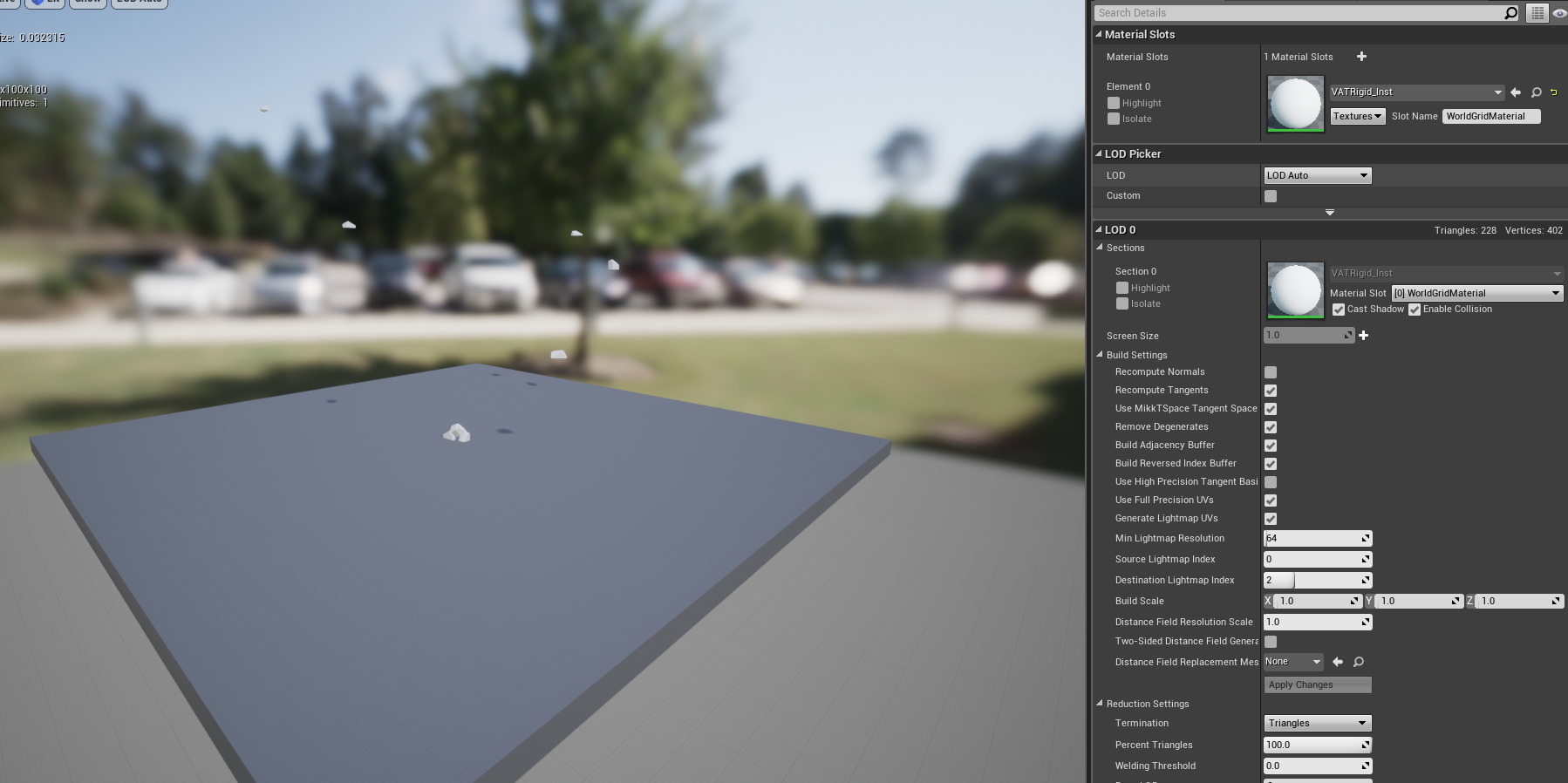
Even a very simple scene, I still can't get an expected result. Can you make an online document for VAT so we can review step by step?
I find that BBOX MAX 1 and BBOX MIN 1 are always 0 even the ground plane under 0.
Even a very simple scene, I still can't get an expected result. Can you make an online document for VAT so we can review step by step?
Edited by Seaton - 2019年5月23日 03:37:53
-
- mikelyndon-sesi
- Member
- 394 posts
- Joined: 5月 2017
- オフライン
-
- Quick Links