
Build game worlds that evolve with your ideas. Project Titan EVO brings Houdini 22’s procedural workflows together in a complete, playable Unreal environment. Learn to create game-ready assets, materials, characters, and effects with reusable systems that speed up iteration and make complex scenes easier to update.
Explore the tools, follow the tutorials, and dive into the project files to see how it all comes together. From procedural modeling and Copernicus to APEX and SideFX Labs, discover how to turn individual assets into flexible building blocks for your own game worlds.
Tool Showcase
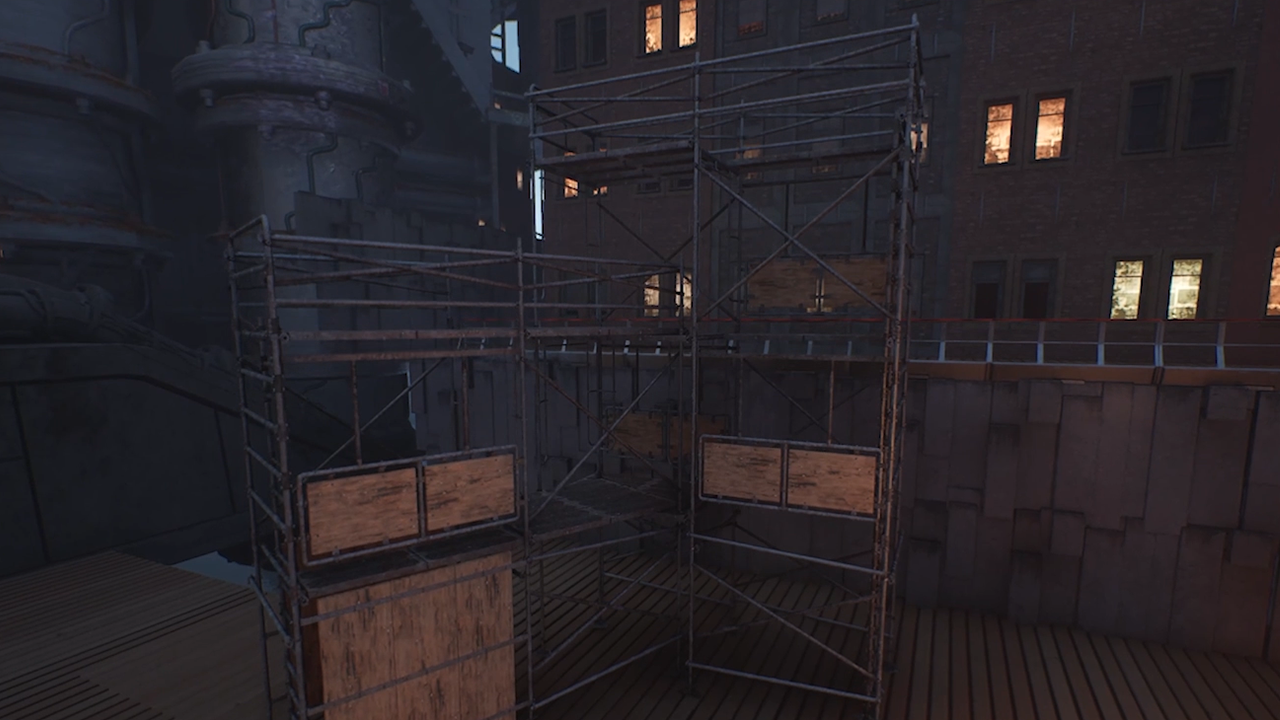
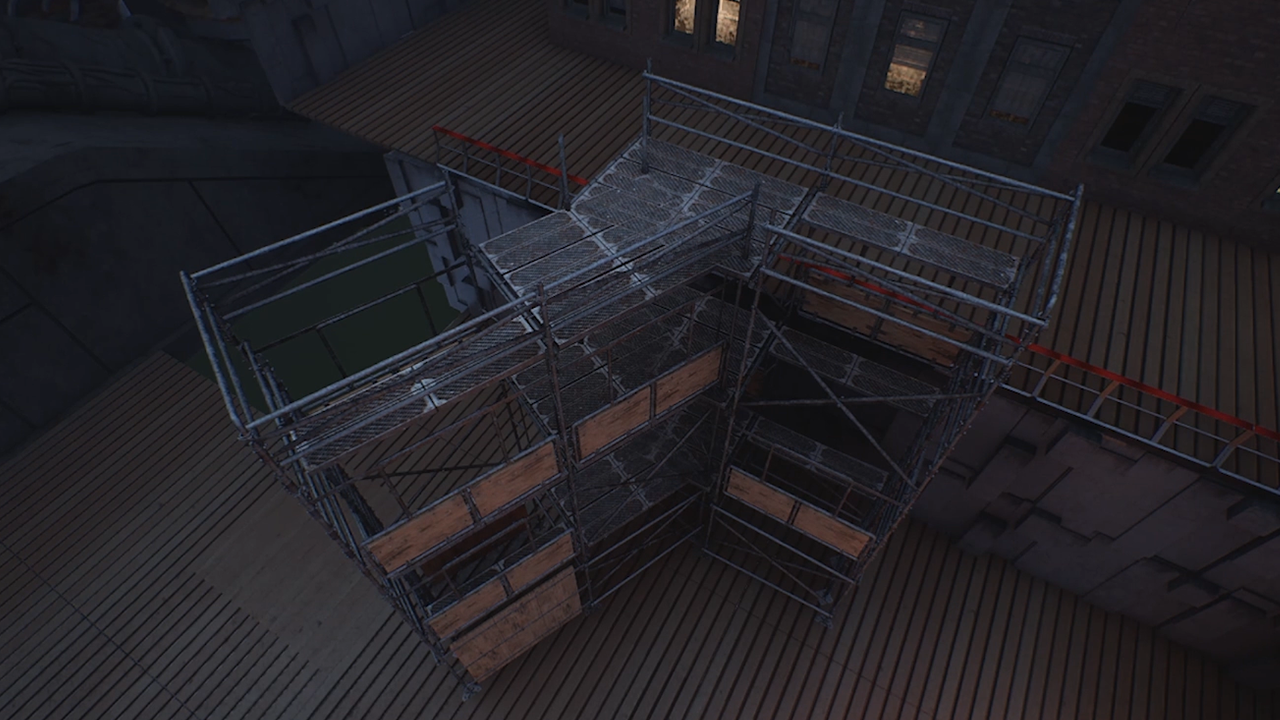
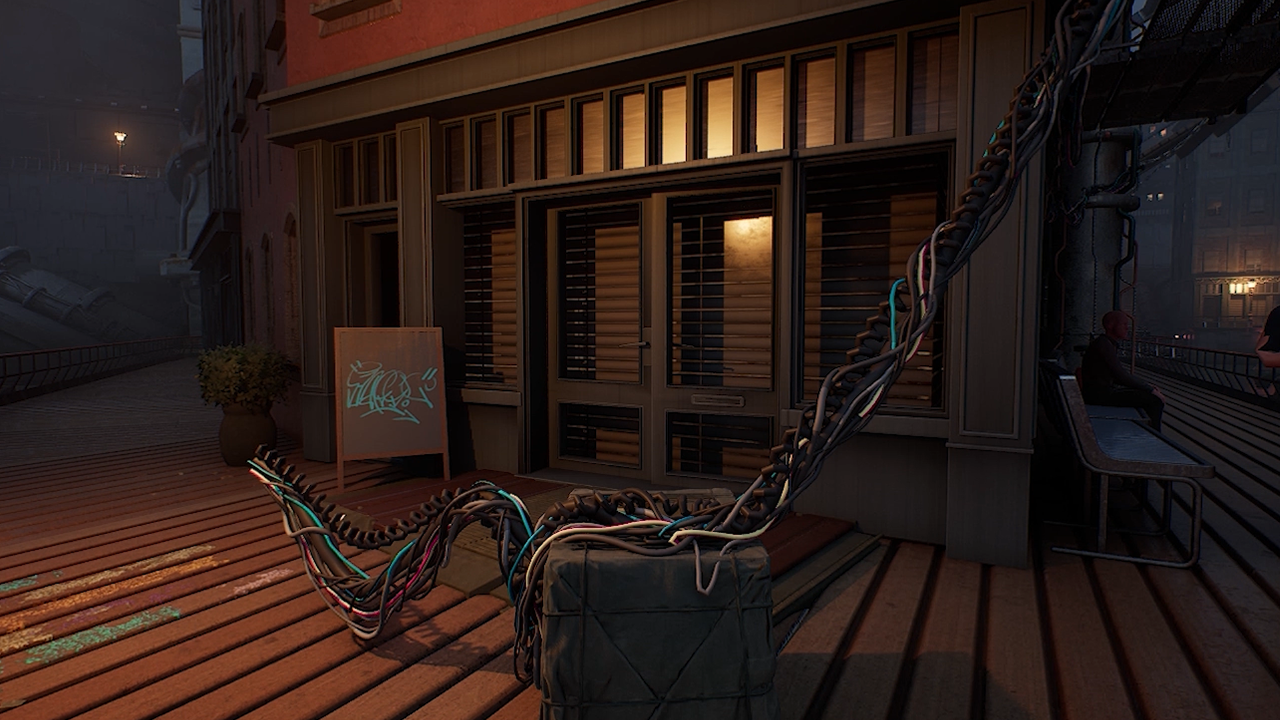
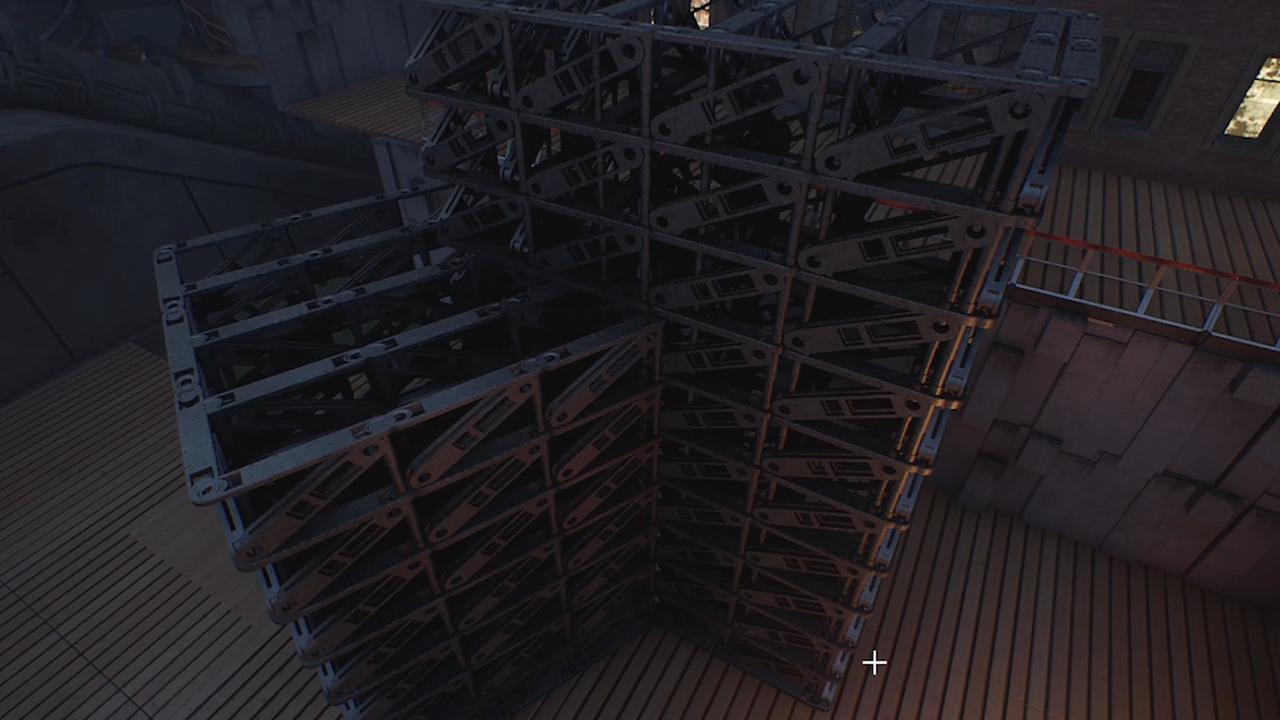
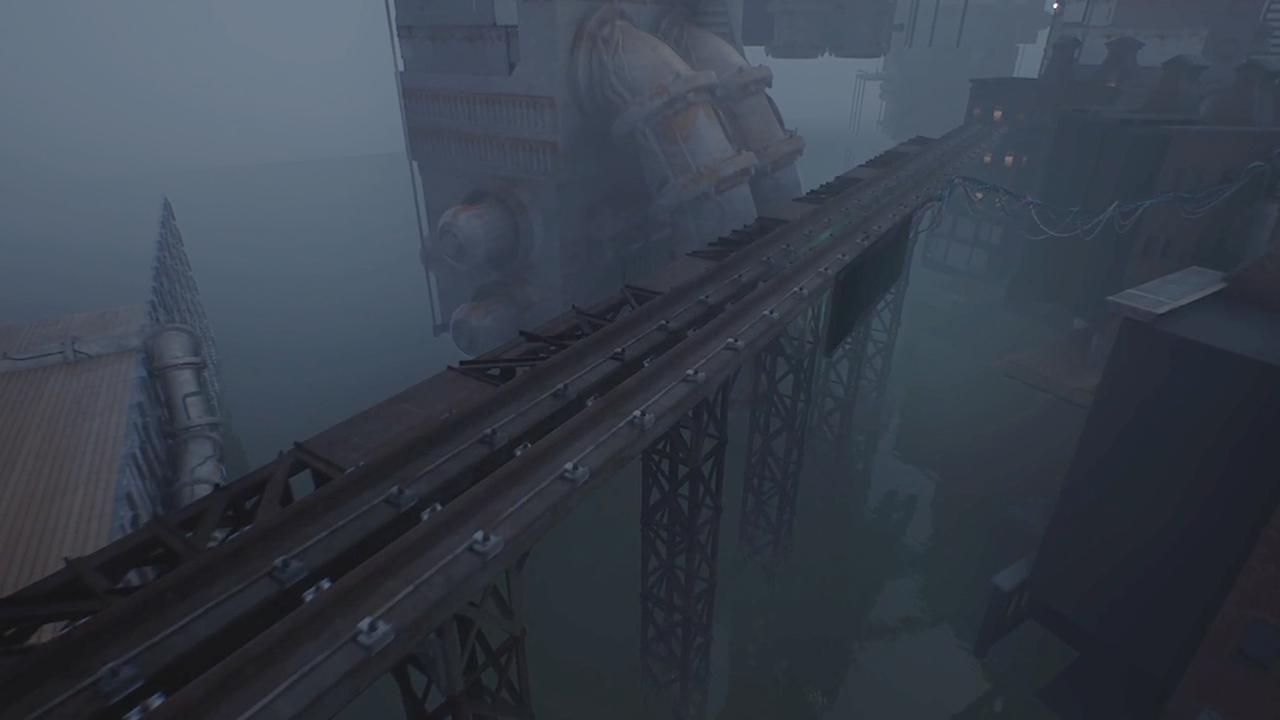
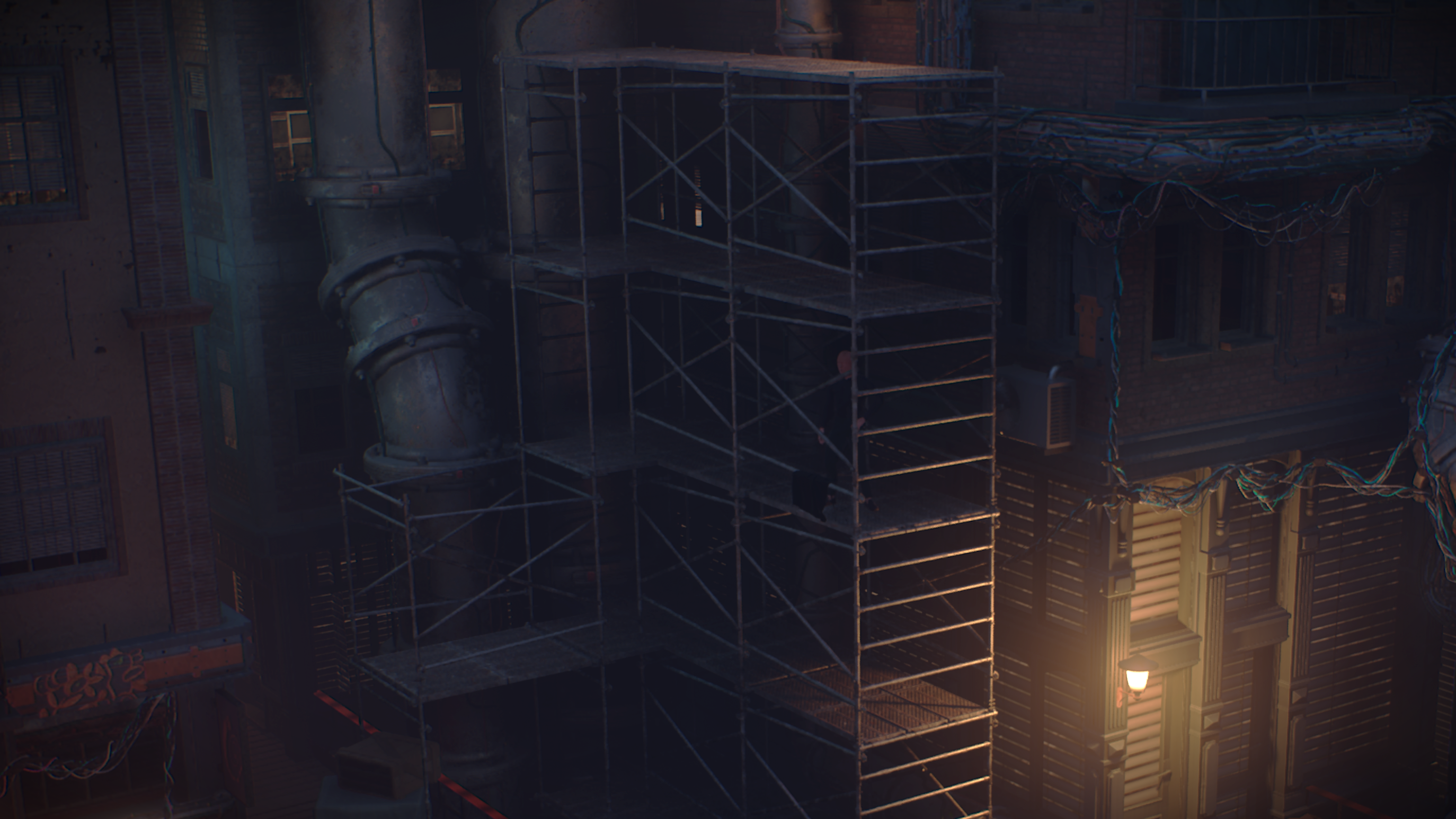
Titan EVO is made up of tools for creating scaffold systems, procedural cables, modular pipe networks, bridges, towers, tileable materials, character setups, and real time effects while learning how Houdini 22 can speed up iteration and keep complex scenes easy to update.

Cable Tool

Scaffolding Tool
UNREAL Project Files
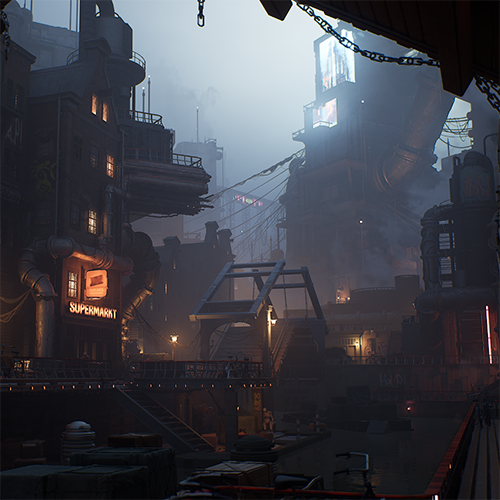
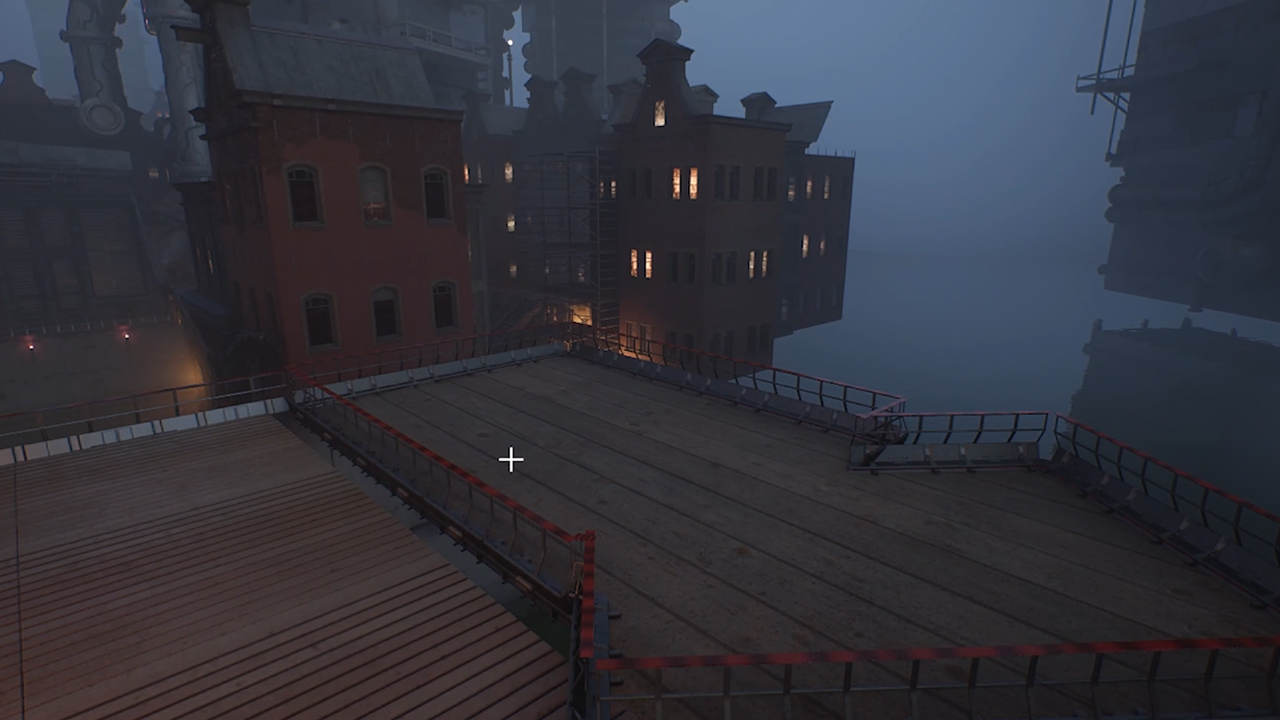
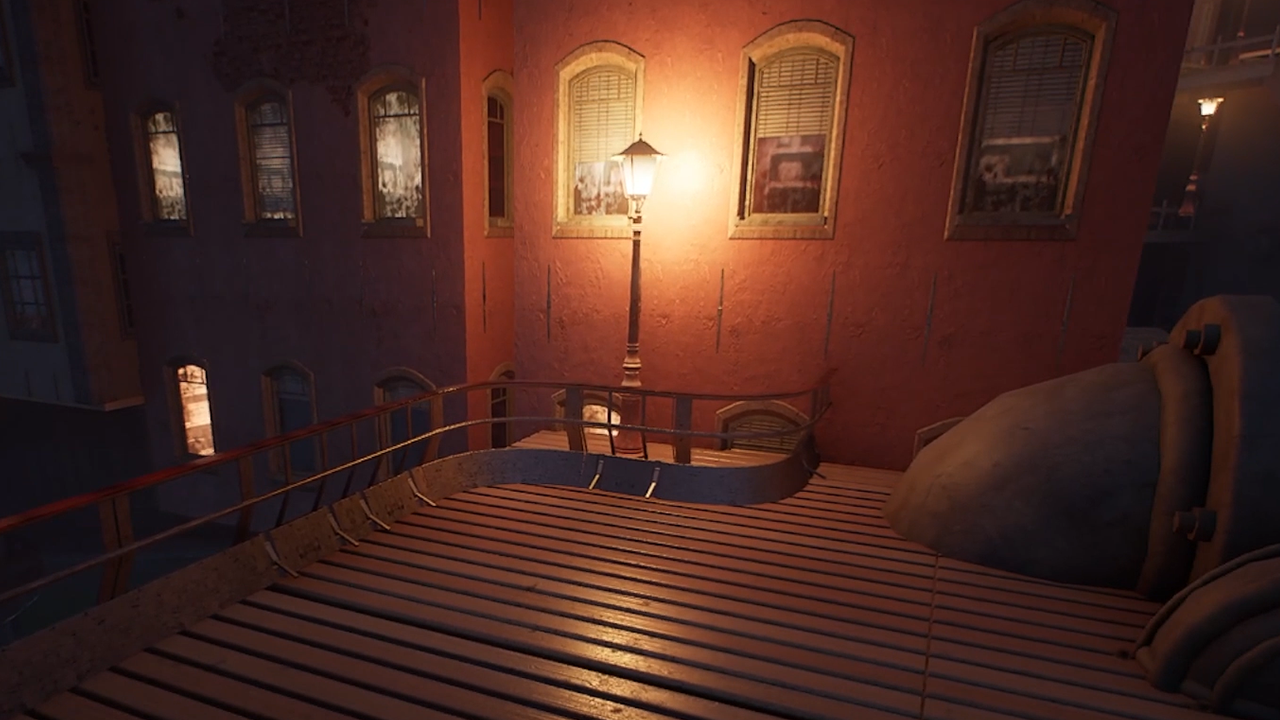
Explore the Project Titan EVO scene, a complete procedural environment created using Houdini 22 and Unreal Engine. All assets and materials were modeled, generated, and textured in Houdini 22, showcasing a variety of procedural workflows for creating detailed, production ready environments.
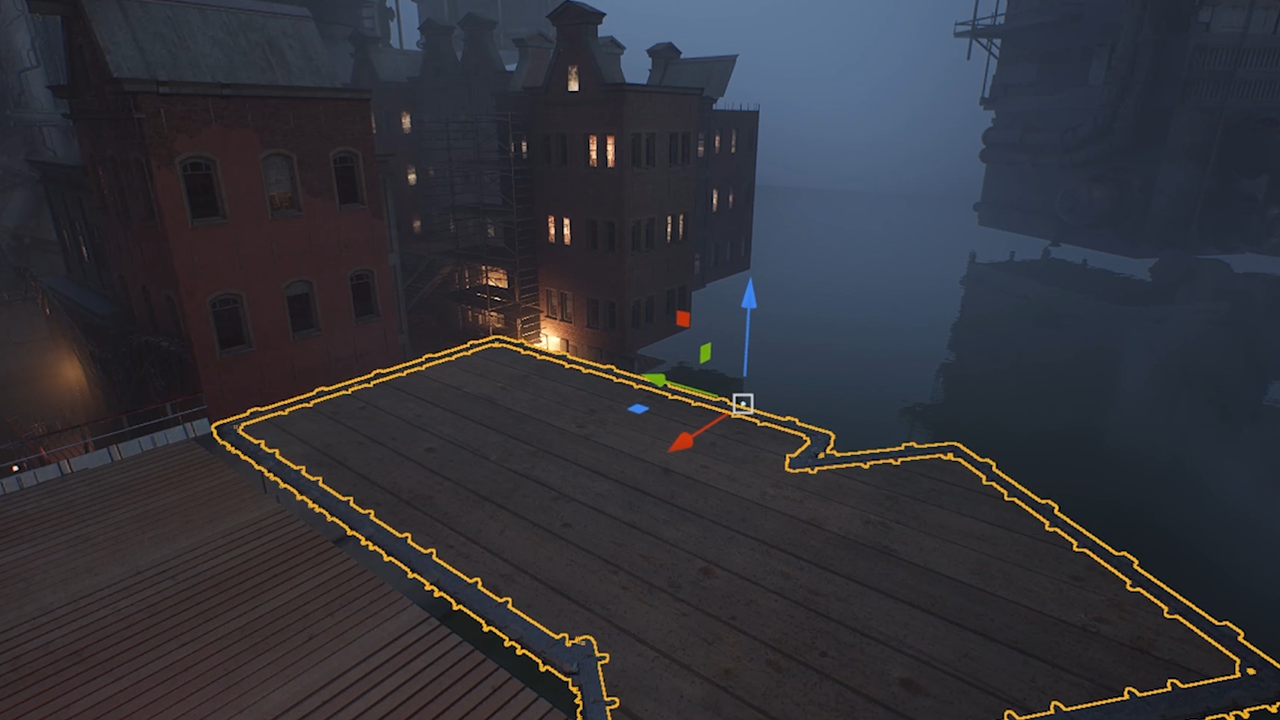
The scene was assembled in Unreal Engine using Houdini Engine and Houdini Digital Assets (HDAs), allowing procedural assets and environment systems to be integrated, customized, and updated directly within the engine.
PROJECT TITAN EVO | Tools
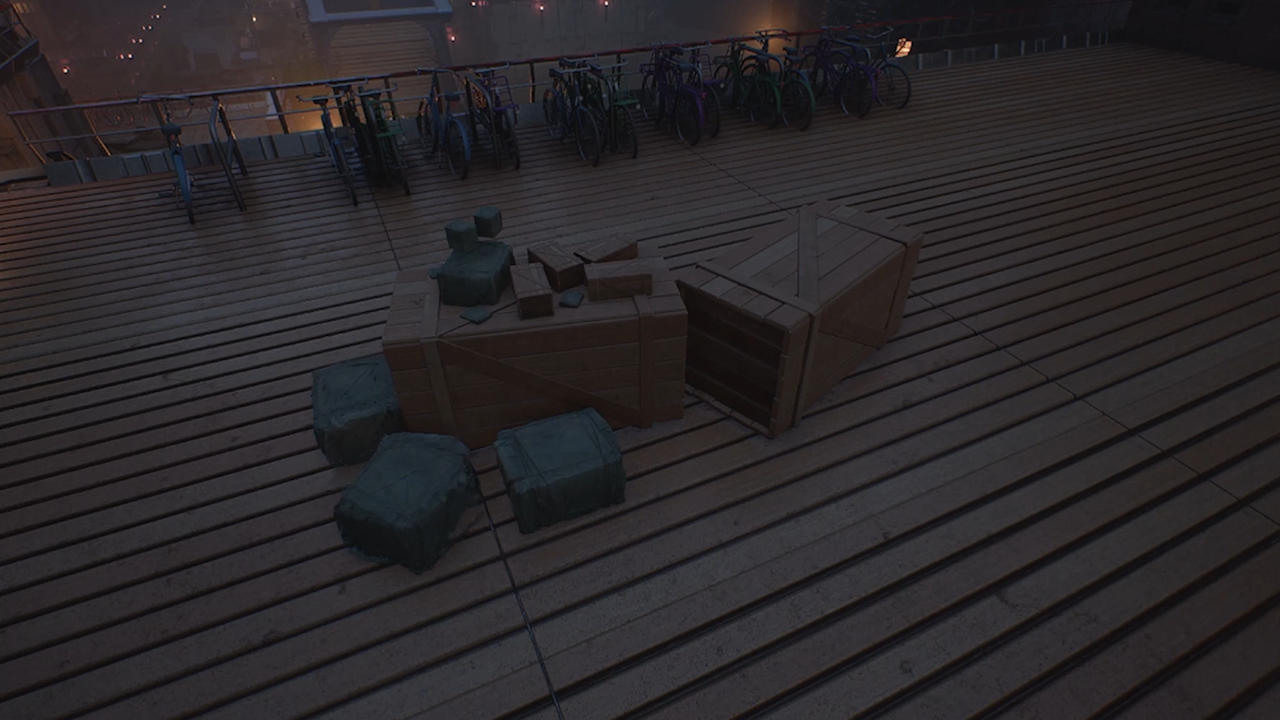
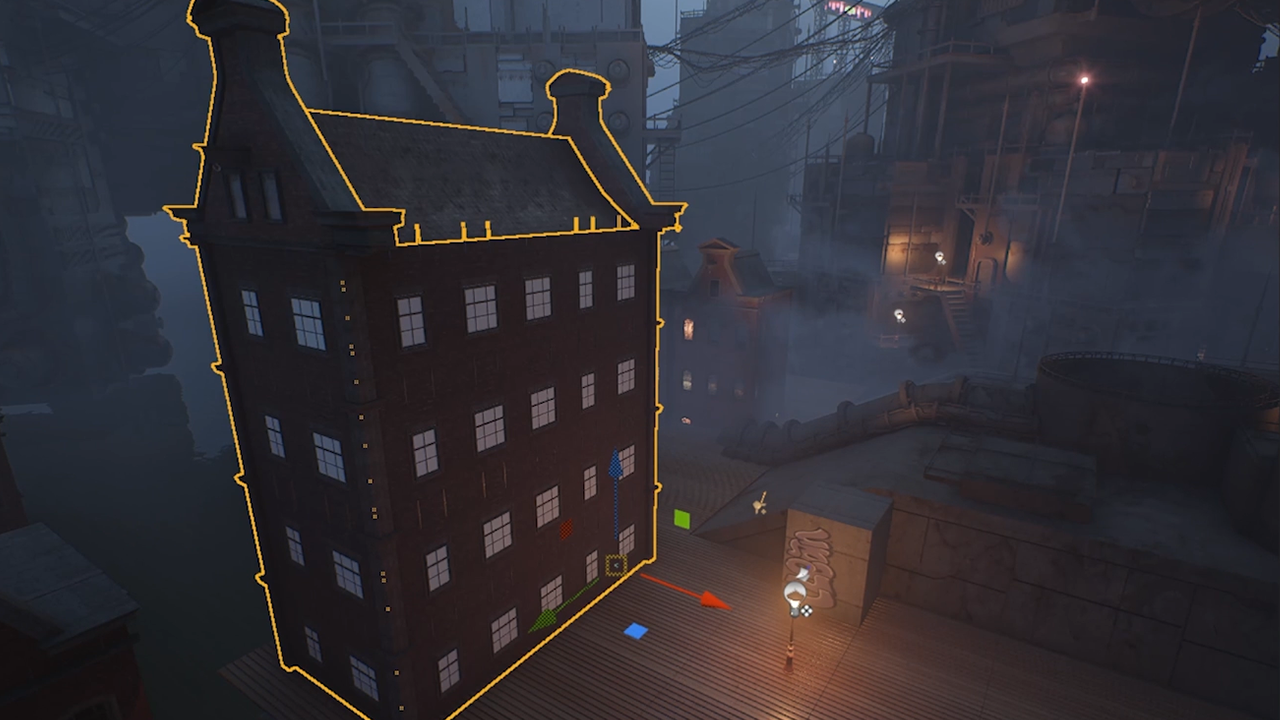
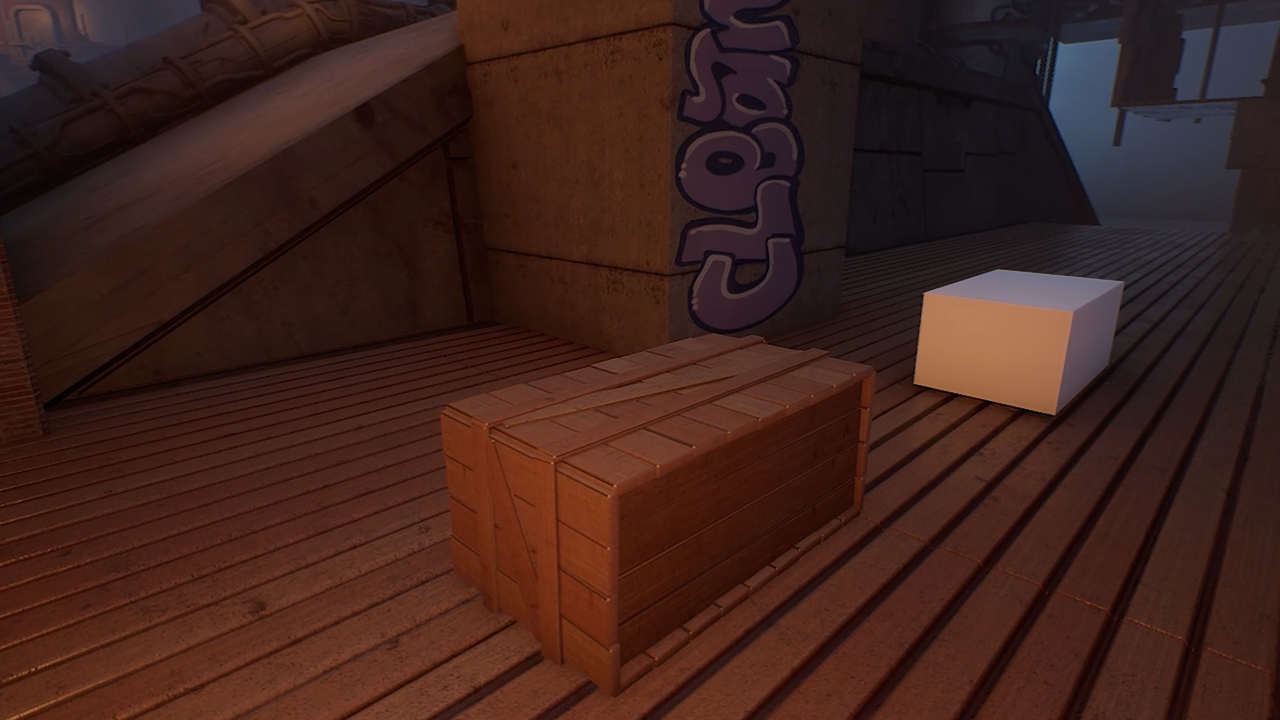
Project Titan has a wide range of tools that work inside the Unreal editor using the Houdini Engine plug-in. With these tools working in the editor, environment artists can build levels faster while maintaining artistic control and directability. Whether you are generating buildings, making fences or adding props, this procedural workflow makes it possible for a smaller team to quickly realize an impressive level of detail.





TUTORIALS
Project Titan EVO brings key workflows together into one practical production focused project, showing how procedural tools can help you build more, experiment faster, and create rich interactive environments with greater control.
BEGINNER LESSONS
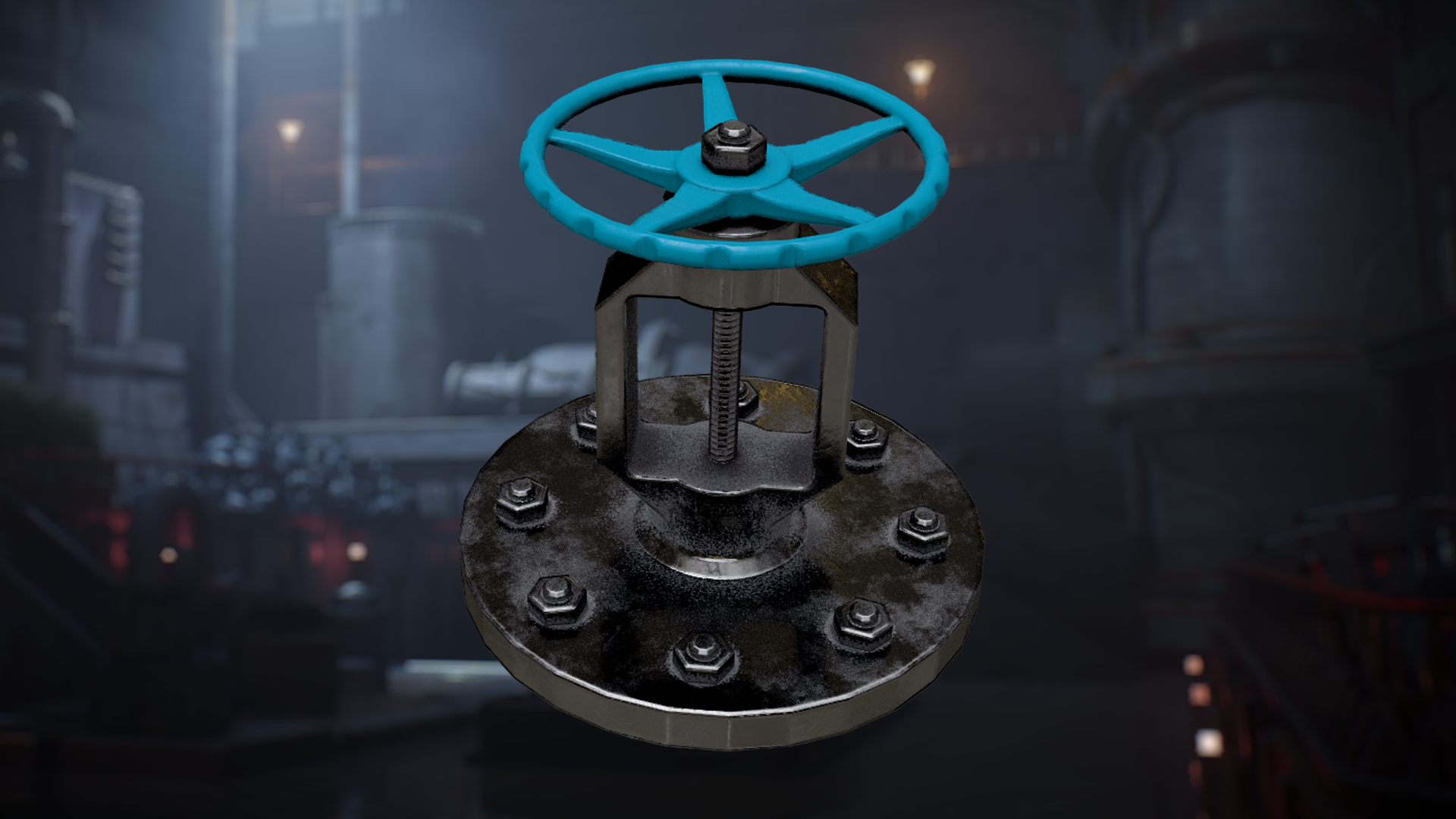
Asset Baking and Texturing Tutorial
Oct 8, 2026 | Learn how to create and texture a production ready asset in Houdini using a procedural workflow built around the latest Houdini 22 tools. Start by modeling the asset, preparing low and high resolution versions, and setting up the geometry for clean baking and texturing. You’ll also explore the Copernicus Baker and the new Pre Process Baker to transfer high resolution detail into useful texture maps, then use those maps to drive a layered procedural material in Copernicus.
Go to Lesson
Bridge Modeling Tutorial
Oct 8, 2026 | Learn how to build a detailed procedural bridge in Houdini, starting with the main arch and gradually developing the supporting structure, deck, railings, platforms, chains, gears, and other mechanical details. The series focuses on creating each part as a flexible system that can be adjusted and reused throughout the asset. You’ll also explore different UV workflows and prepare the finished bridge for Unreal Engine 5 using tileable and trim sheet materials. This workflow gives artists a practical approach to building complex architectural assets procedurally while keeping the model organized, adaptable, and ready for real time production.
Go to Lesson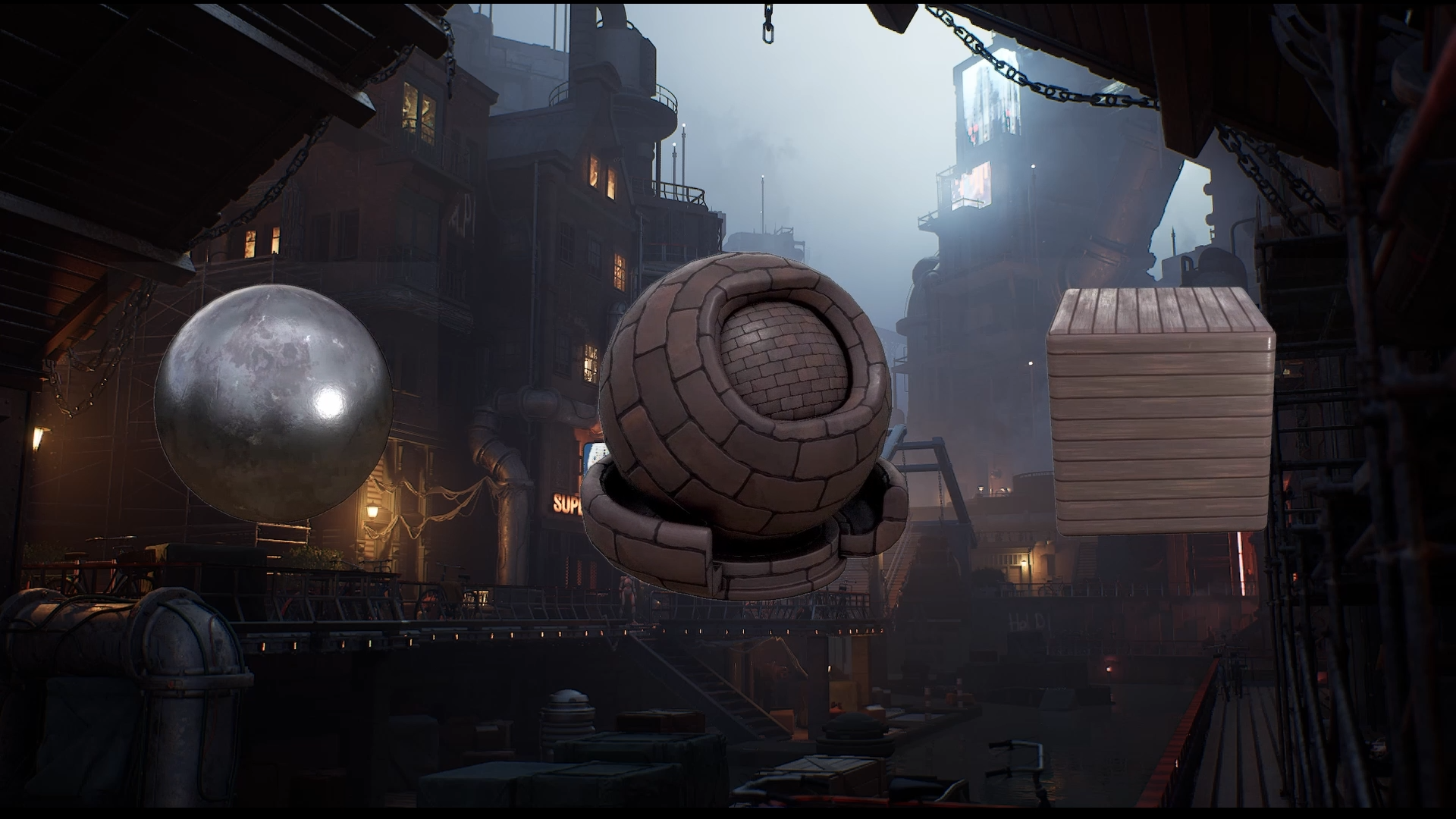
Materials Tutorial
Oct 8, 2026 | Learn how to create a collection of procedural tileable materials in Houdini using Copernicus. You’ll explore how geometry, patterns, noise, and color can be combined to build flexible surfaces that are easy to adjust and reuse across different environment assets. You’ll also create metal, brick, and wooden plank materials, starting from simple procedural setups and developing them into finished tileable textures with layered surface detail.
Go to Lesson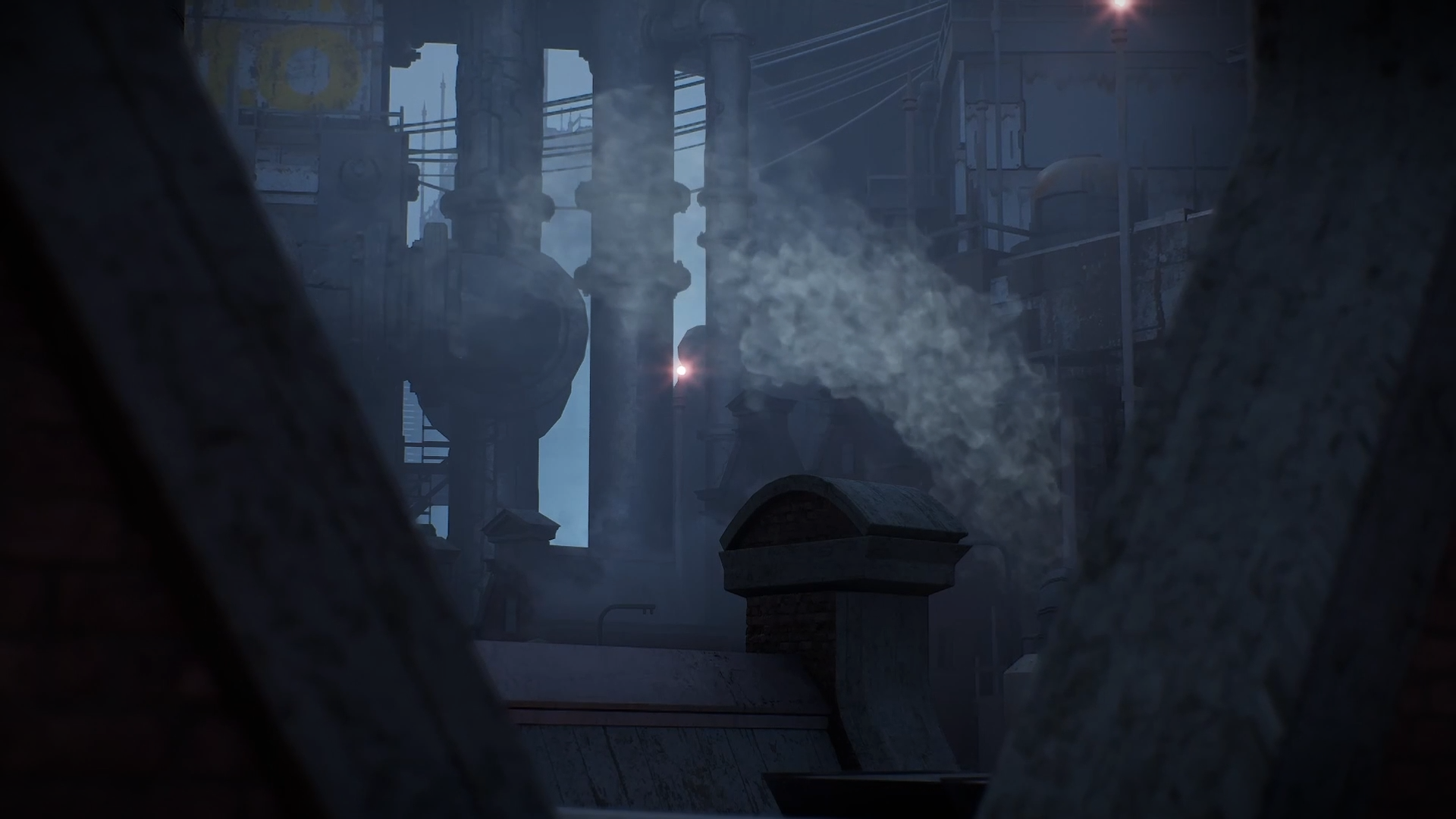
Smoke FX Tutorial
Oct 8, 2026 | Learn how to create and refine Pyro effects in Houdini using COPs, then prepare them for real time use in Unreal Engine. You’ll explore the Pyro Configure workflow, different sourcing methods, and the key settings that shape the look and resolution of the simulation. You’ll also learn how to export the result as a flipbook, bring it into Unreal Engine, and build a Niagara setup that uses the texture for playback. This workflow gives artists a practical way to move from a Houdini Pyro simulation to a controllable real time effect in Unreal.
Go to LessonINTERMEDIATE LESSONS

Pipe from Curves Tutorial
Oct 8, 2026 | Learn how to build a procedural pipe generation tool in Houdini, starting from simple curves and developing the setup into a flexible system with secondary pipes, repeating details, and reusable controls. You’ll also explore how to create a custom trim sheet in Copernicus, apply procedural UVs, and package the finished setup as a Houdini Digital Asset for Unreal Engine 5. This workflow gives artists a practical way to create adaptable pipe networks that remain easy to edit and reuse directly inside Unreal.
Go to Lesson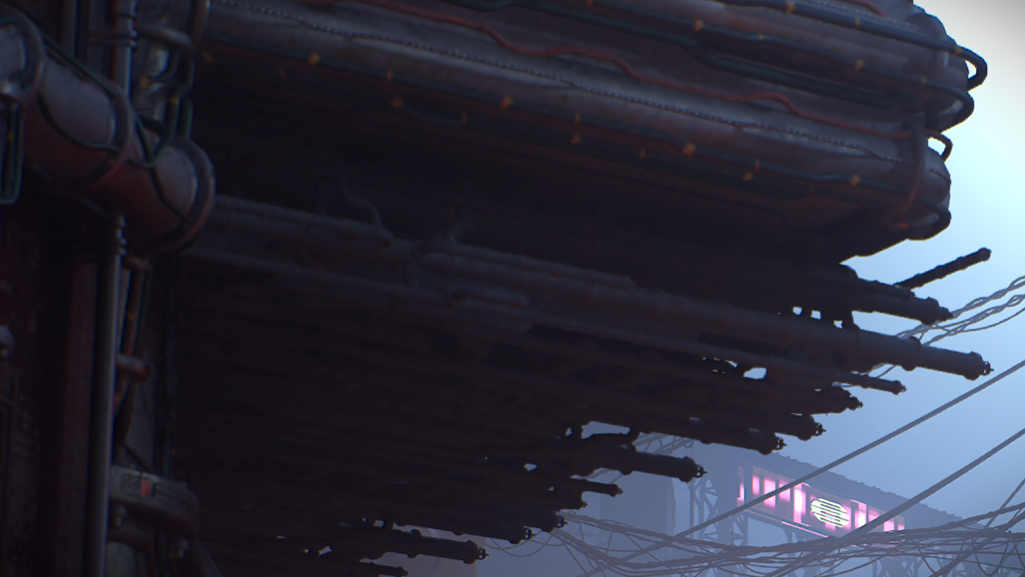
Pipe Greeble Tutorial
Oct 16, 2026 | Learn how to build a procedural pipe greeble system in Houdini using a small library of modular pieces and connection based logic. You’ll generate random pipe paths, create the required modular parts, organize their rotational variations, and establish the data that determines which piece belongs at each point in the network.
Go to Lesson
Tower Modeling Tutorial
Oct 16, 2026 | Learn how to build a detailed sci fi tower in Houdini using a procedural workflow that develops the asset from simple forms into a layered environment structure. You’ll create the main tower shape, add greebled panels, generate platforms and ladders, scatter secondary details, and integrate procedural pipe systems around the structure.
Go to Lesson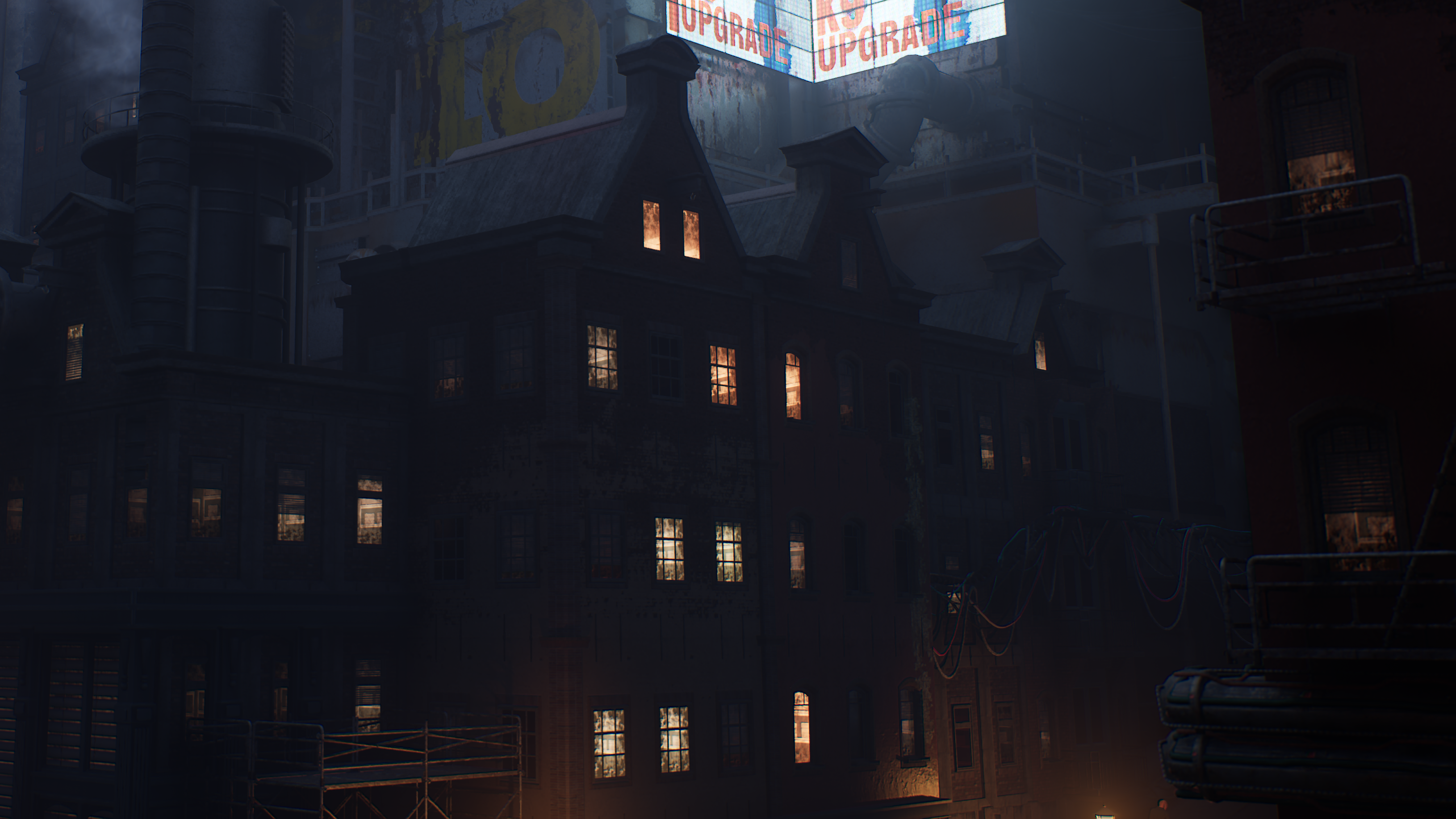
Building Generator Tutorial
Oct 16, 2026 | Learn how to work with the current Building Generator workflow in Houdini Labs through a focused overview of the tool and its core functionality. You’ll see how the system is used in its latest form without rebuilding the entire setup from scratch. You’ll also explore newer Building Generator tutorials and related workflows that can help extend the system and create a wider range of procedural buildings.
Go to LessonADVANCED LESSONS
Scaffold Tool Tutorial
Oct 16, 2026 | Learn how to build the complete scaffold tool used in Project Titan EVO and prepare it for use directly inside Unreal Engine. You’ll create a Houdini Digital Asset driven by an Unreal datatable, divide blockout geometry into cells, convert those cells into instances, and support multiple inputs and randomized asset variations.
Go to LessonMeet the Team
Project Titan Eco was achieved by a small team, often working part time, that leveraged the procedural tools to create the final 3D environment.

Simon Verstraete
Project Lead

Lea Kronenberger
Tech Artist

Kornelia Borycka
VFX artist

Marn Schokker
Tech Artist

Naomi Adriaens
Lighting Artist