| Since | 21.0 |
This component removes extra guide joints from a skeleton and unpromotes unwanted controls on a rig.
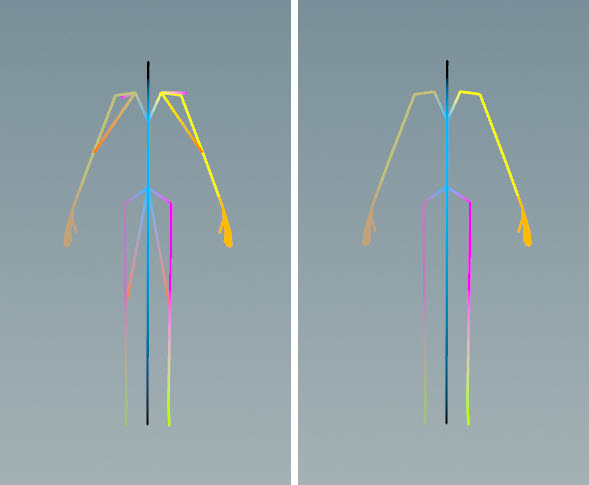
Parameters 
Settings 
Point Transforms
The names of the  skel::SetPointTransforms nodes (for example,
 pointtransform) that contain the joints you want to keep. skel::SetPointTransforms is a skeleton deformer - it takes in transforms and applies them to skeleton joints. This parameter allows you to keep only the joints that deform the skeleton. See geometry-deforming graphs for an example use of skel::SetPointTransforms.
This parameter accepts APEX path patterns. A value of “*” finds all the skel::SetPointTransforms nodes in the rig.
Note
To see the skeleton being cleaned up, append an  Unpack Folder SOP to this node. This extracts the skeleton from the character folder structure. On the Unpack Folder SOP, set Extract Pattern to the skeleton, for example,
 /Base.skel, and turn on its display flag.
Keep
The joints you want to keep on your skeleton. This value overrides the Point Transforms parameter.
This parameter accepts APEX path patterns. For example, if you only want to keep the twist and spine joints on the skeleton, you can set this field to “#twist #spine”. You can also add and remove joints from the starting skeleton - #bind is the tag that is added to all the joints on the initial skeleton, so to remove the spine joints from the skeleton, set this to “#bind -#spine”.
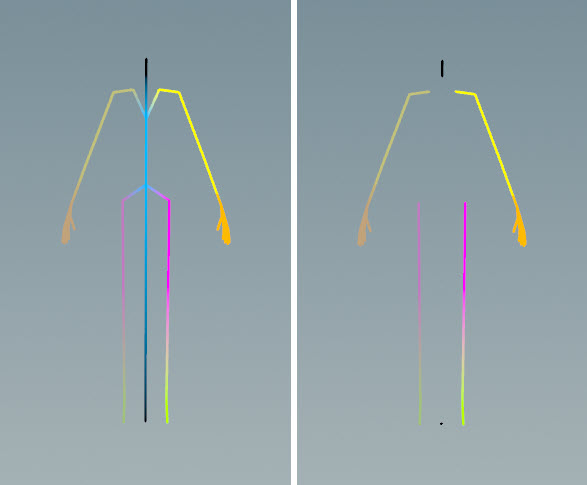
Unpromote Controls
The controls to unpromote. These controls still exist in the APEX graph as  TransformObject nodes, but they won’t be visible in the animate state. This parameter accepts APEX path patterns, for example,
 %tag(*spline*).
Note
If you are setting this parameter to tags, make sure these are the tags on the controls, not the skeleton joints.
| See also |
 APEX AutoRig Component