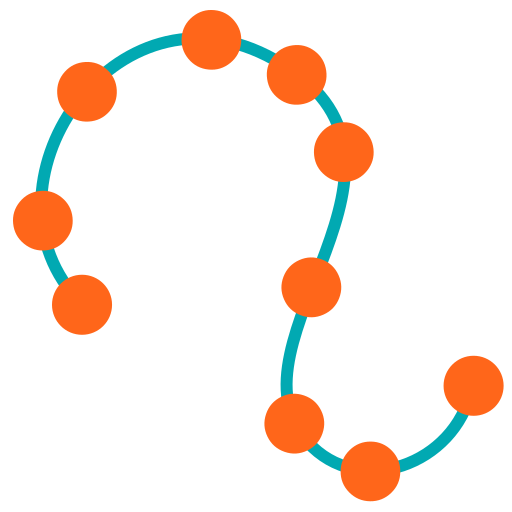
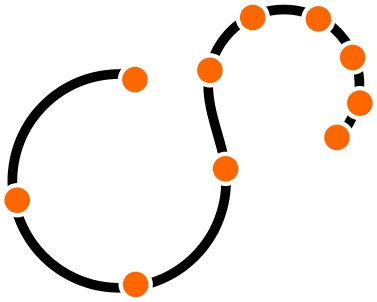
このノードは、ポイントの位置を少しランダムにずらします。 これは、正確に整列したデータが問題を起こす時に役に立ちます。 例えば、正確に整列したスプリングのセットは、不自然に正確なバランス状態になってしまいます。 ポイントポジションをジッター(微震)させることで、機械的な対称性を壊すことができます。
このノードはポイントに対して動作します。
パラメータ 
Group
ジッター(微震)させるポイント。
Mask
マスクは、変位後のポイントと元のポイントをそのマスク値に基づいて線形補間することでトランスフォームをブレンドします。
ポップアップメニューが Scale by Attribute に設定されている場合、 Mask Attribute を使用してすべてのトランスフォームをブレンドします。
アトリビュート値が0のポイントは変形されず、アトリビュート値が1のポイントは完全に変形され、中間値は線形補間されます。
 Distance Along Geometry、
 Distance From Geometry、
 Distance from Pointを使用することで、役立つマスクアトリビュートを作成することができます。
テキストフィールドの右側にあるペイントアイコンをクリックすると、ビューポート内で直接マスクアトリビュートをペイントすることができます。
Id Attribute
シード値をポイント番号ではなく、この整数アトリビュートを使います。
Scale
ポイントを動かす全体のオフセットスケール。 このスケールの-0.5から0.5倍の値でポイントがジッター(微震)し、そして他のスケールで修正されます。
Axis Scales
ジッター(微震)の各軸を、ここで指定した値でスケールします。 これを使えば、動かしたくない軸を0に設定することで、2次元的なジッター(微震)を行なうことができます。
Seed
ジッター(微震)値を生成するために使用する乱数シード。 この値を変更すれば、色々なジッター(微震)オフセットを設定することができます。
Use Point Scale
有効にすると、ジッター(微震)量のスケールにpscale Pointアトリビュートを使うことができます。
これは、ポイント単位でのジッター(微震)制御が可能です。
| See also |